Teletrack

Integration

HammerTech + Teletrack — one source of truth, zero duplicate admin.

Two-way workflow integration with HammerTech. Operators and their tickets sync from HammerTech into Teletrack PROSTART®, and every pre-start checks them before it runs. Completed pre-starts go back to HammerTech as inspections. Built for Tier 1 and Tier 2 construction.

HammerTech sends operators, tickets and employers into Teletrack. Teletrack sends pre-starts, answers and plant back to HammerTech. HammerTech Master for people Teletrack At the machine Into Teletrack Back to HammerTech Operator Tickets Employers Pre-start Answers Plant

HammerTech is the safety and contractor management platform on most AU Tier 1 and Tier 2 construction sites. It holds the records of which tickets and licences are current, and which sub-contractors are approved to work. Teletrack is the platform running the pre-starts, the operator ID, and the immobilisation on the plant itself.

Without an integration, those records sit in two places. Your safety team maintains operator competency in HammerTech. Your operations team maintains the same operator records in the telematics platform. Two databases of the same fact, kept aligned manually — until they aren't, and an operator runs a machine they shouldn't.

The Teletrack ↔ HammerTech integration kills that duplication.

Data flow

What moves where

Pick any item to see what it carries, when it moves and where you see it in Teletrack. HammerTech is the master for people. Teletrack captures what happens at the machine.

HammerTech to Teletrack

From HammerTech into Teletrack

People, tickets and sub-contractors, mastered in HammerTech.

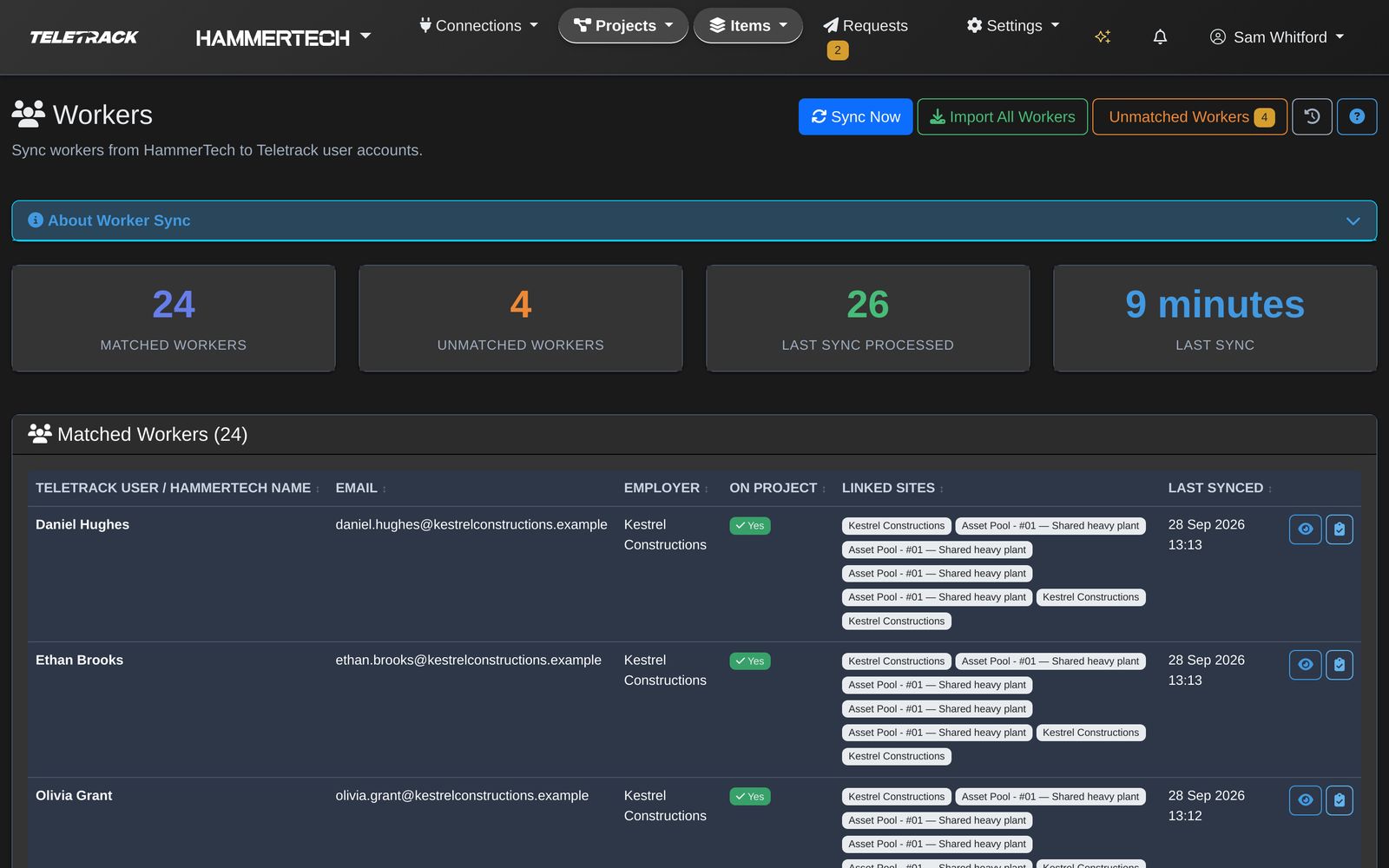
Teletrack to HammerTech

From Teletrack back into HammerTech

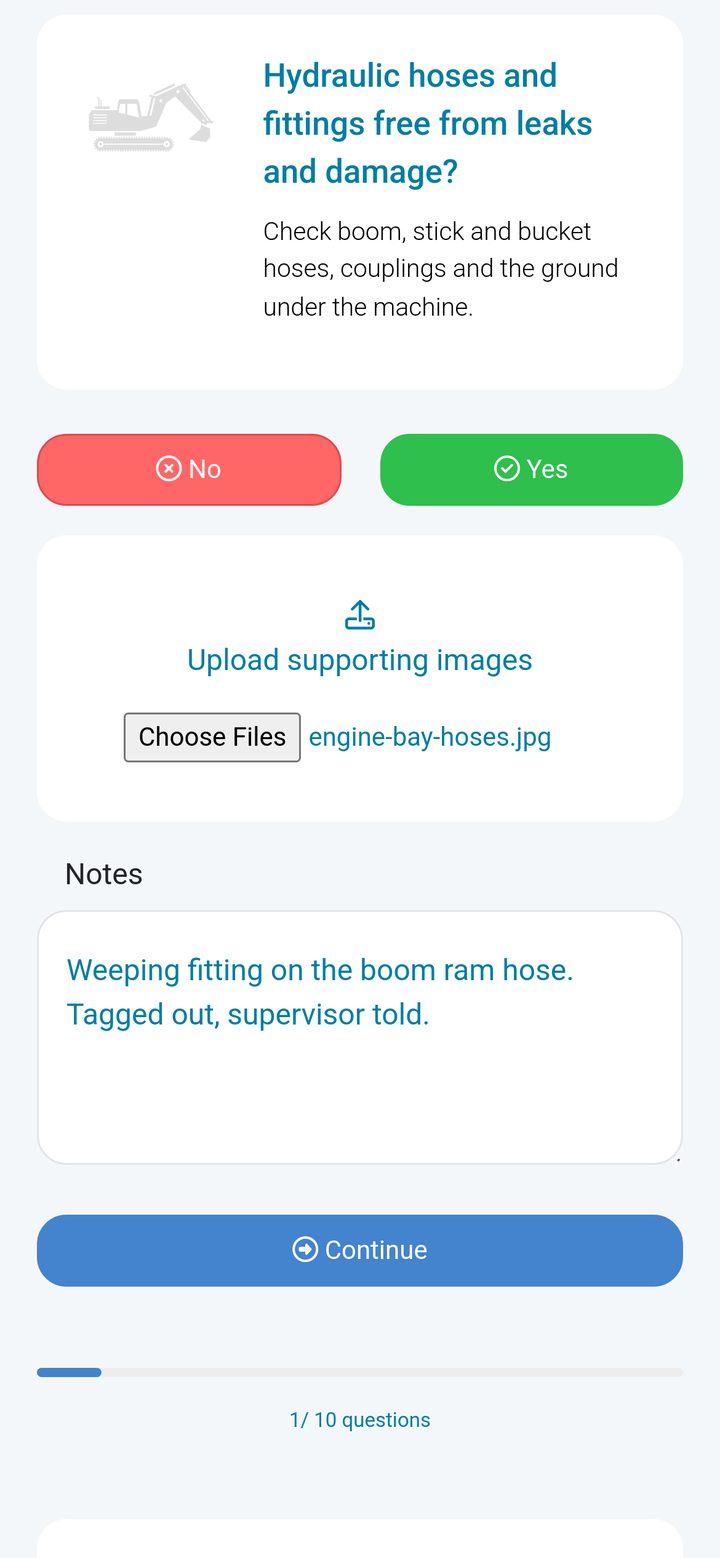
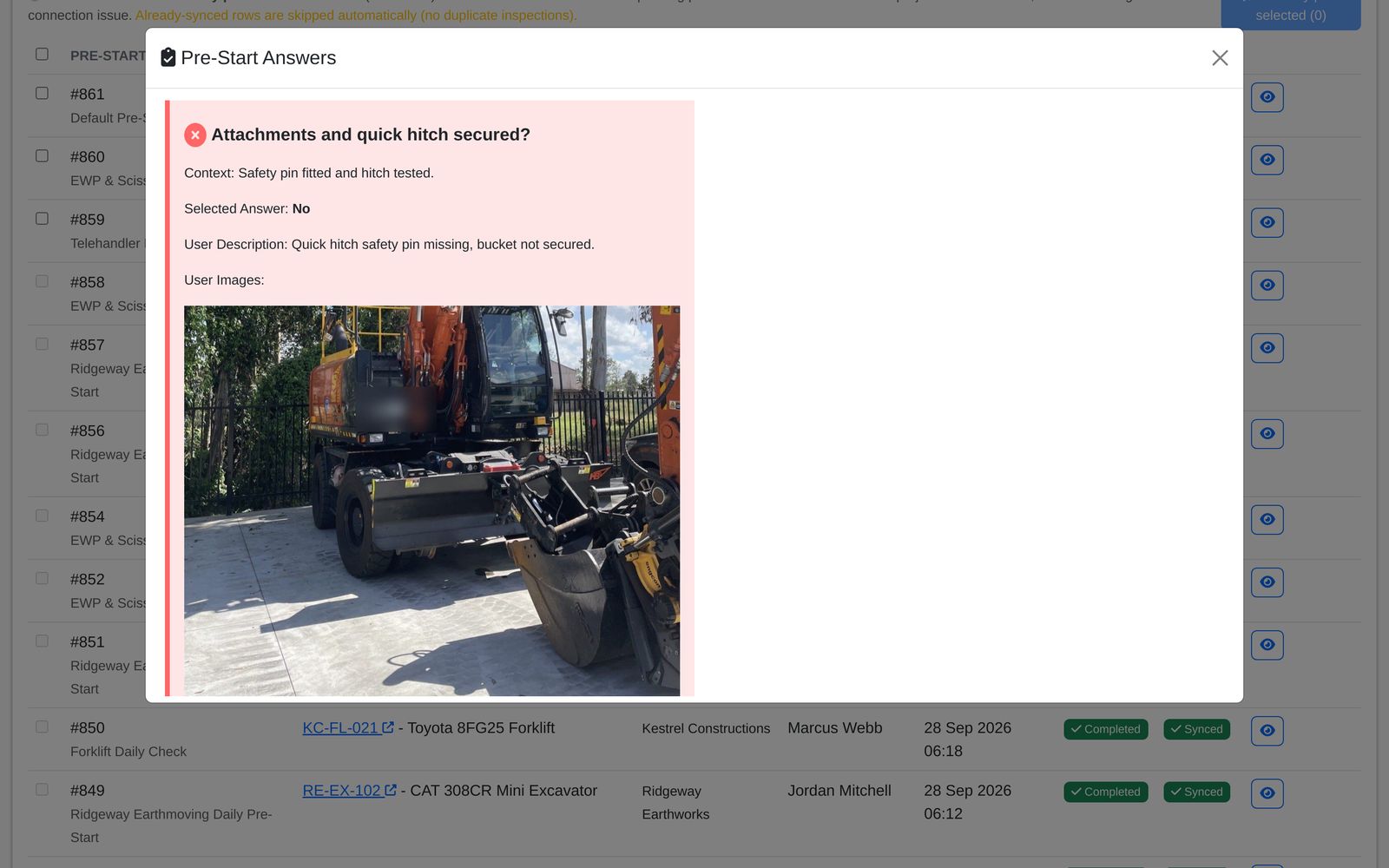
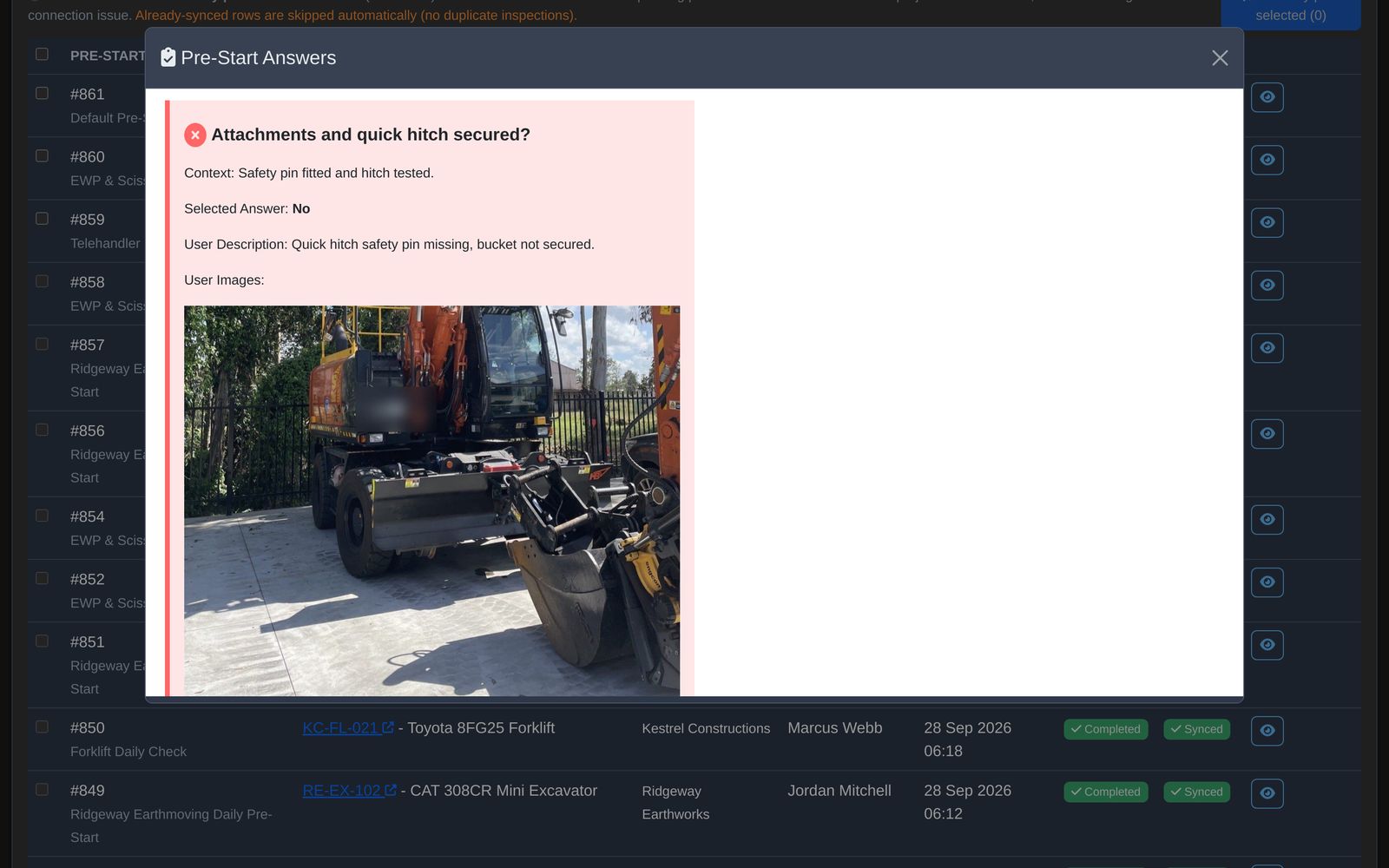
Pre-starts, evidence and plant, captured at the machine.

Engine hours and machine telemetry don't flow back unless you specifically want them to. They typically live in Teletrack and aren't part of HammerTech's data model.

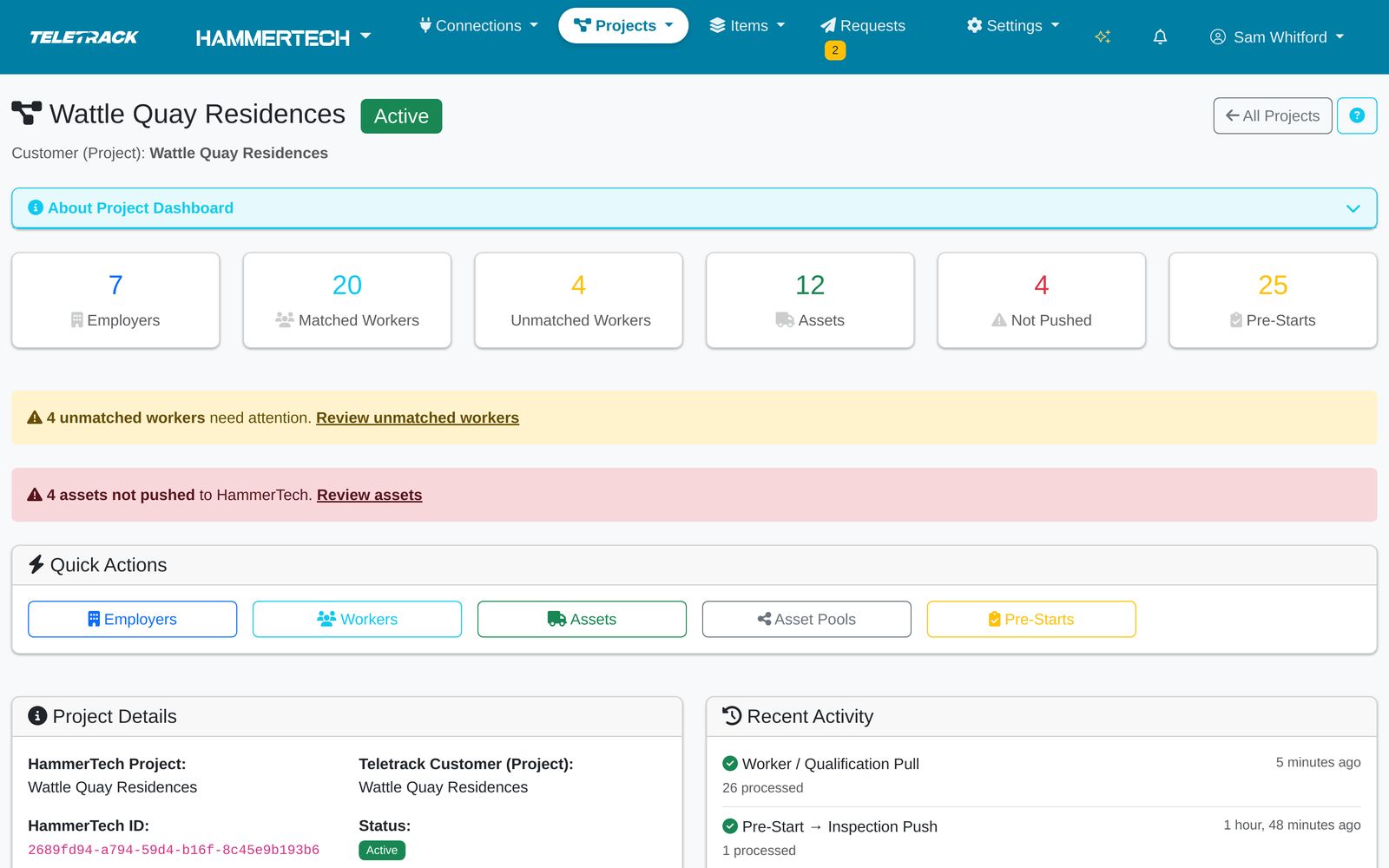
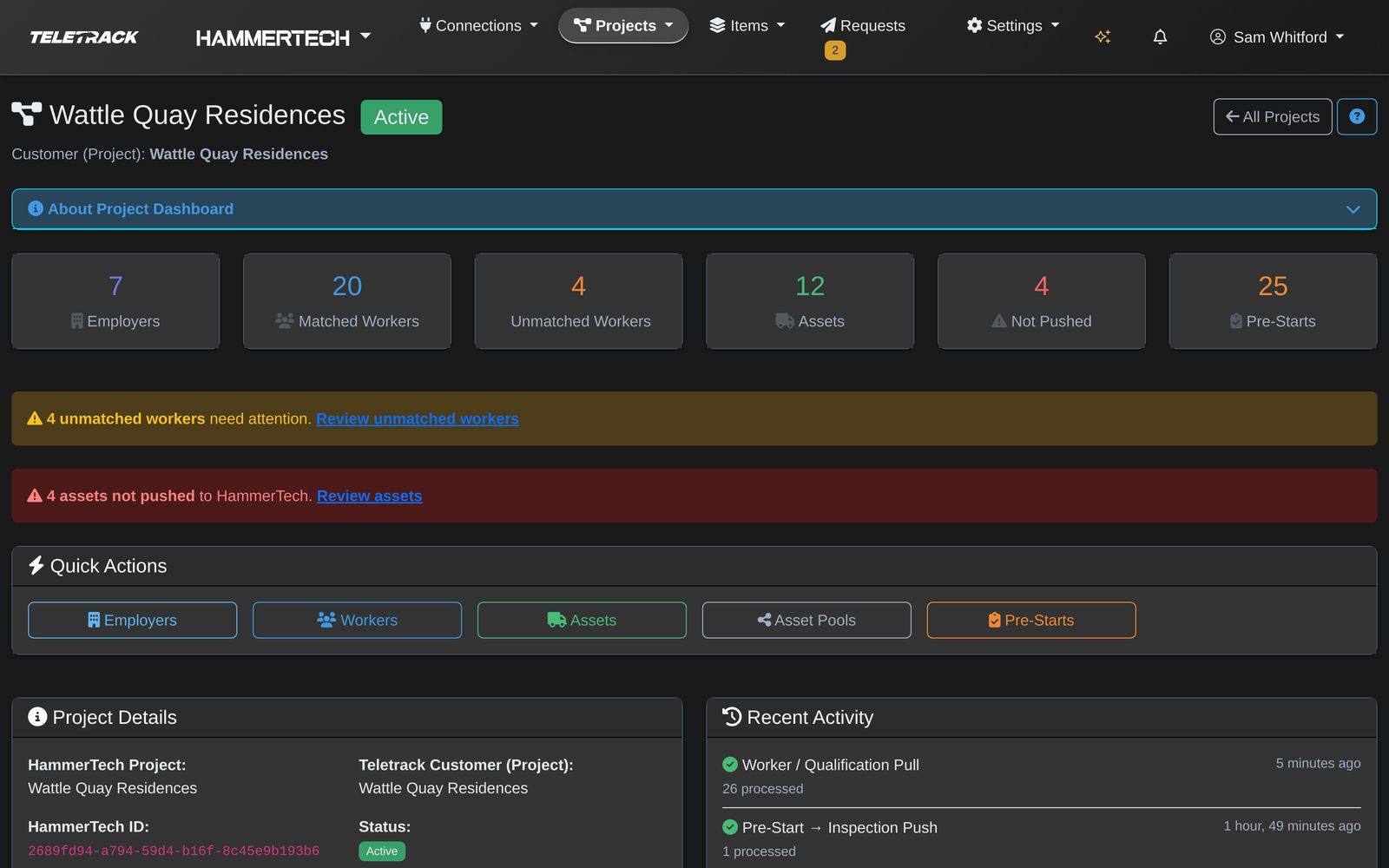
Screens shown with demonstration data. Names, projects and records are fictional.

How it works

A typical day on a Tier 1 site

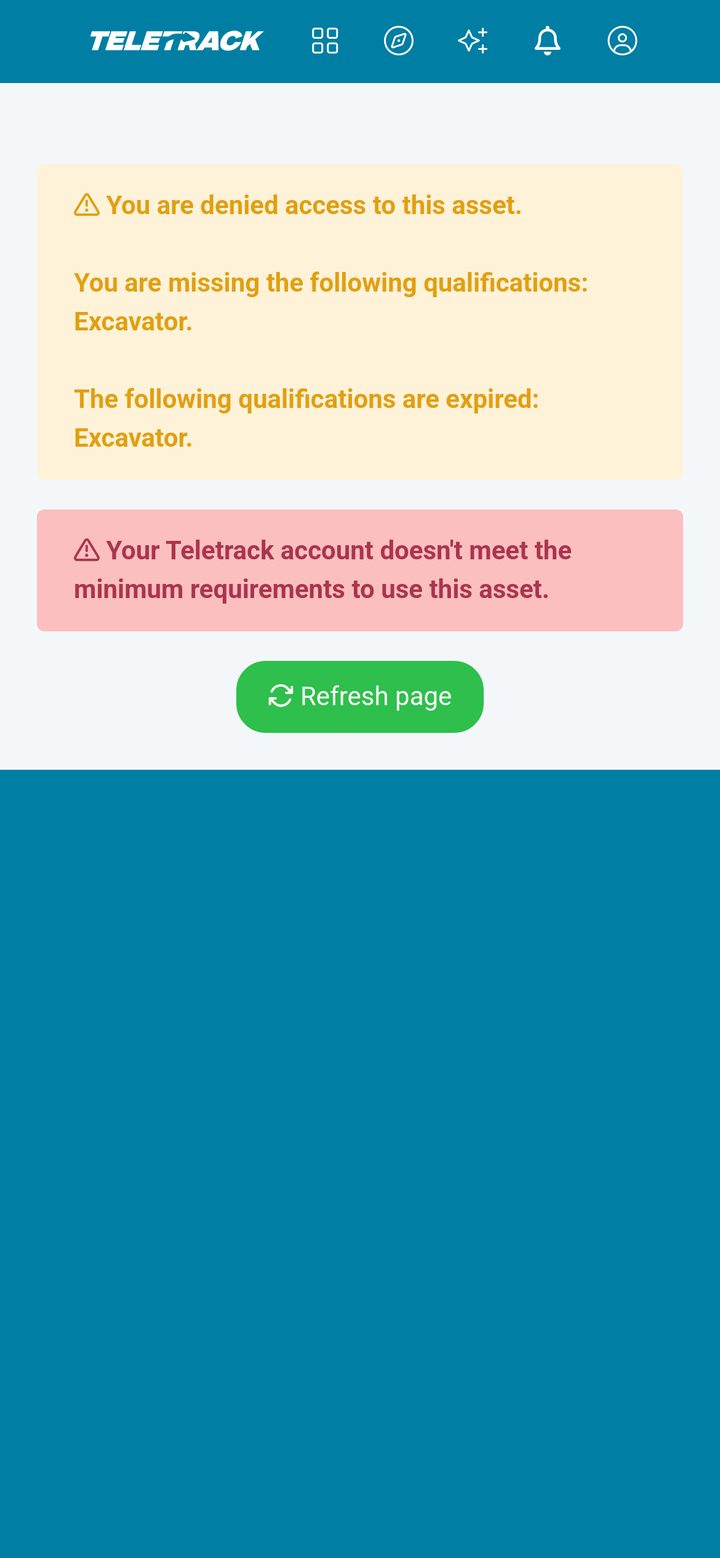
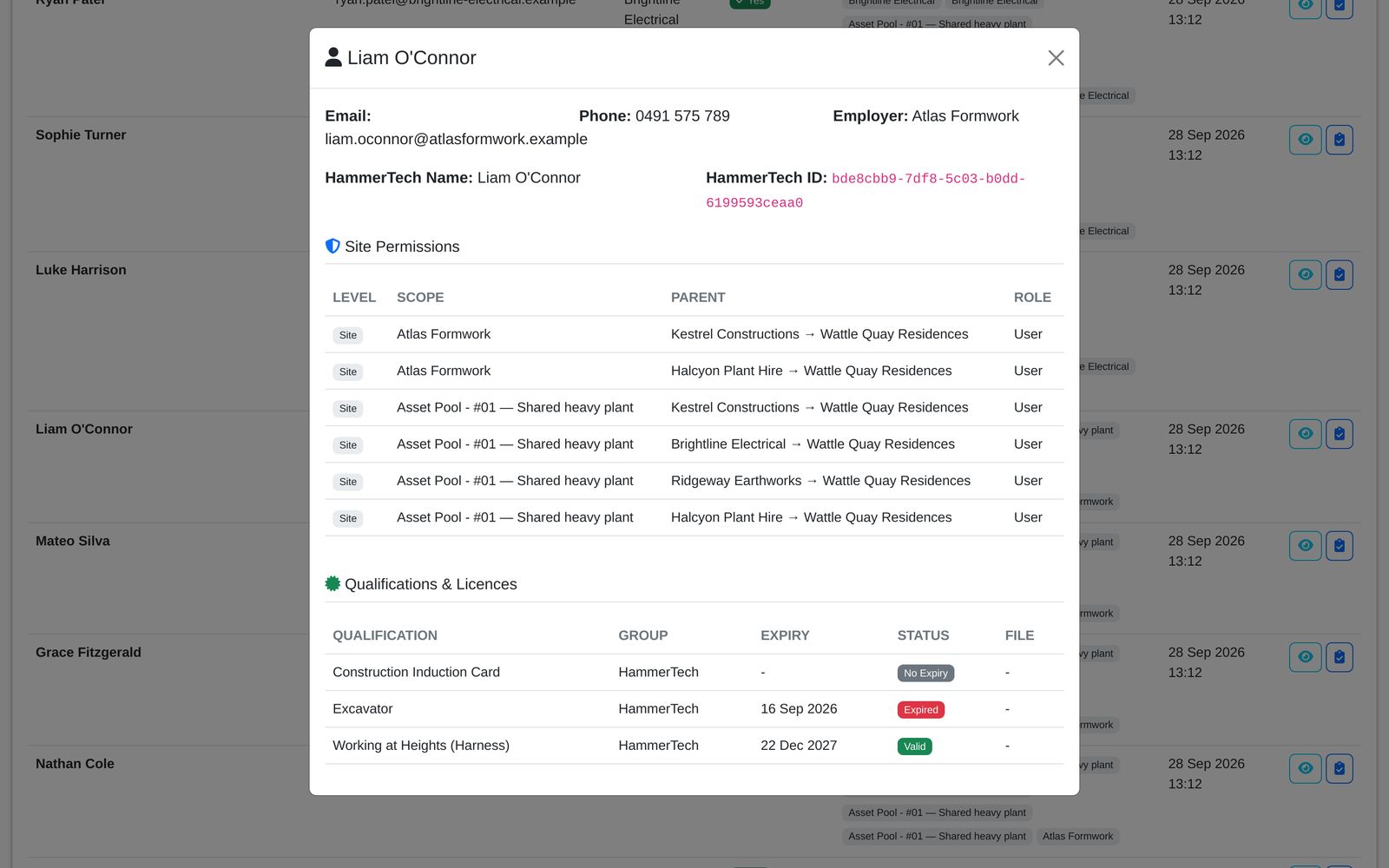
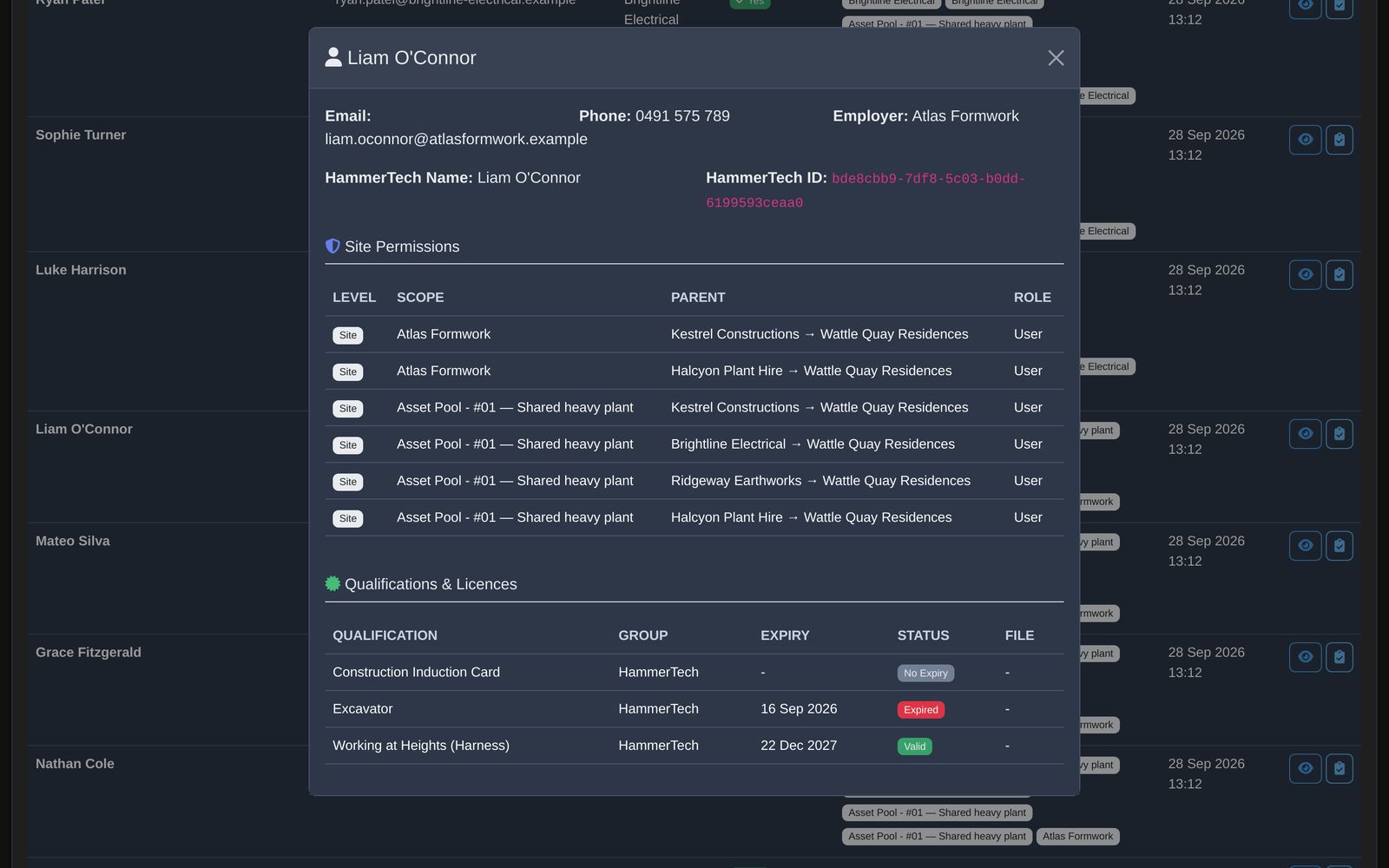
Follow two operators at Wattle Quay Residences on Monday morning. Jordan Mitchell is cleared to run the excavator. Liam O'Connor's excavator ticket has expired.

Step 1 of 5

Operator signs in with Teletrack

Time: 06:38

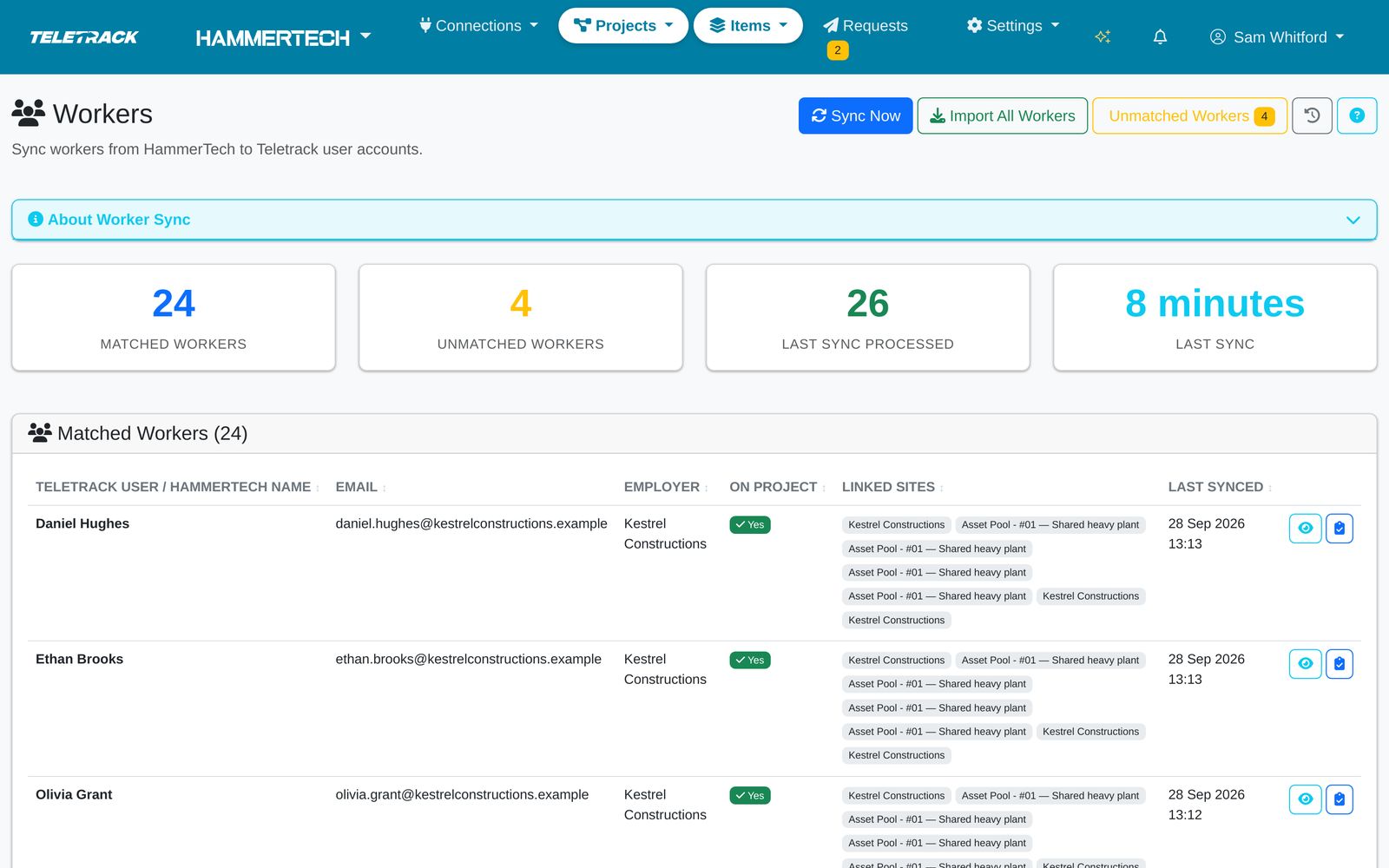
The operator signs in with their own Teletrack login, on their phone, tablet or in-cab unit. Teletrack sent that login when they qualified under the project's rules: by email, and by SMS when HammerTech has a mobile number.
HAMMERTECH WORKER RECORD Jordan Mitchell Kestrel Constructions · White Card, Excavator Project rules ✓ Licence held ✓ White Card ✓ Employer allowed Teletrack account created Teletrack loginby email Teletrack loginby SMS
IllustrationJordan met the Wattle Quay rules, so Teletrack created his account and sent his login by email and SMS.
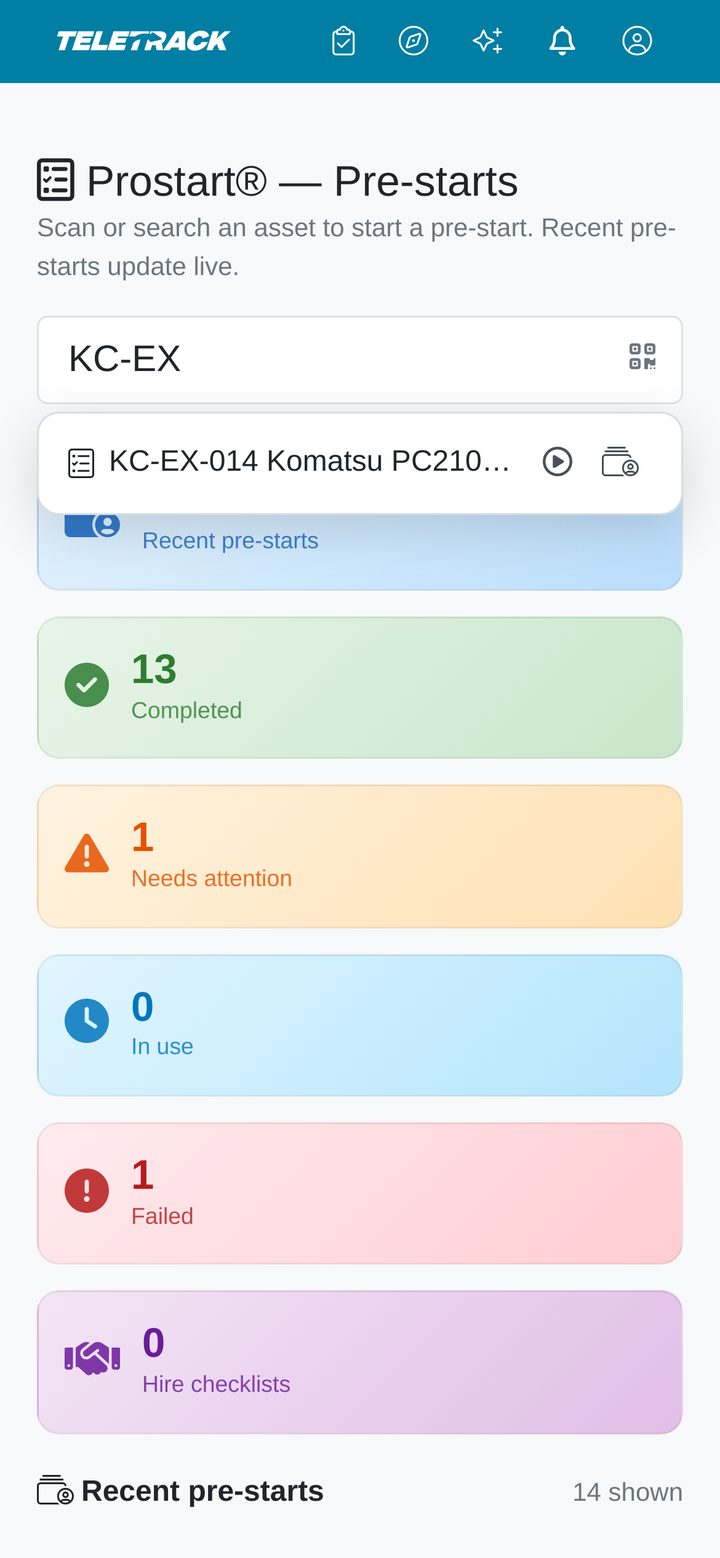
Teletrack app — Find the asset
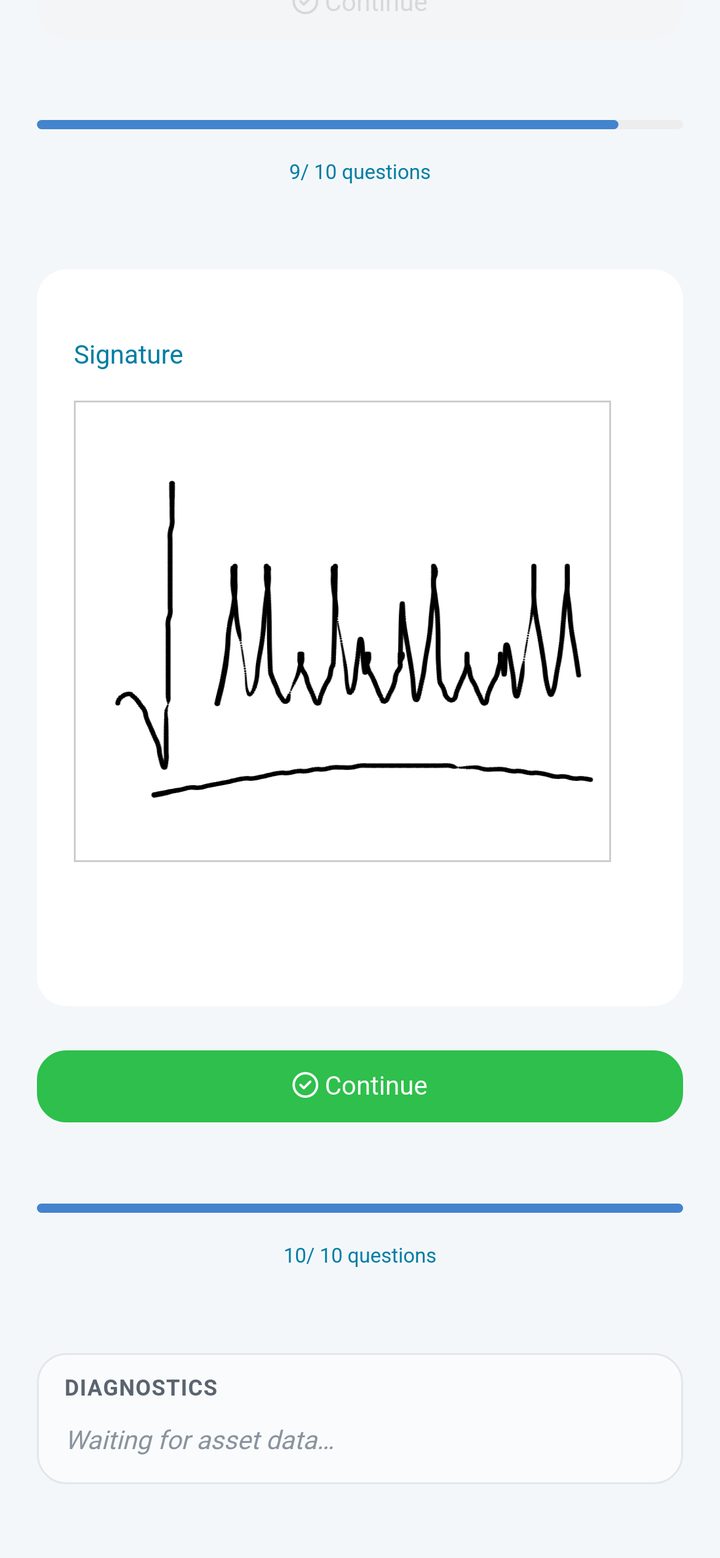
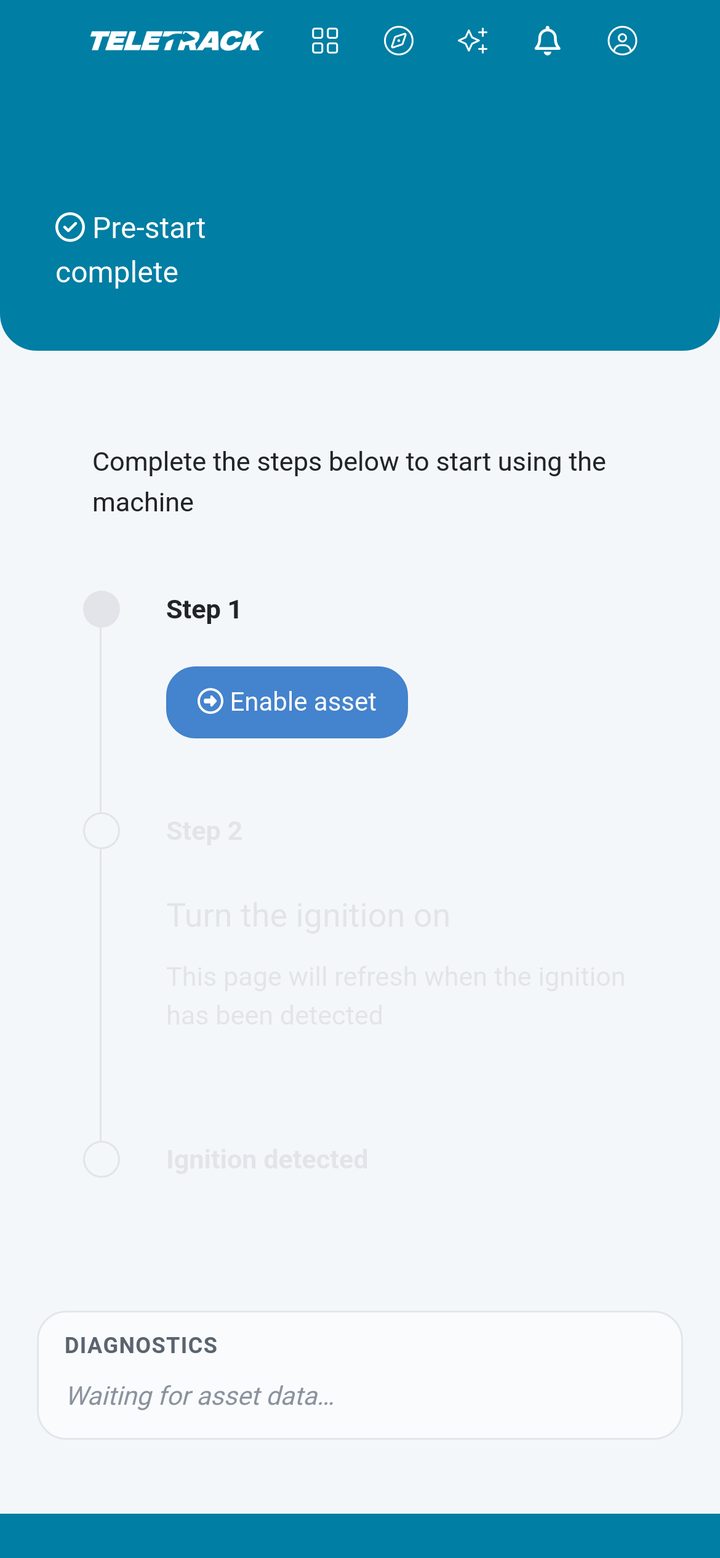
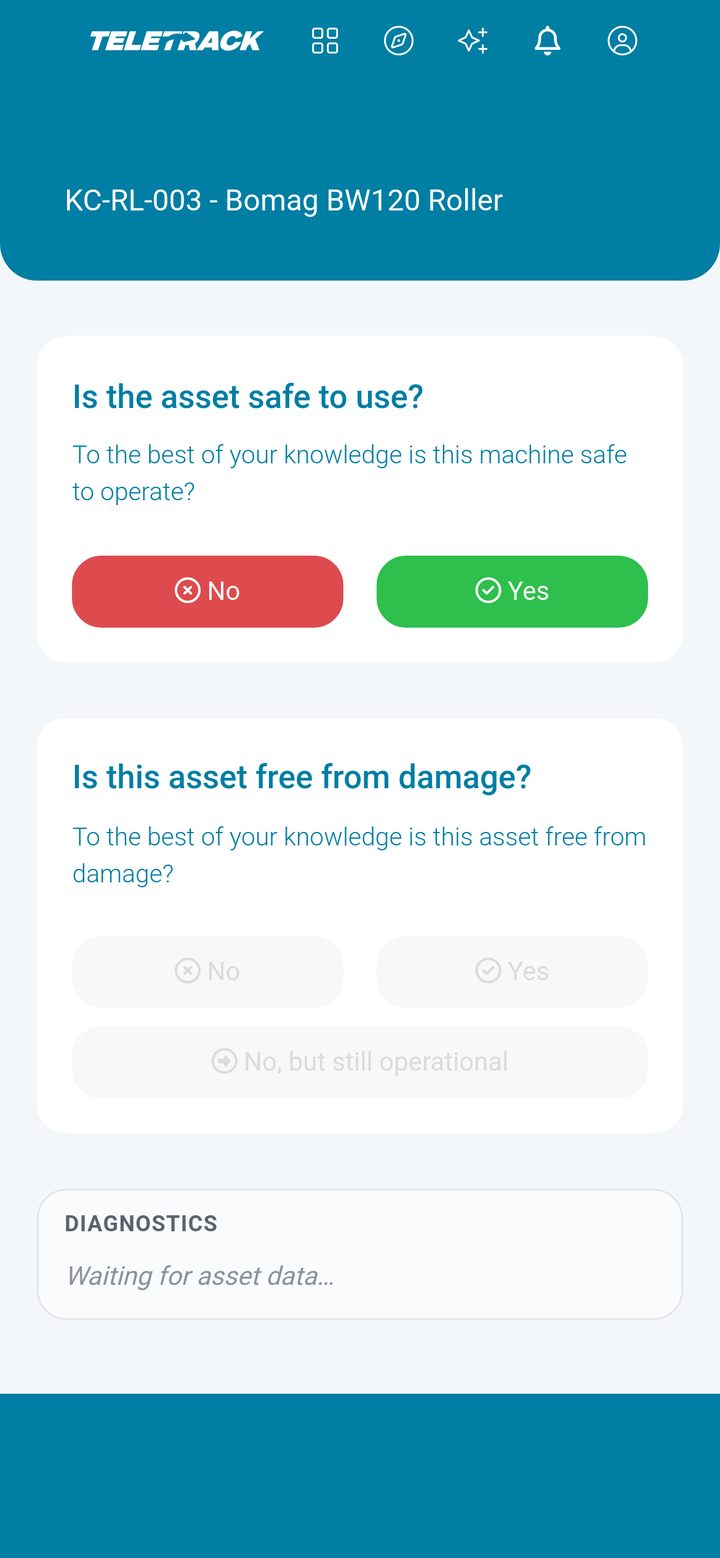
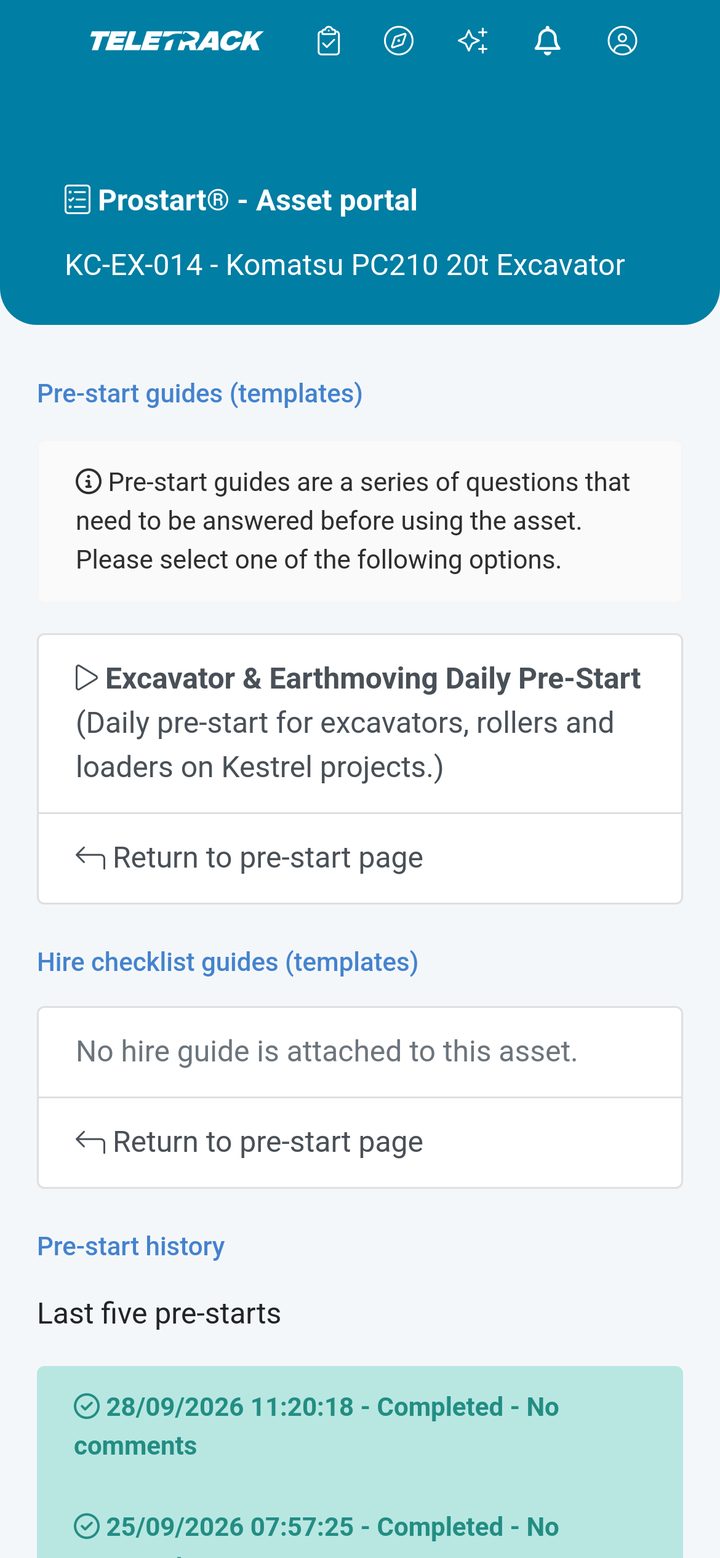
Teletrack screenSigned in. He types KC-EX-014, or scans the QR sticker on the machine.

Screens shown with demonstration data. Names, projects and records are fictional. HammerTech cards are illustrations, not HammerTech screens.

Why this integration is different

Most telematics platforms that list HammerTech mean a one-way CSV upload overnight. That is a report. Teletrack checks HammerTech tickets at the pre-start, creates and sends operator logins, and sends every pre-start back as an inspection.

Audience

Who uses this integration

Tier 1 head contractors

Running HammerTech as the site-wide safety platform across multiple sub-contractors and mixed fleets. Enforce a single competency standard across every operator on every machine.

Tier 2 head contractors

Same shape, smaller scale. HammerTech is the site safety system; Teletrack runs the plant.

Sub-contractors on HammerTech sites

When your customer (the head contractor) mandates HammerTech, the integration means you only maintain operator records in one place — HammerTech — and pre-starts inherit that record automatically.

Construction businesses running HammerTech internally

Mid-tier and larger civils, demolition, formwork, and concrete businesses where HammerTech is the chosen internal SMS — even if they aren't on a Tier 1 site every day.

Activation

What you need to turn it on

Prerequisites

  • Active HammerTech licence — you hold this directly with HammerTech; Teletrack doesn't resell or include it.
  • Teletrack on the Track + PROSTART® tier — the integration runs through PROSTART® (cross-vendor immobilisation), included on Track + PROSTART® ($31.90 / asset / month).
  • PROSTART® deployed on at least one site — the integration uses the pre-start workflow as its trigger.
  • HammerTech admin access for one person on your team — to create the integration's HammerTech service account, with admin permission on the projects you sync.

What it costs

Nothing extra. The HammerTech integration is included with PROSTART® on the Track + PROSTART® tier. No setup fee, no per-user surcharge, no per-integration call charge.

Typical activation: 2–4 weeks from signed quote to first live site.

Setup

Part of the 6-stage PROSTART® rollout

How it works

  1. 1

    Group training

    Your safety team meets ours. We walk through the integration alongside the rest of PROSTART®.

  2. 2

    Setup

    Implementation Consultant configures the integration — API credentials, field mapping, sync schedule.

  3. 3

    Operator load

    Operators in your HammerTech account auto-sync into Teletrack on first connect. No manual import.

  4. 4

    Sandbox test

    We run a parallel sandbox against a test site in HammerTech before going live.

  5. 5

    Go live

    First site cuts over. Subsequent sites are flick-of-a-switch.

  6. 6

    Ongoing phone + email support

    Australian phone support for both platforms' interaction. We coordinate with HammerTech where needed.

Setup

How it is set up

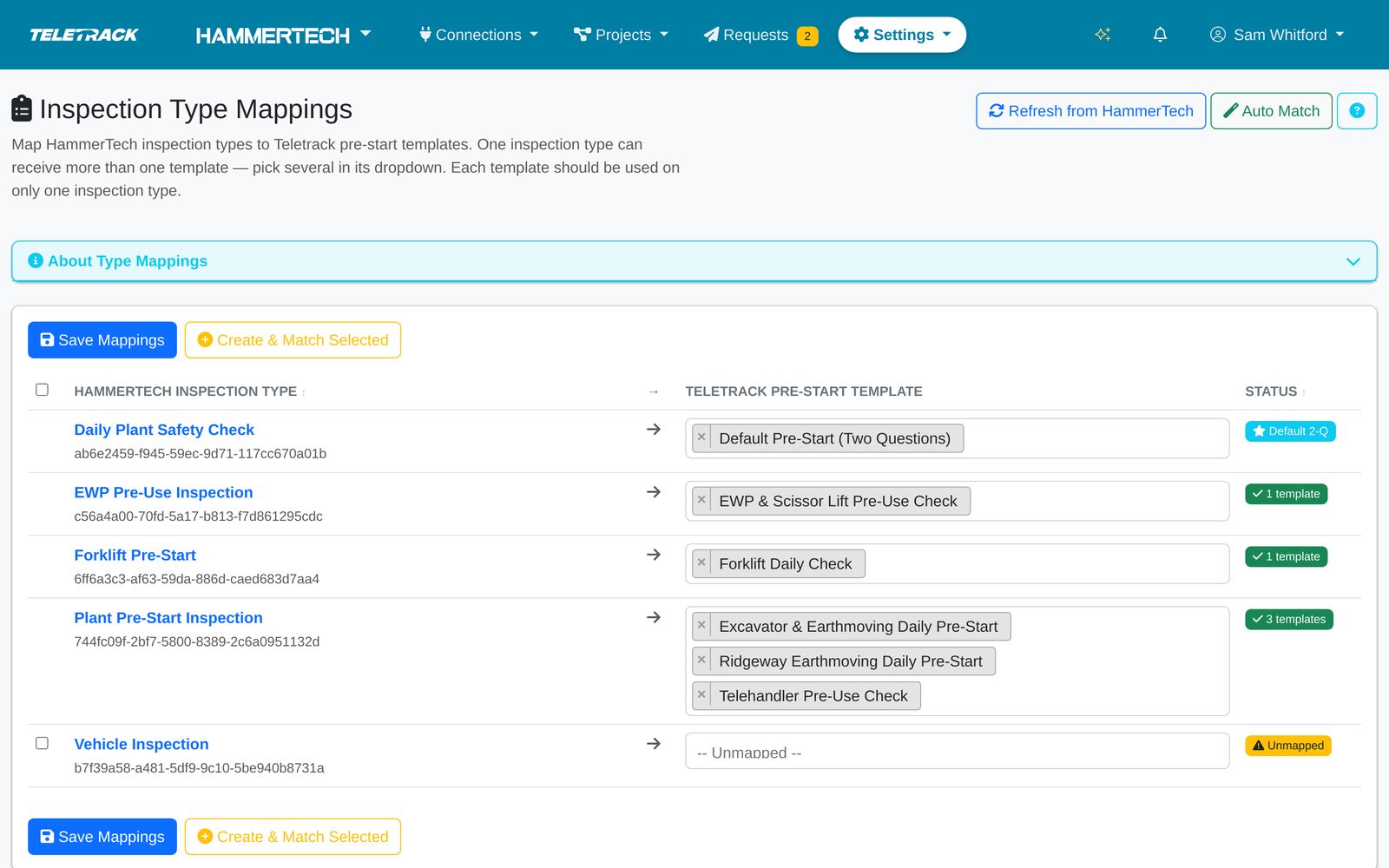
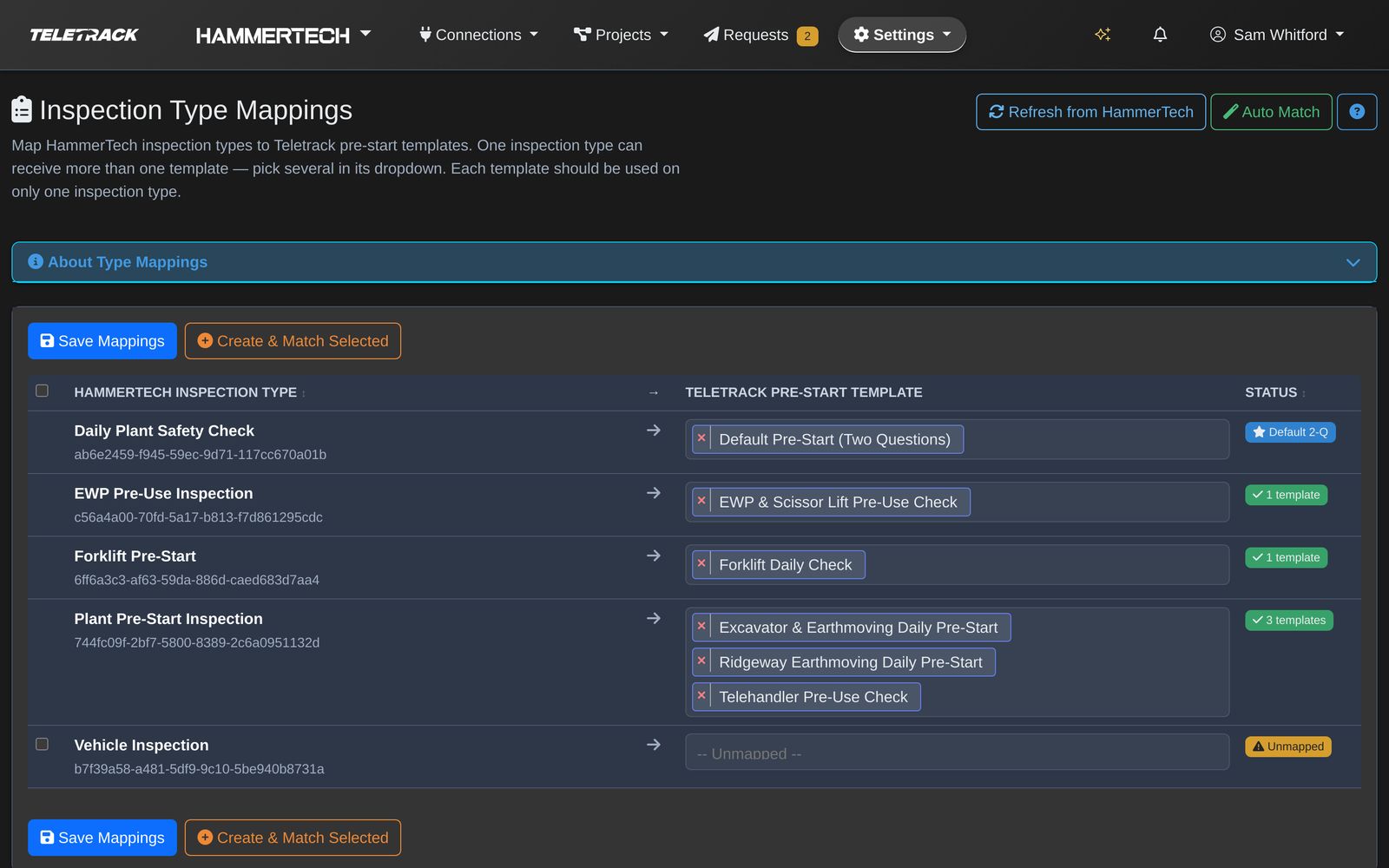
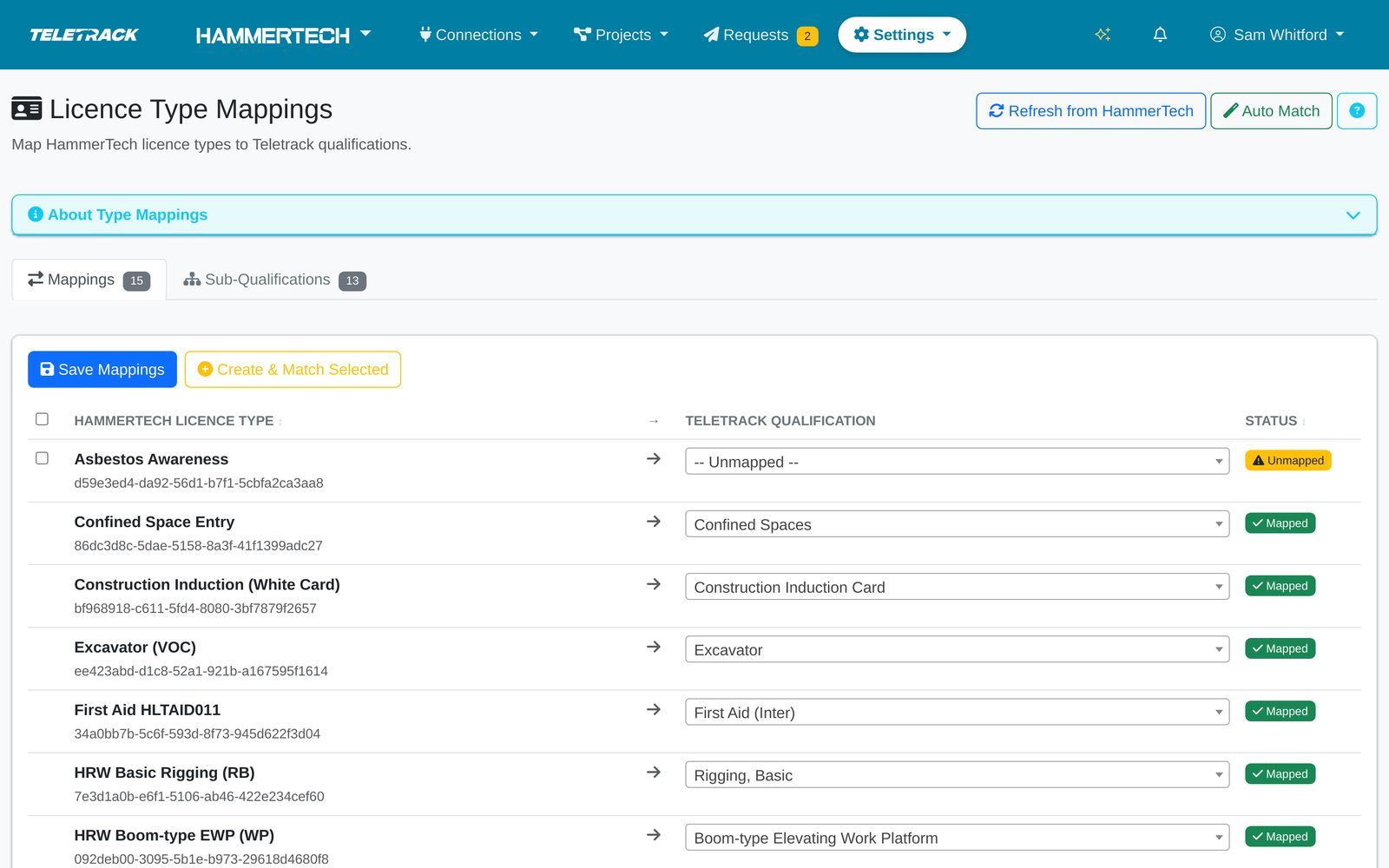
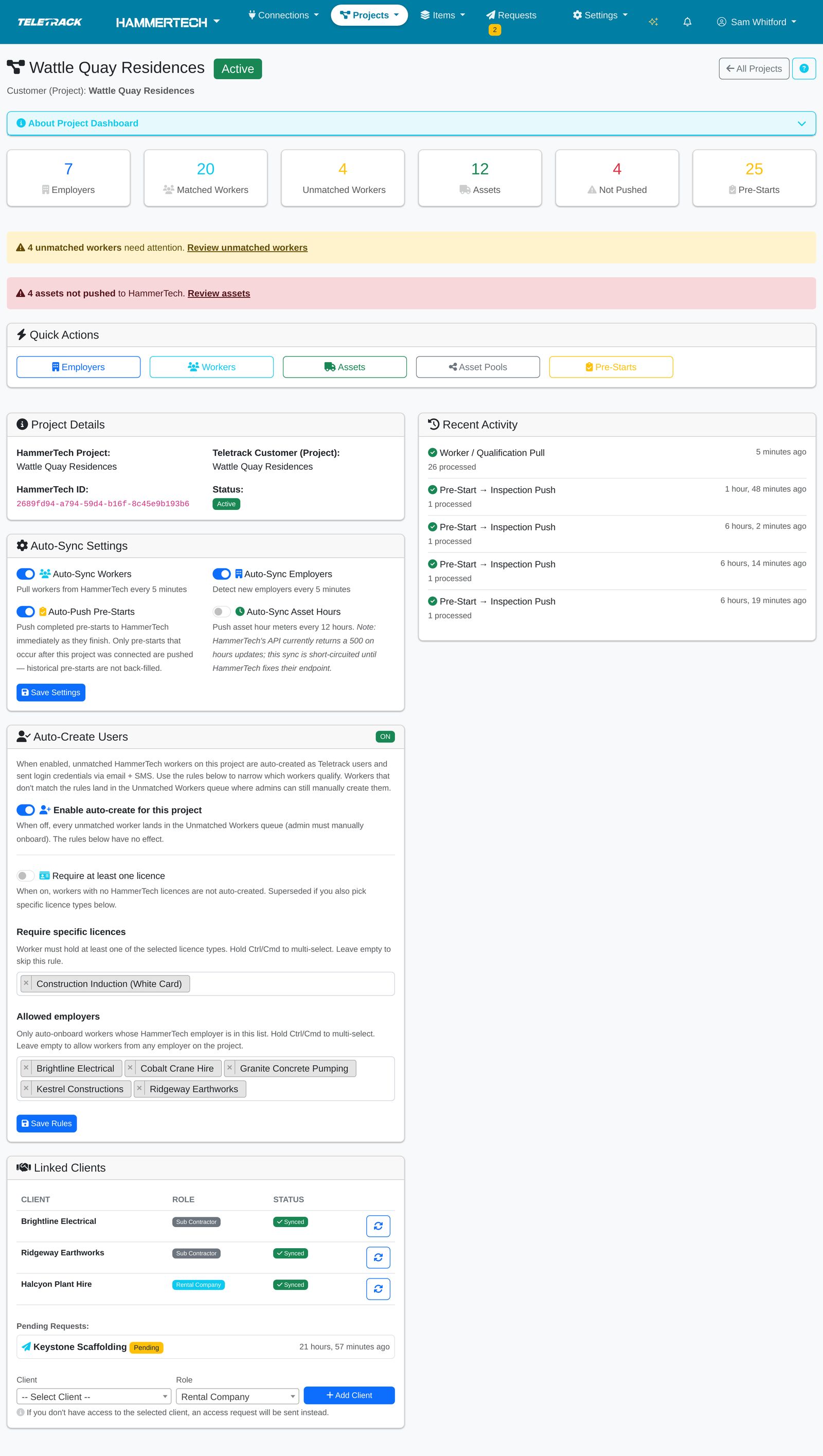
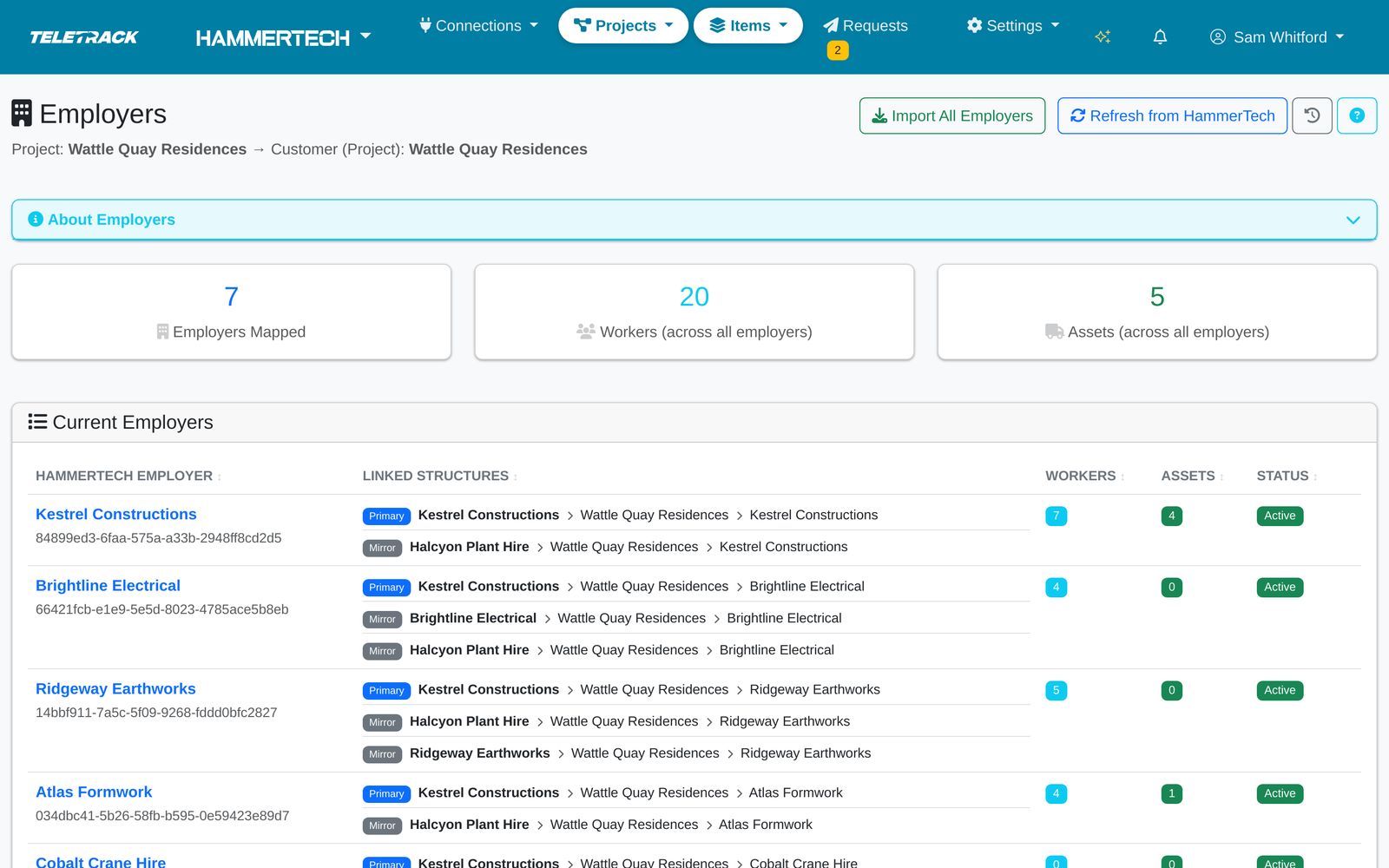
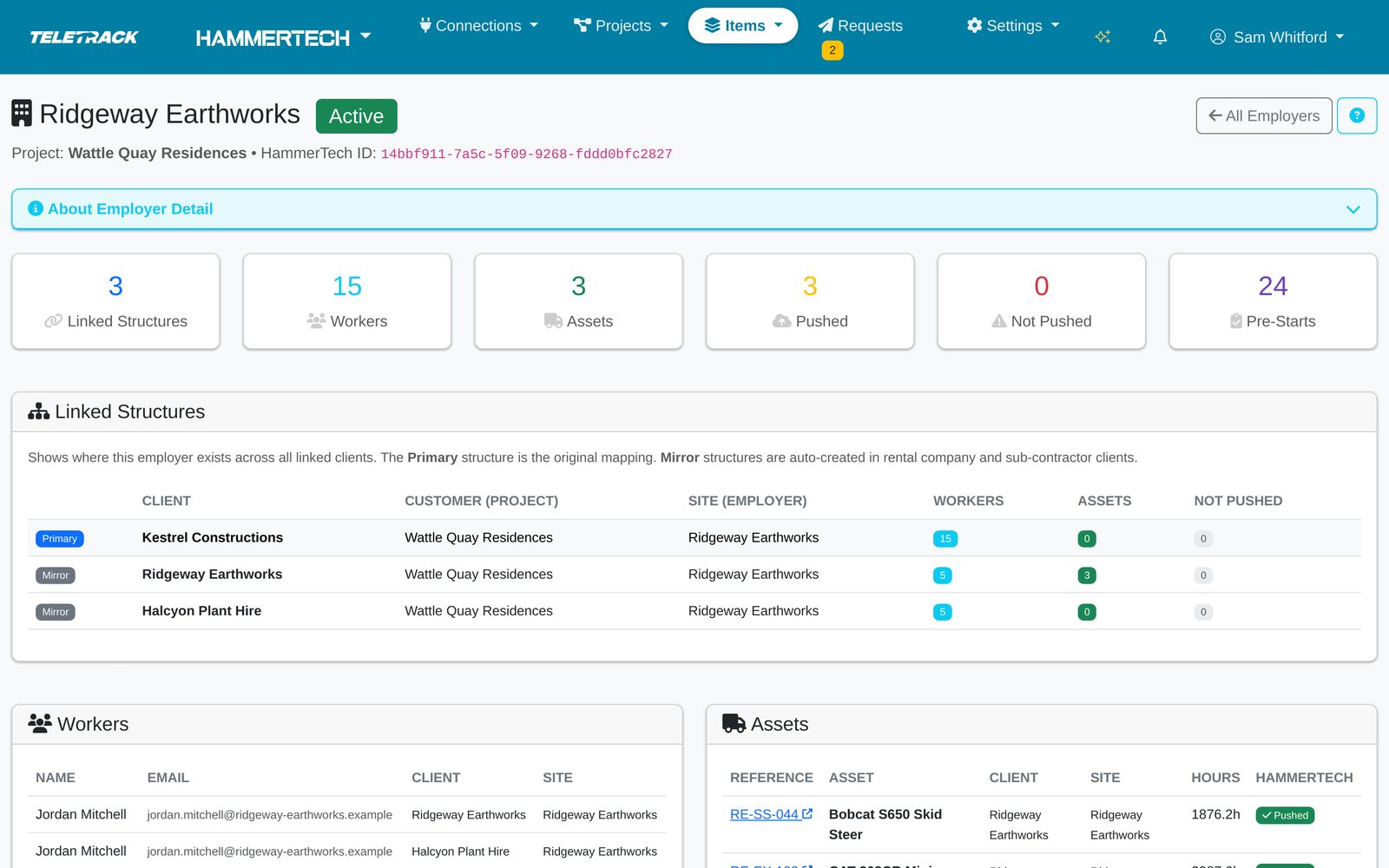
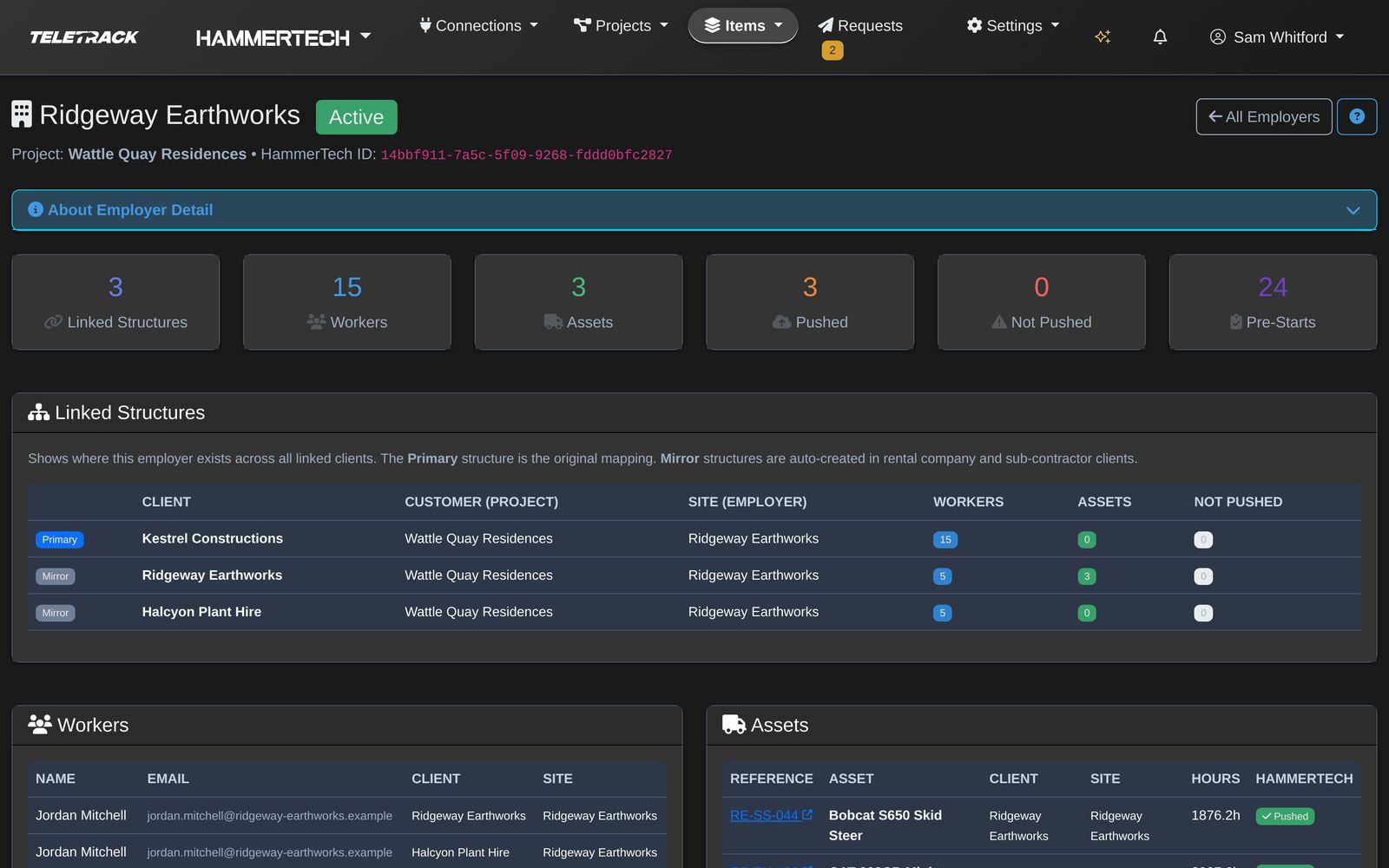
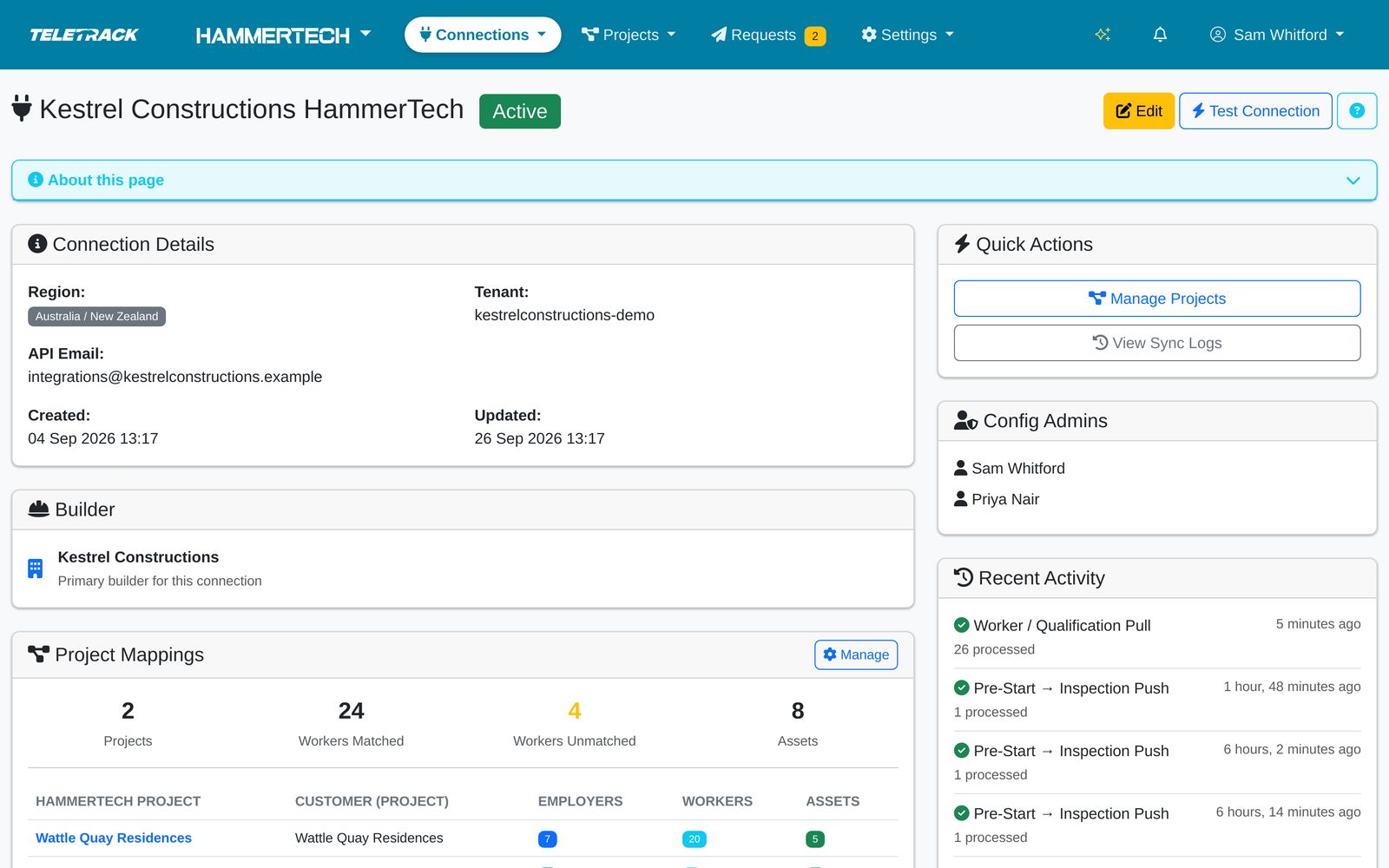
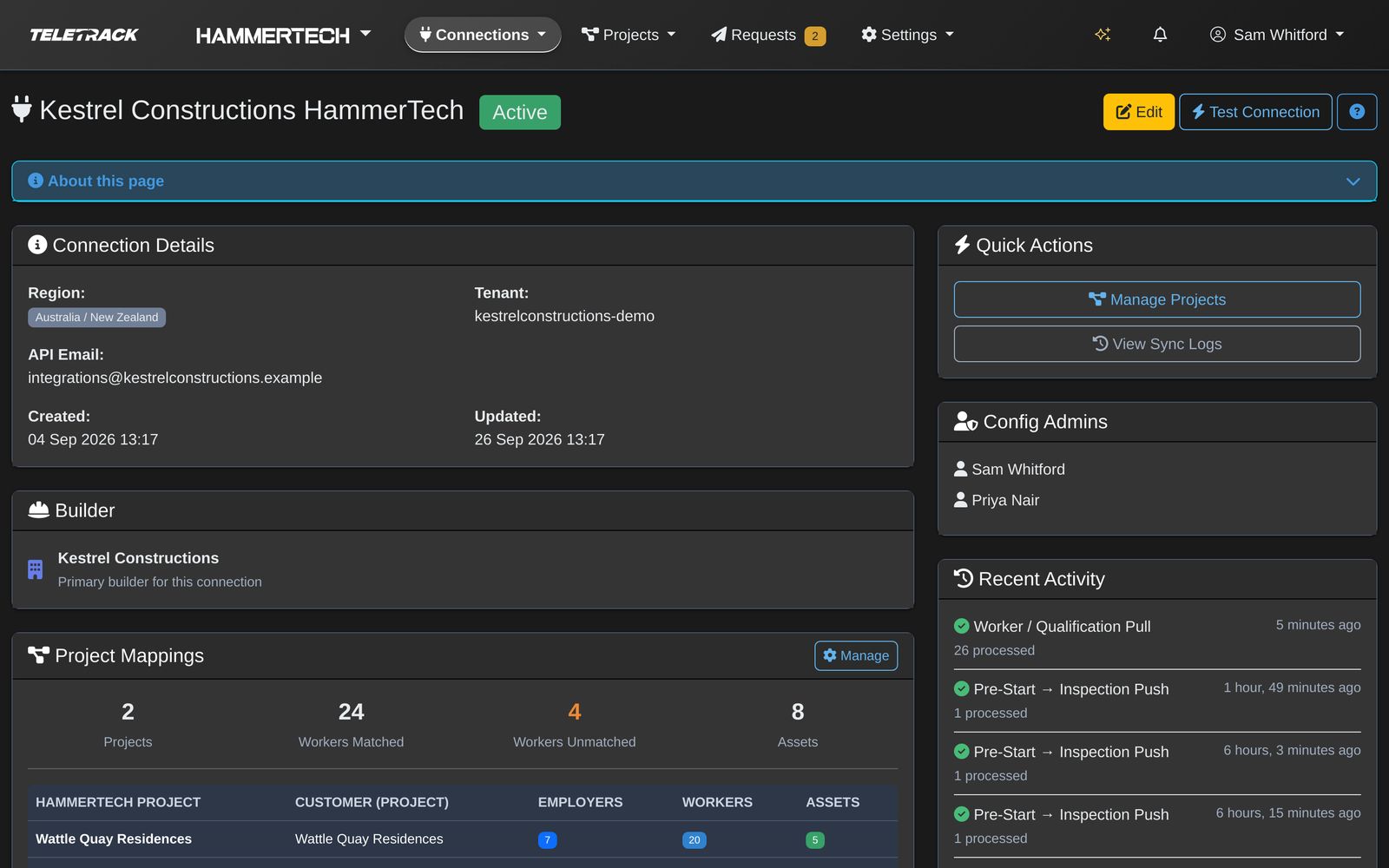
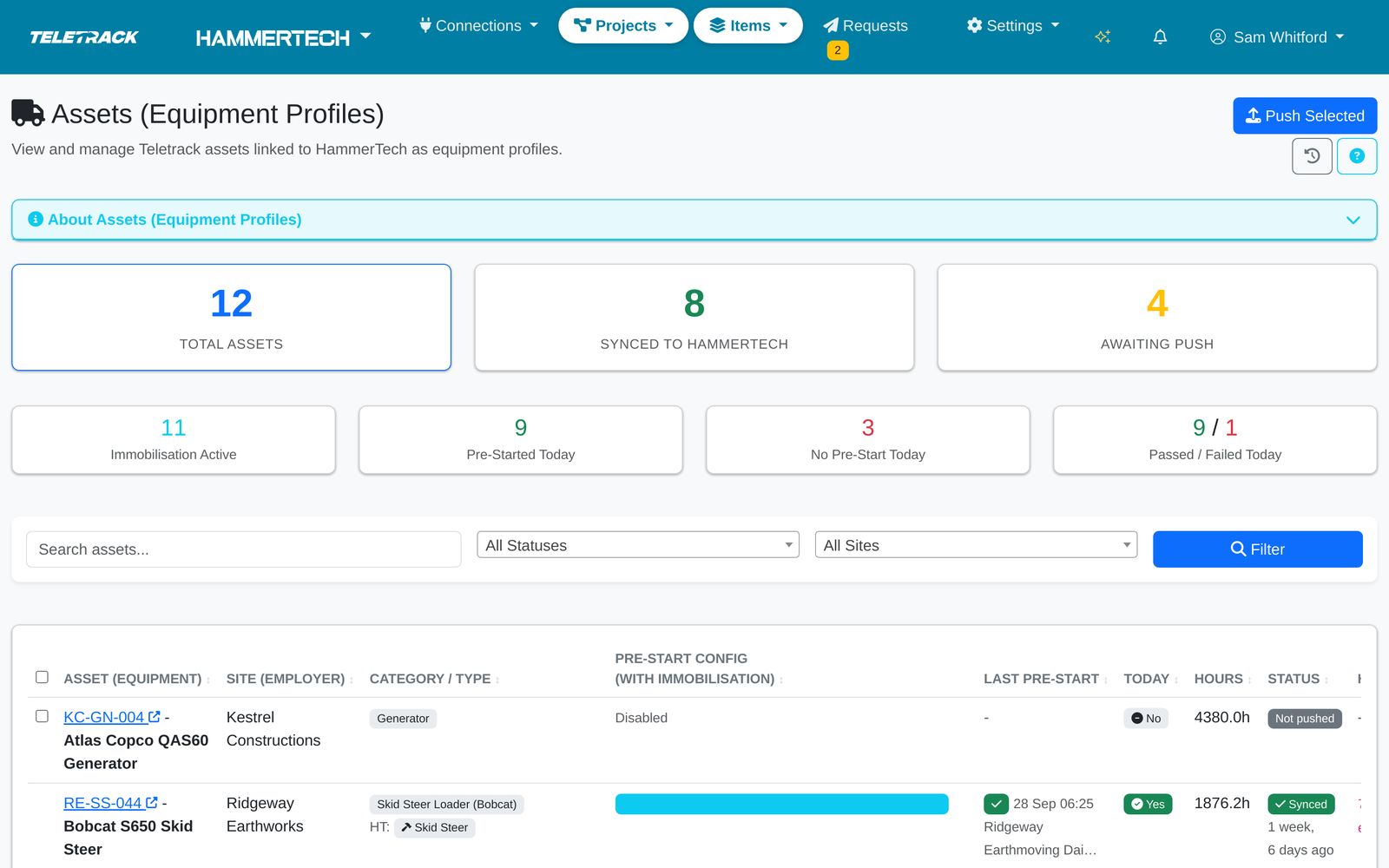
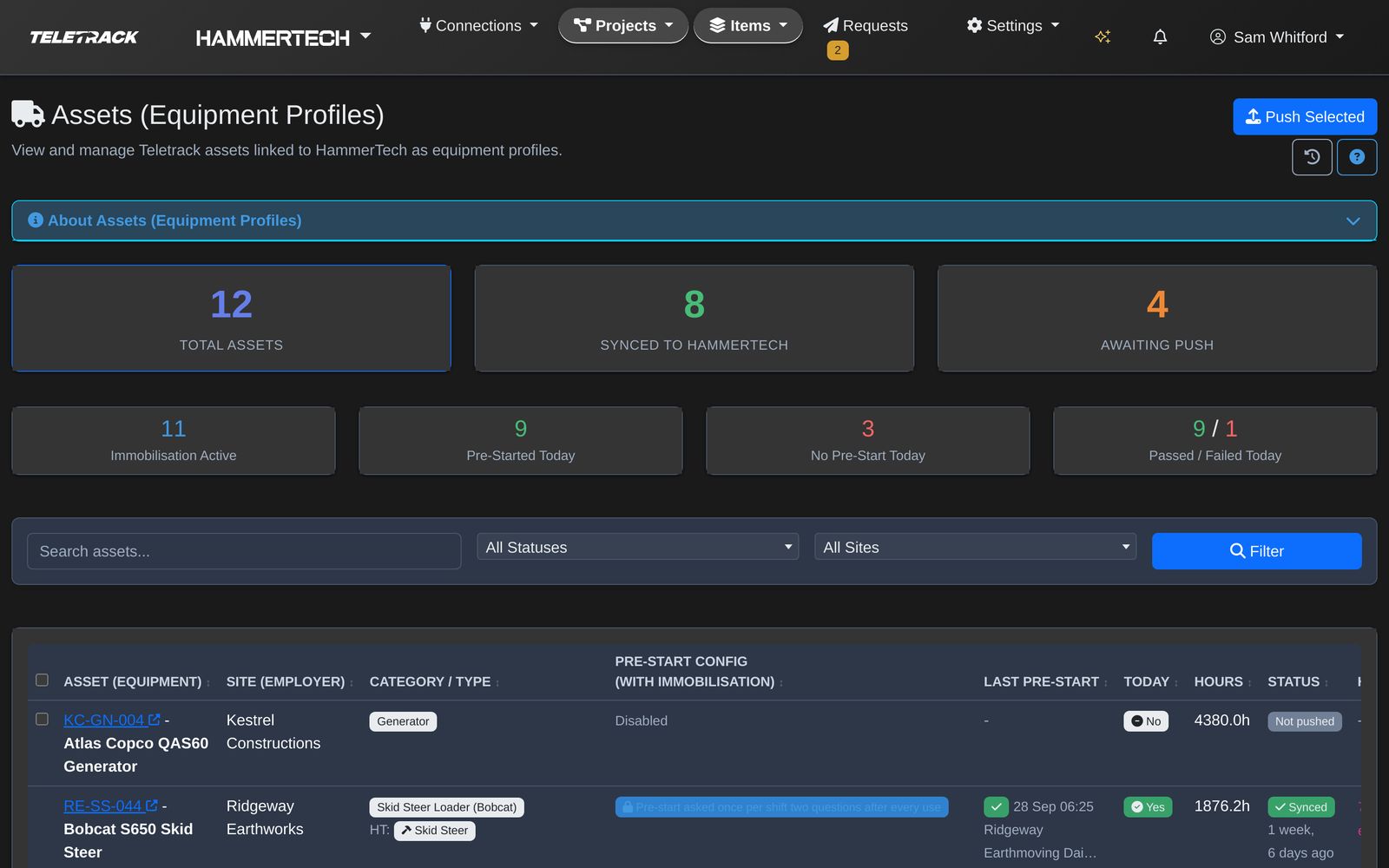
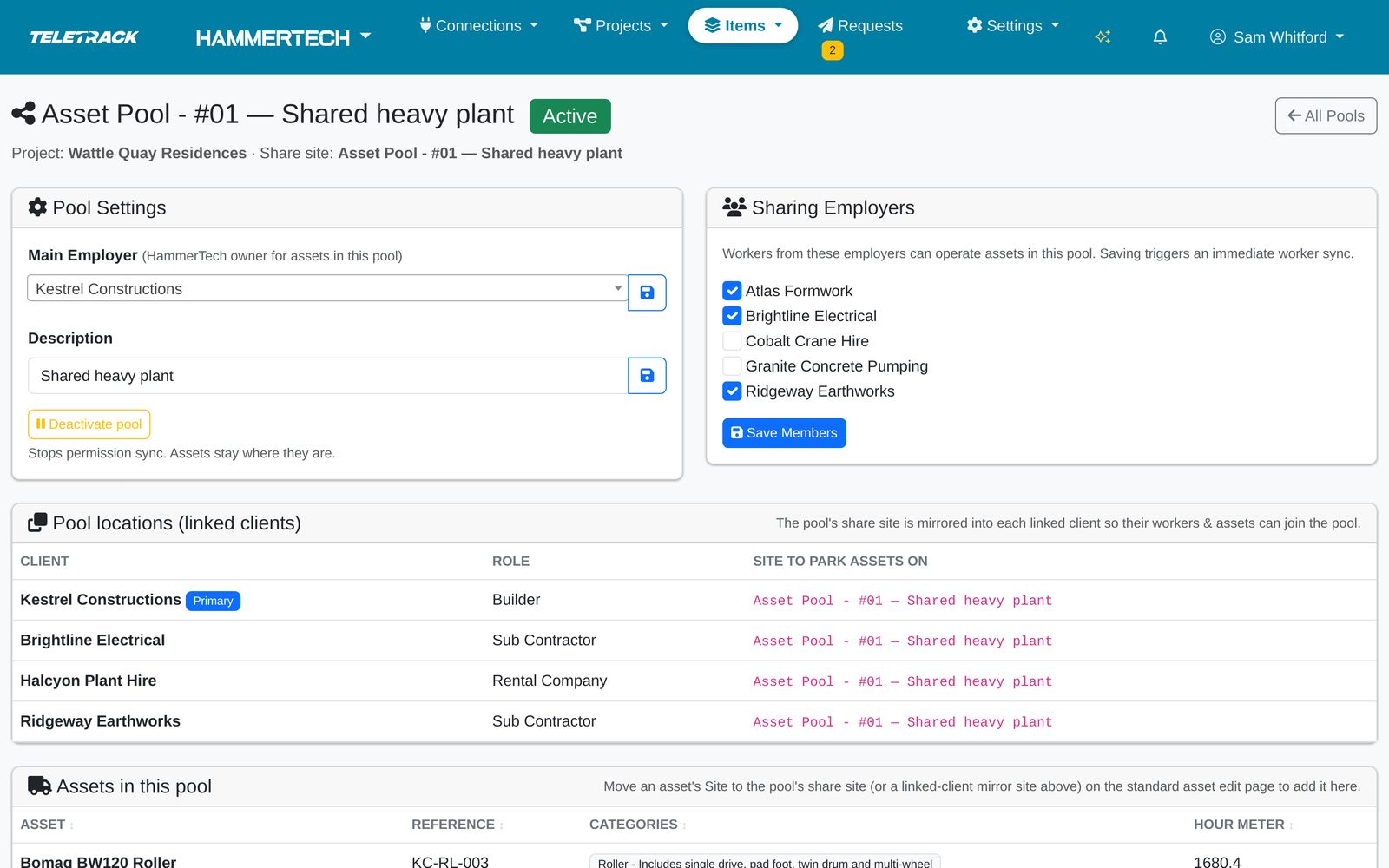
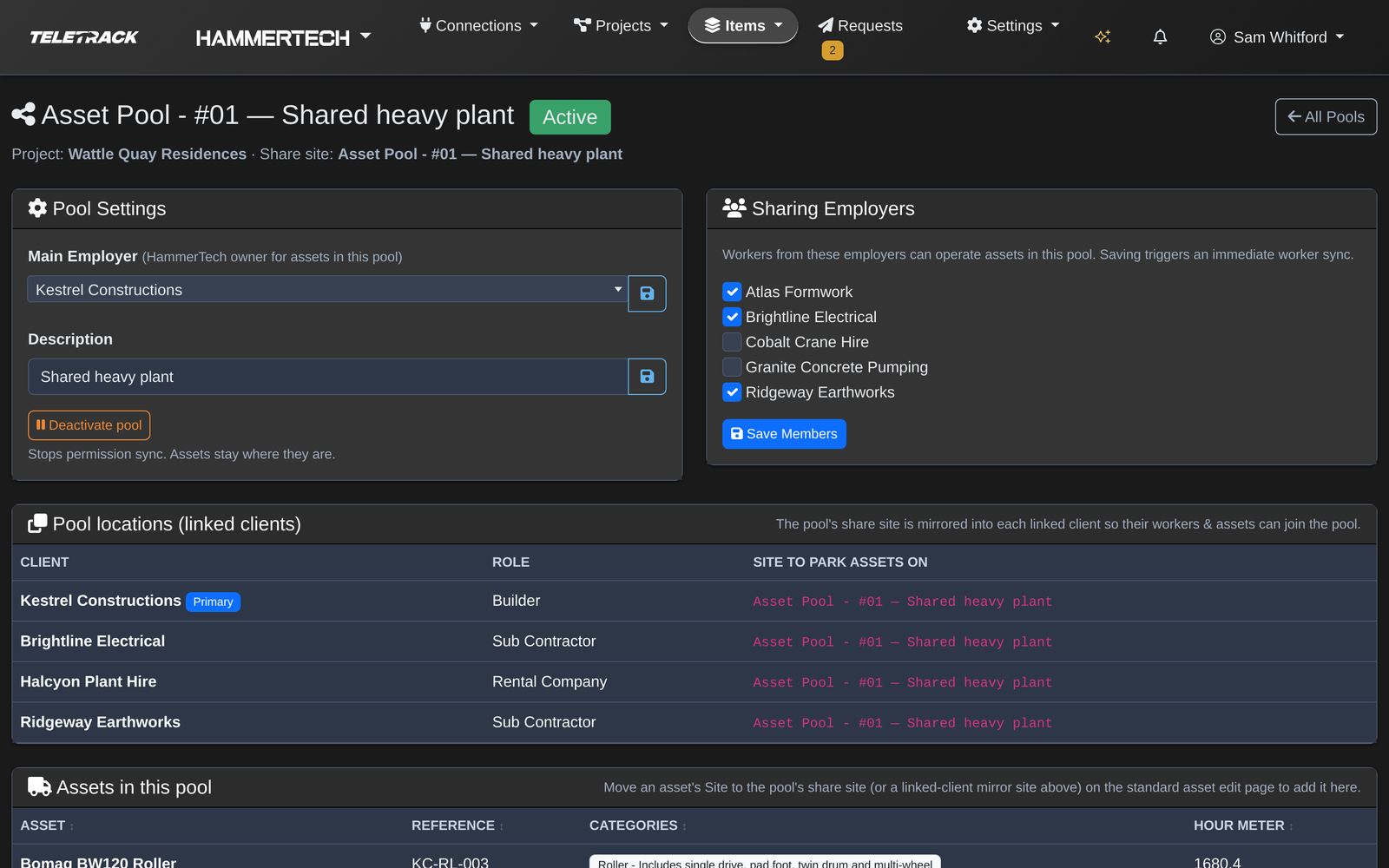
Your Implementation Consultant does this with you during rollout. Each stop is a real Teletrack screen from a demonstration account. Pick a numbered marker to see what it does.

Stop 1 of 10

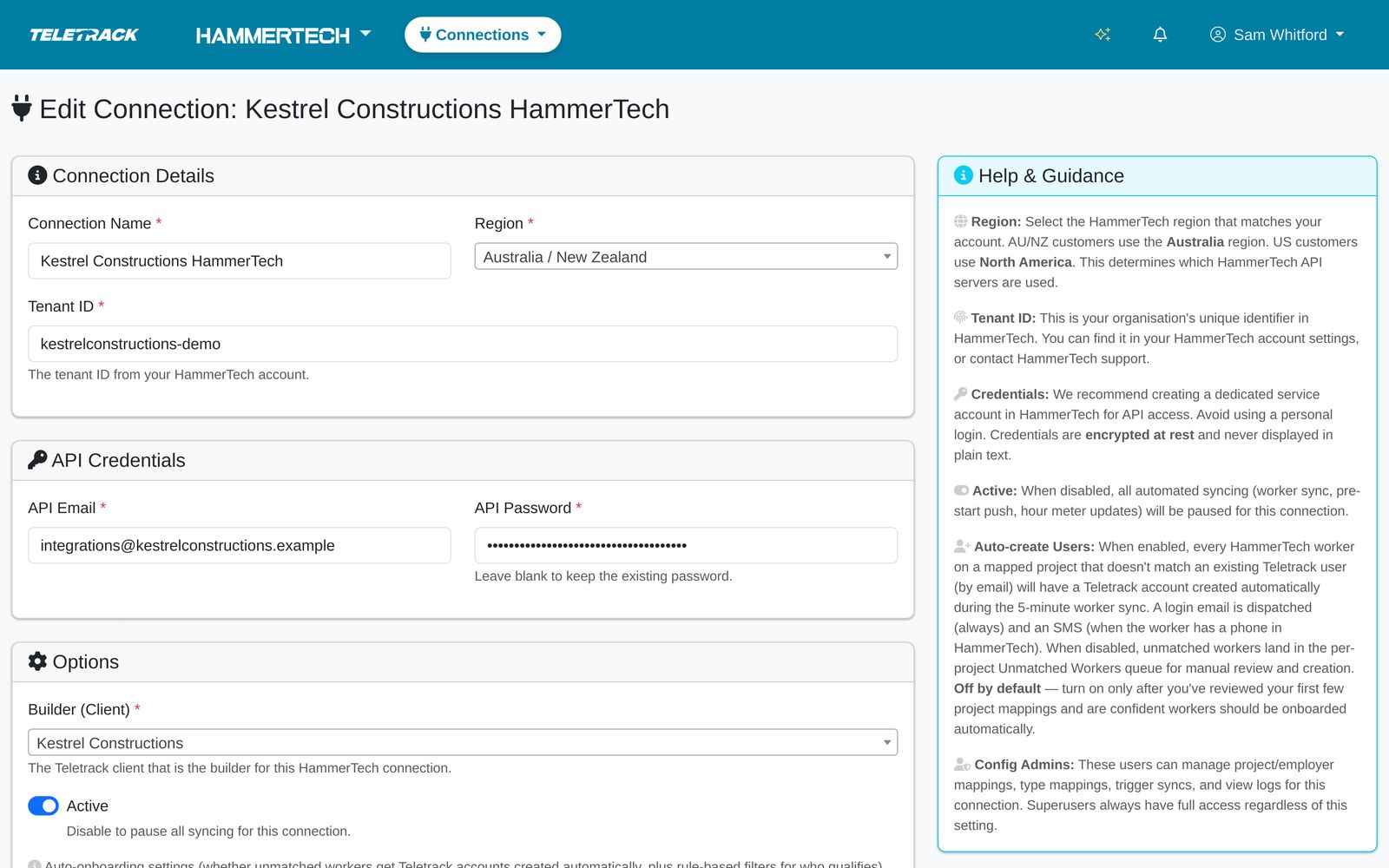
Connect the tenant

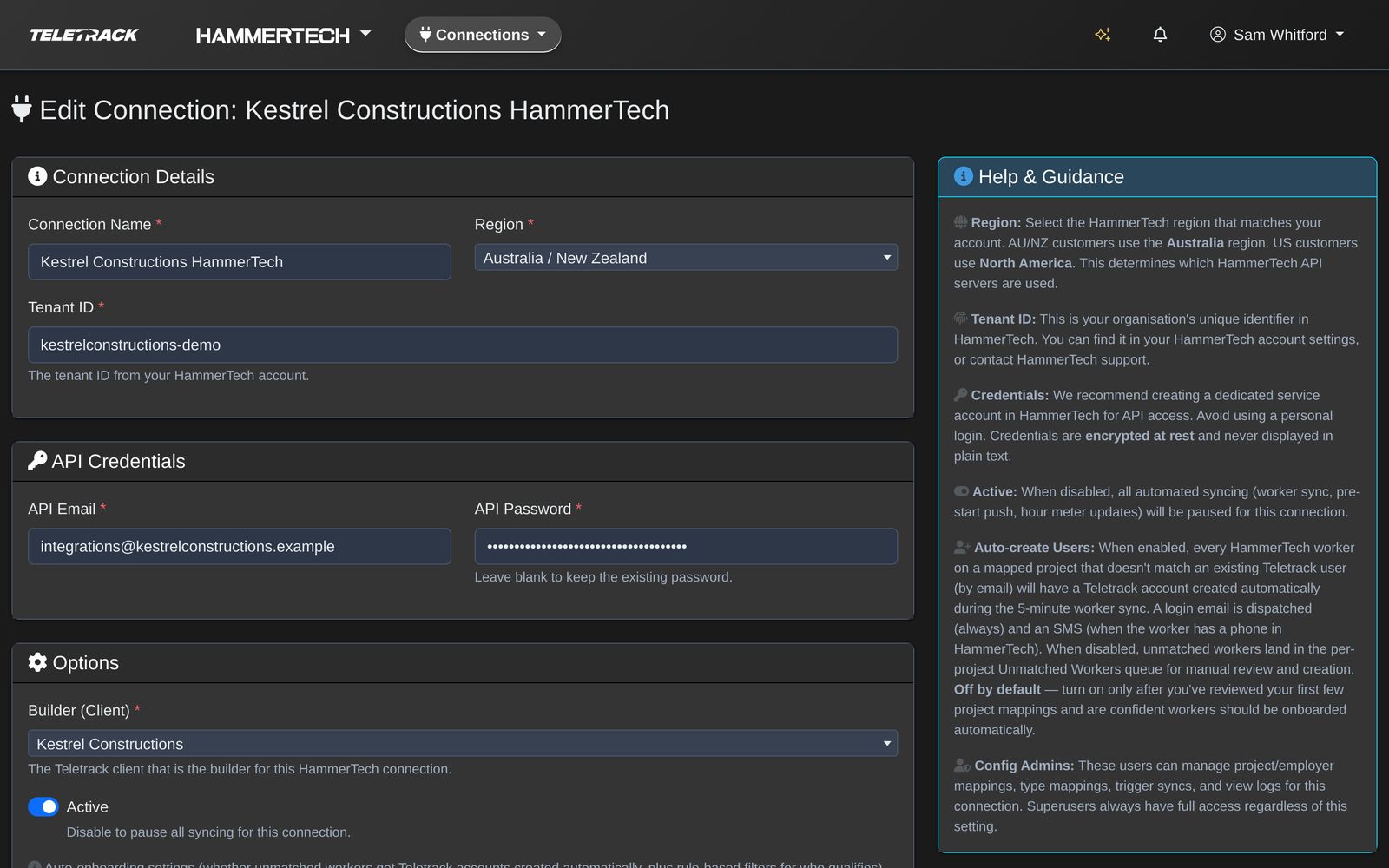
One connection links Teletrack to your HammerTech tenant. Your Implementation Consultant fills it in with you, and the integration's HammerTech login is stored encrypted.

Teletrack screen
Teletrack platform — Connection form Teletrack platform — Connection form

Screens shown with demonstration data. Names, projects and records are fictional.

Reliability

Sync health

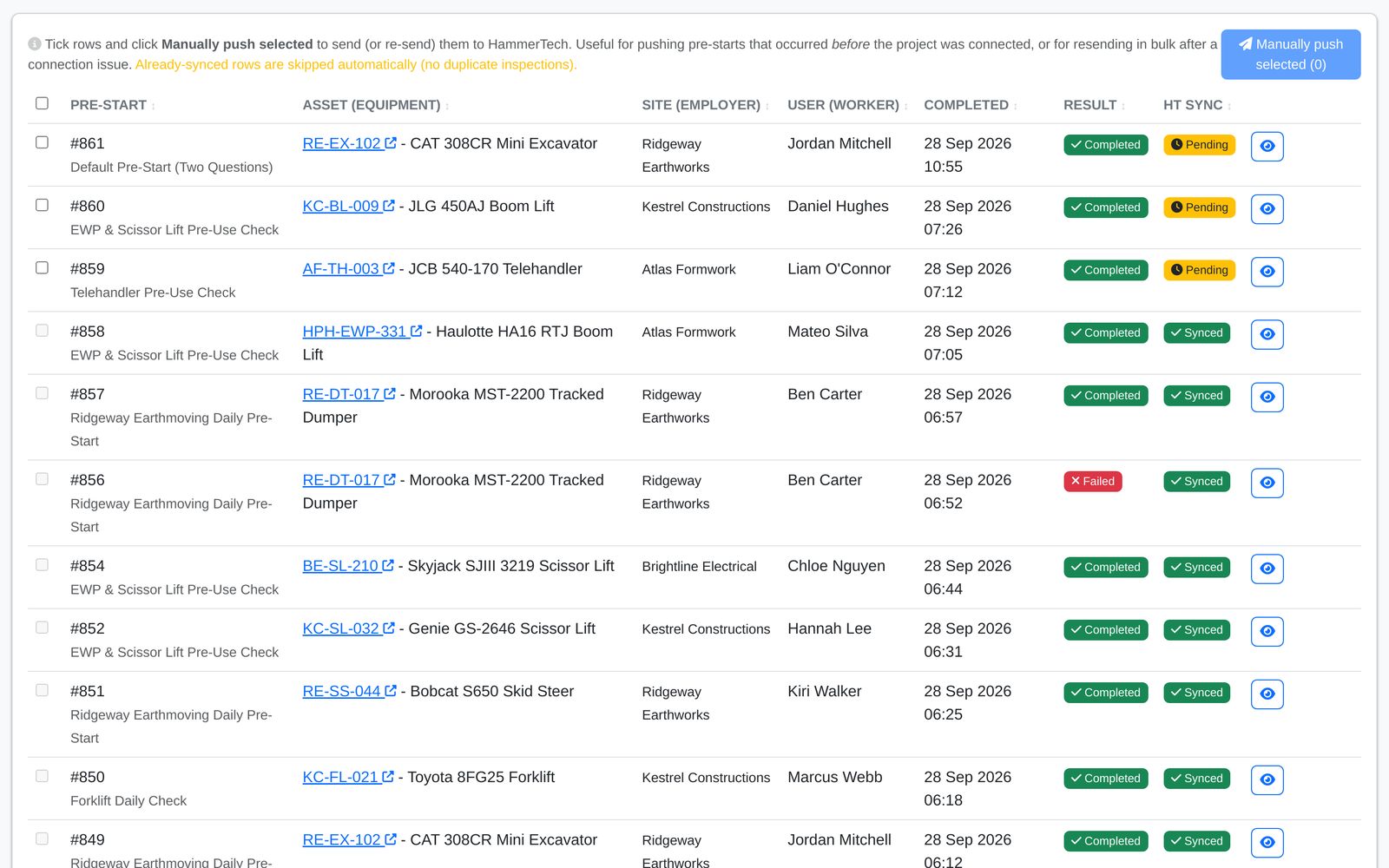
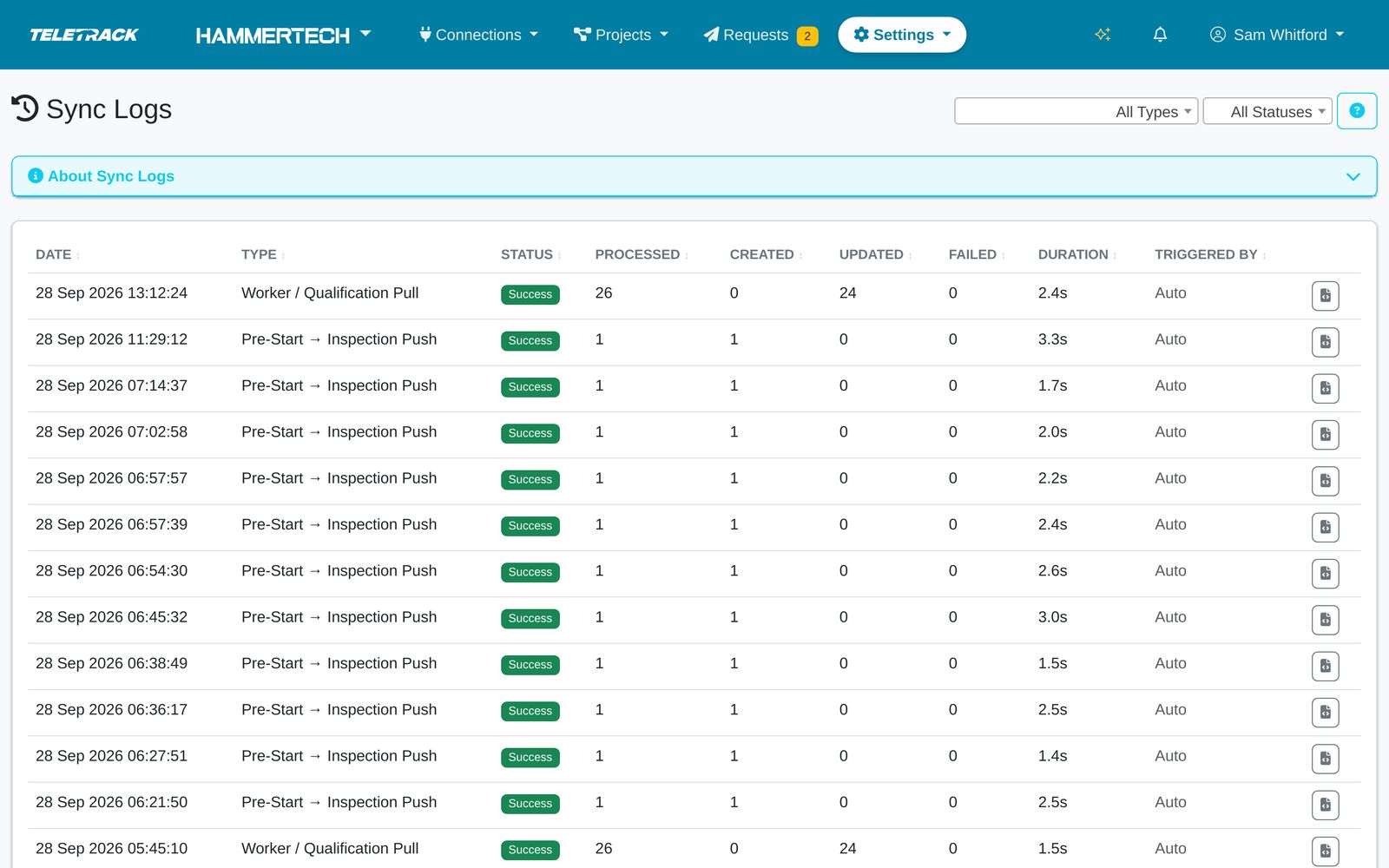
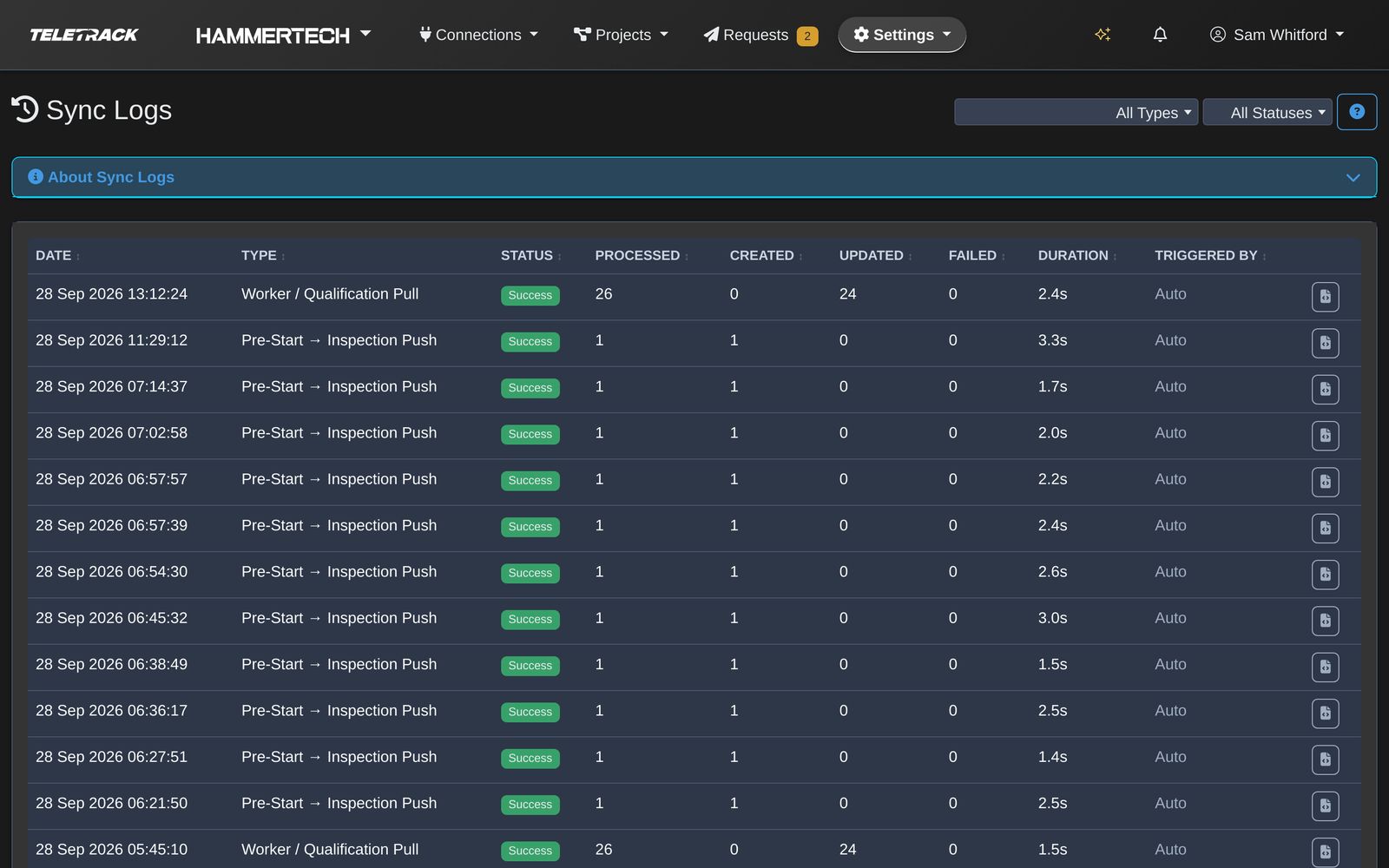
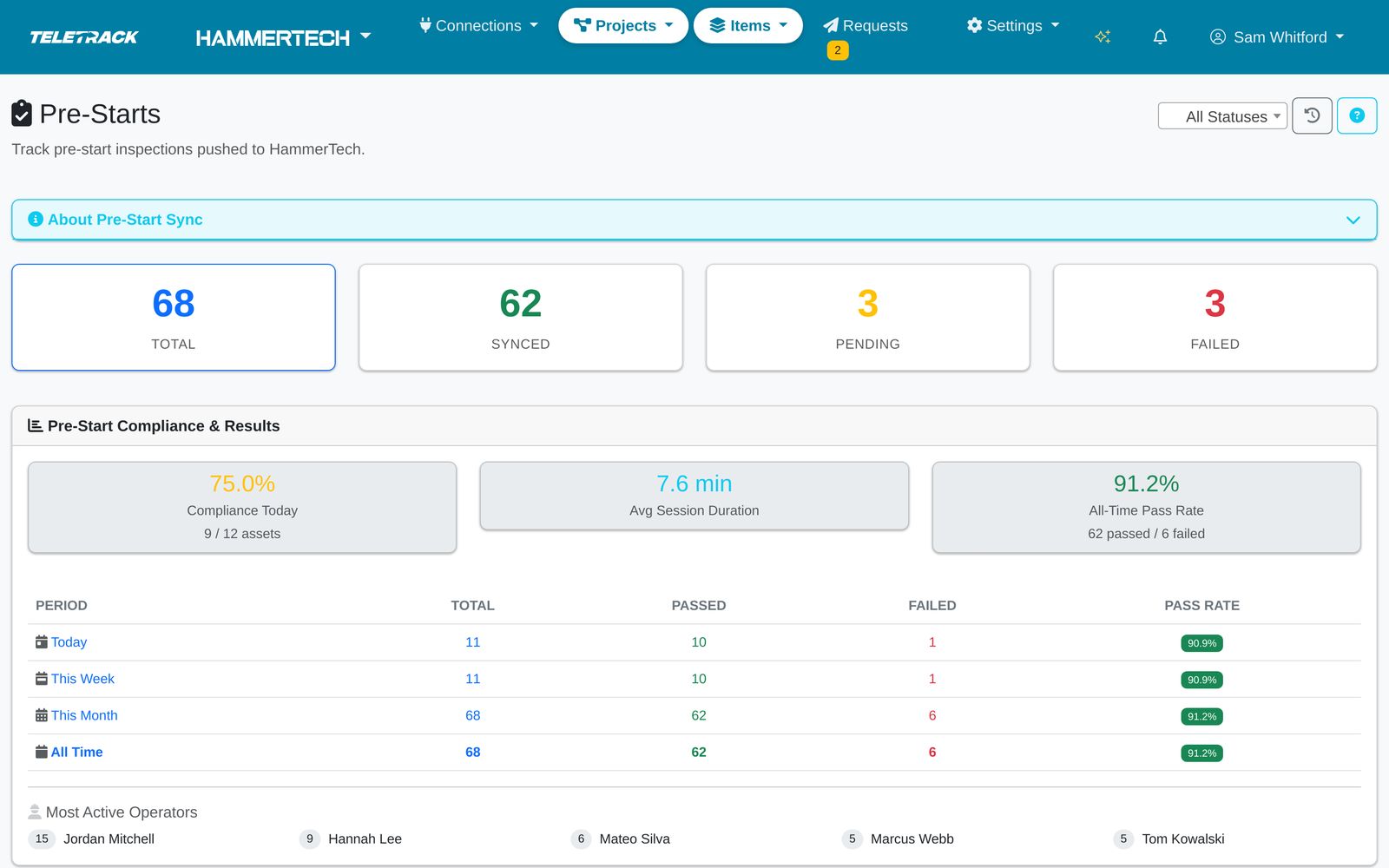
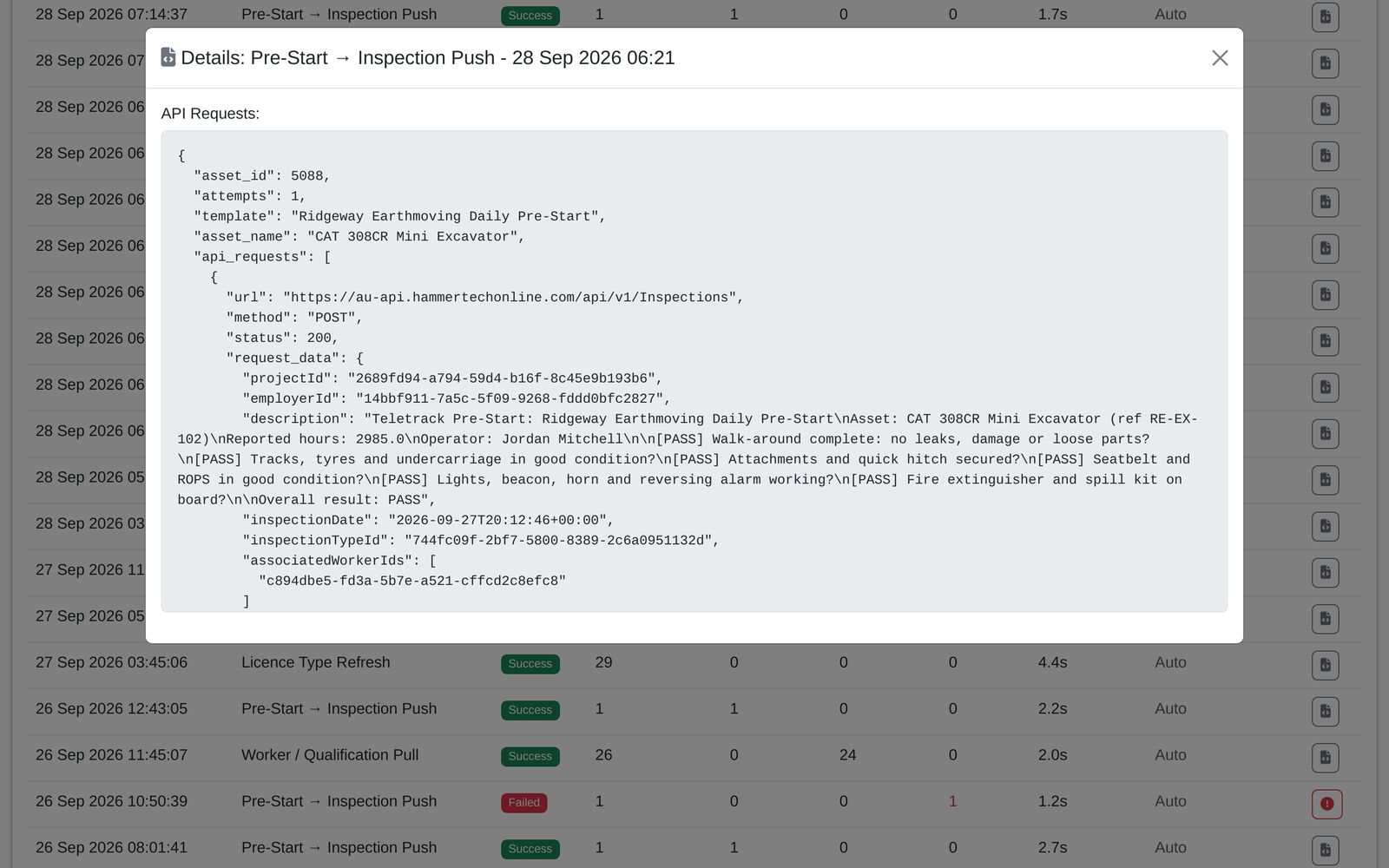
Every run between Teletrack and HammerTech is logged: what ran, what changed, how long it took and who started it. If something can't get through, Teletrack keeps trying and tells us. You can see the exact request and response for any run.

Pre-starts at Wattle Quay Residences

68 Total
62 Synced
3 Pending
3 Failed

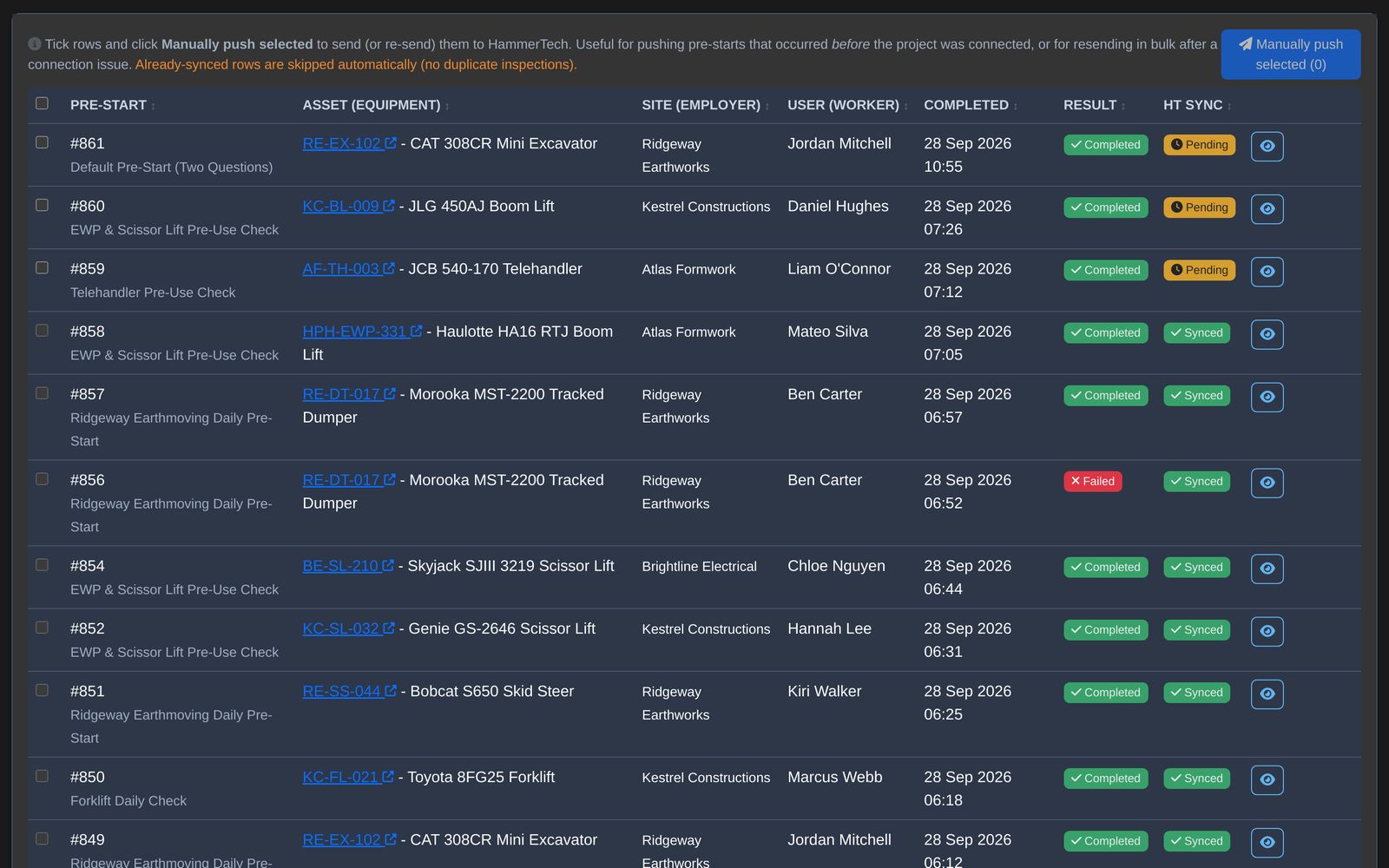
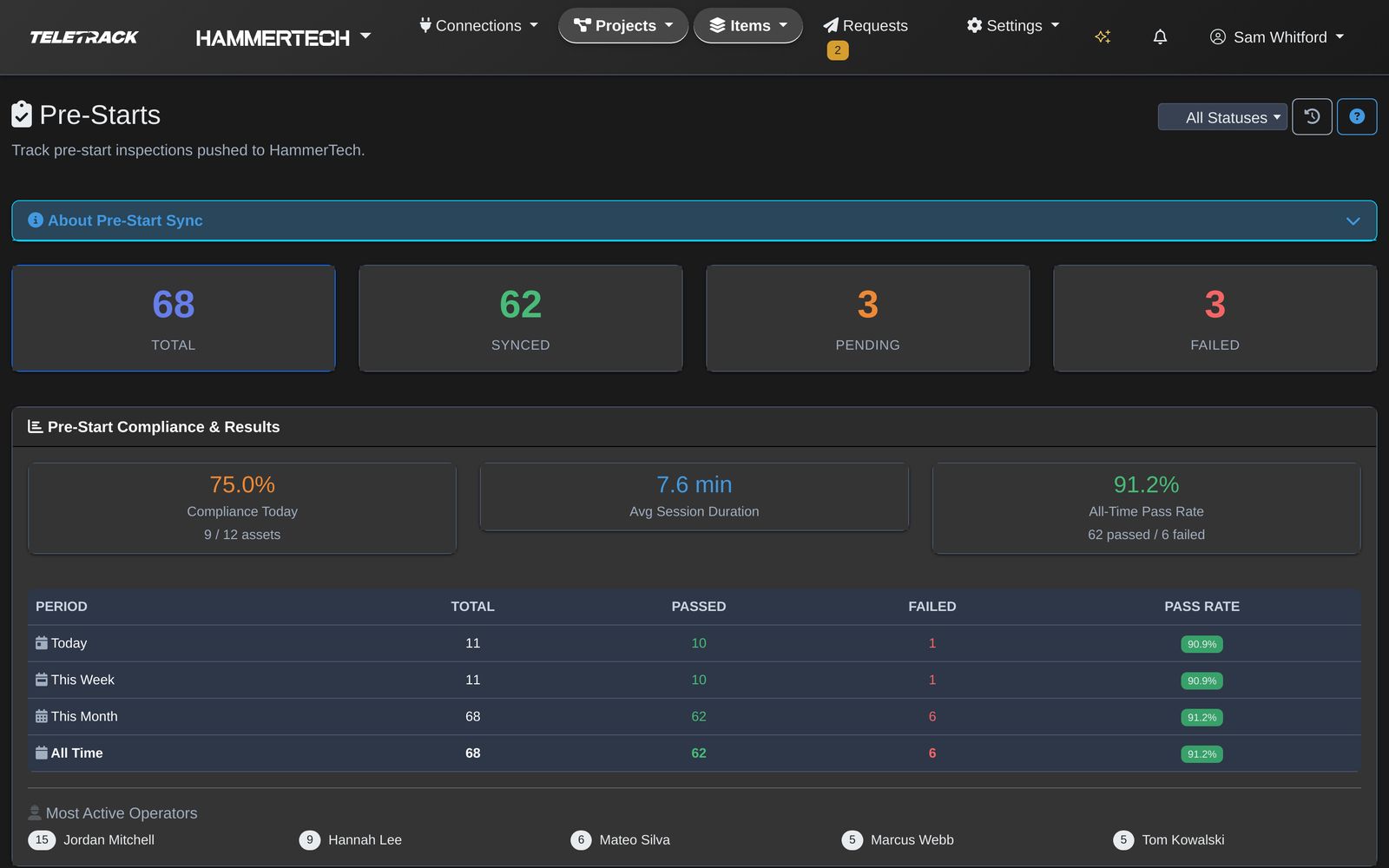
The same totals as the project's Pre-Starts page in Teletrack.

If HammerTech can't be reached

  • When a pre-start can't get through, Teletrack tries again up to five times, 30 seconds apart.
  • After that, every 30 minutes it picks up any failed pre-start with fewer than 10 attempts and sends it again.
  • Teletrack remembers the inspection it already created, so a retry never makes a duplicate in HammerTech.
  • You can also press Resend on any failed row.
A failed first send is retried five times, 30 seconds apart, then every 30 minutes while it has fewer than 10 attempts, until it lands once in HammerTech. First send Can't get through 5 retries 30 s30 s30 s30 s30 s Every 30 minutes while under 10 attempts Synced No duplicate

Already synced — re-pushing would create a duplicate in HammerTech Quoted from the app.

Example sync log

Fictional rows. Today is Monday 28 Sep 2026.

DateTypeStatus ProcessedCreated UpdatedFailed DurationTriggered by Detail
28 Sep 2026 12:25:03 Worker / Qualification Pull
Success
260240 1.6s Auto
28 Sep 2026 11:53:38 Pre-Start → Inspection Push
Success
1100 2.9s Auto
28 Sep 2026 11:52:37 Pre-Start → Inspection Push
Failed
1001 30.4s Auto
28 Sep 2026 06:52:44 Pre-Start → Inspection Push
Success
1100 3.4s Auto
28 Sep 2026 06:49:30 Pre-Start → Inspection Push
Success
1100 2.7s Auto
28 Sep 2026 03:45:04 Licence Type Refresh
Success
340340 5.8s Auto
27 Sep 2026 15:12:30 Asset Onboarding
Success
1100 1.2s Sam Whitford
27 Sep 2026 14:58:19 Asset Onboarding
Failed
0001 0.4s Sam Whitford

The 11:52 timeout retried on its own 30 seconds later and landed as ISP-1219, with no duplicate and nobody stepping in. The crane on 27 Sep needed its category mapped first, and the error says so.

Teletrack platform — Sync logs Teletrack platform — Sync logs Enlarge
Teletrack screenEvery sync is logged: what ran, how long it took and what HammerTech said.
Teletrack platform — Sync log detail Teletrack platform — Sync log detail Enlarge
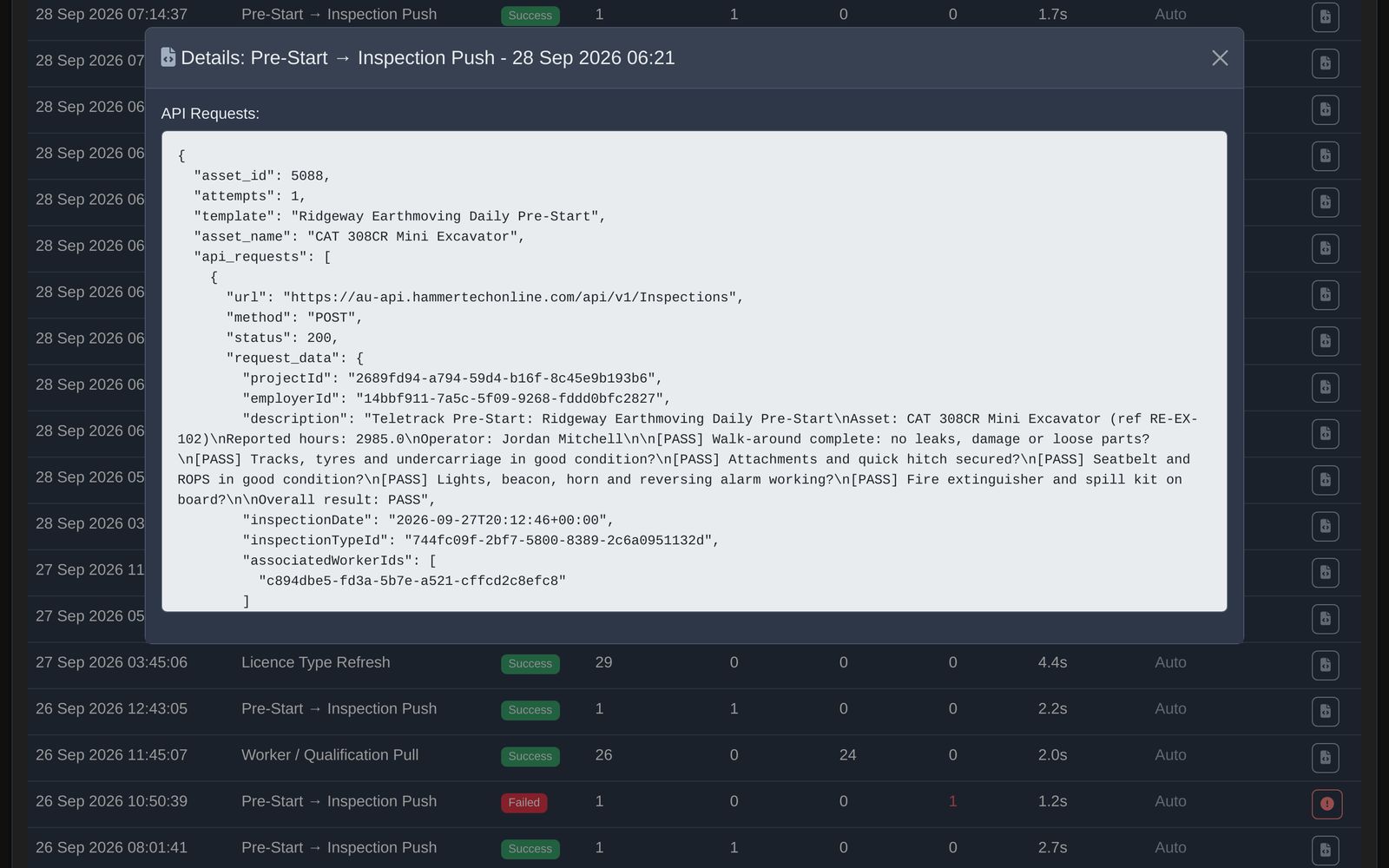
Teletrack screenThe exact HammerTech API calls behind a pre-start push, for support and audit.

Screens shown with demonstration data. Names, projects and records are fictional.

Compatibility

Hardware and solutions this works with

The HammerTech integration runs through PROSTART®. That means it works with every hardware device PROSTART® supports.

Hardwired devices — full immobilisation + pre-start

  • Digital Matter G70-BLE
  • TrakaX® Series 2 (Australian-designed, PROSTART-native)
  • Teltonika FMM250, FMM650, FMC650
  • Ruptela Smart5

Pre-start without immobilisation

  • Teltonika FMM003 (OBD plug-in)
  • Ruptela Plug5 (OBD plug-in)
  • Ruptela Asset5 (battery-powered)
  • Digital Matter Barra GPS (battery-powered)

The pre-start runs, the ticket check runs, the record flows back. Only the physical immobilisation enforcement is hardware-dependent.

Solutions that work alongside

  • PROSTART® pre-starts — the trigger point for the integration.
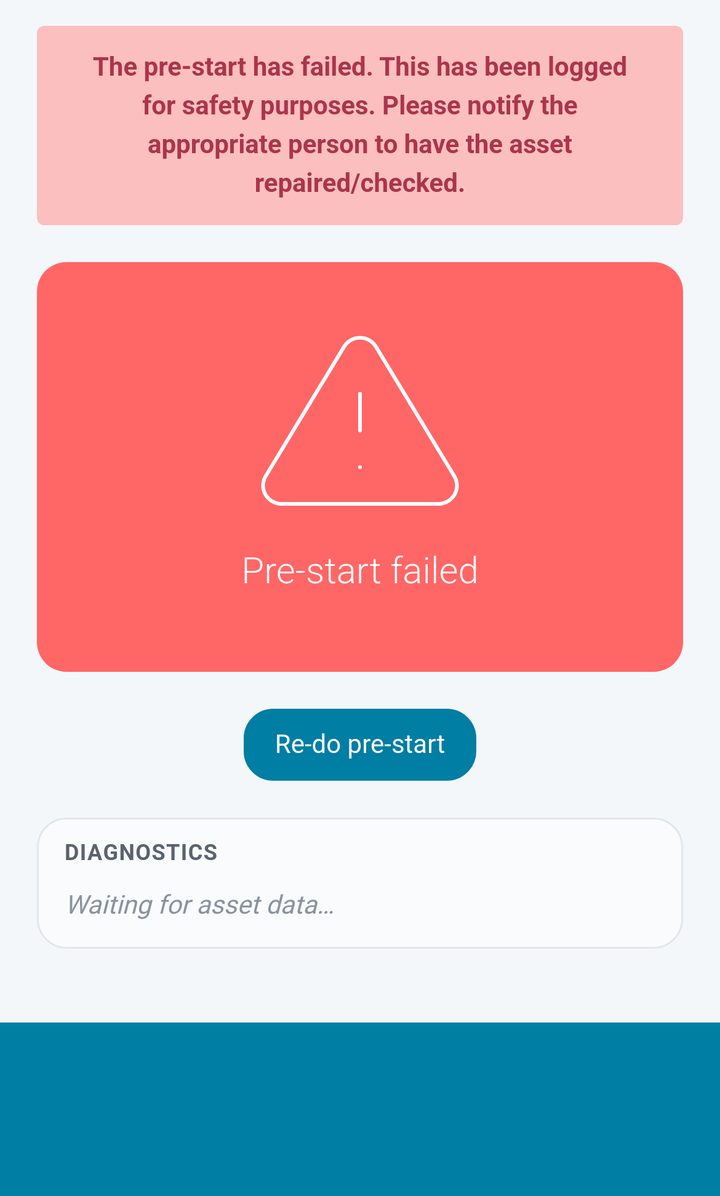
  • Maintenance module — a failed pre-start can open a draft work order for questions set up to create one.
  • Portal Sharing Mode 2 — head contractors see integrated audit data across all sub-contractors on their site.

HammerTech integration FAQs

How do operators sign in?

Operators use their own Teletrack login. When a HammerTech worker on a connected project meets that project's rules (licences held, allowed employer), Teletrack creates their account and sends the login by email, and by SMS when HammerTech has a mobile number. Anyone who doesn't meet the rules waits for an admin to review.
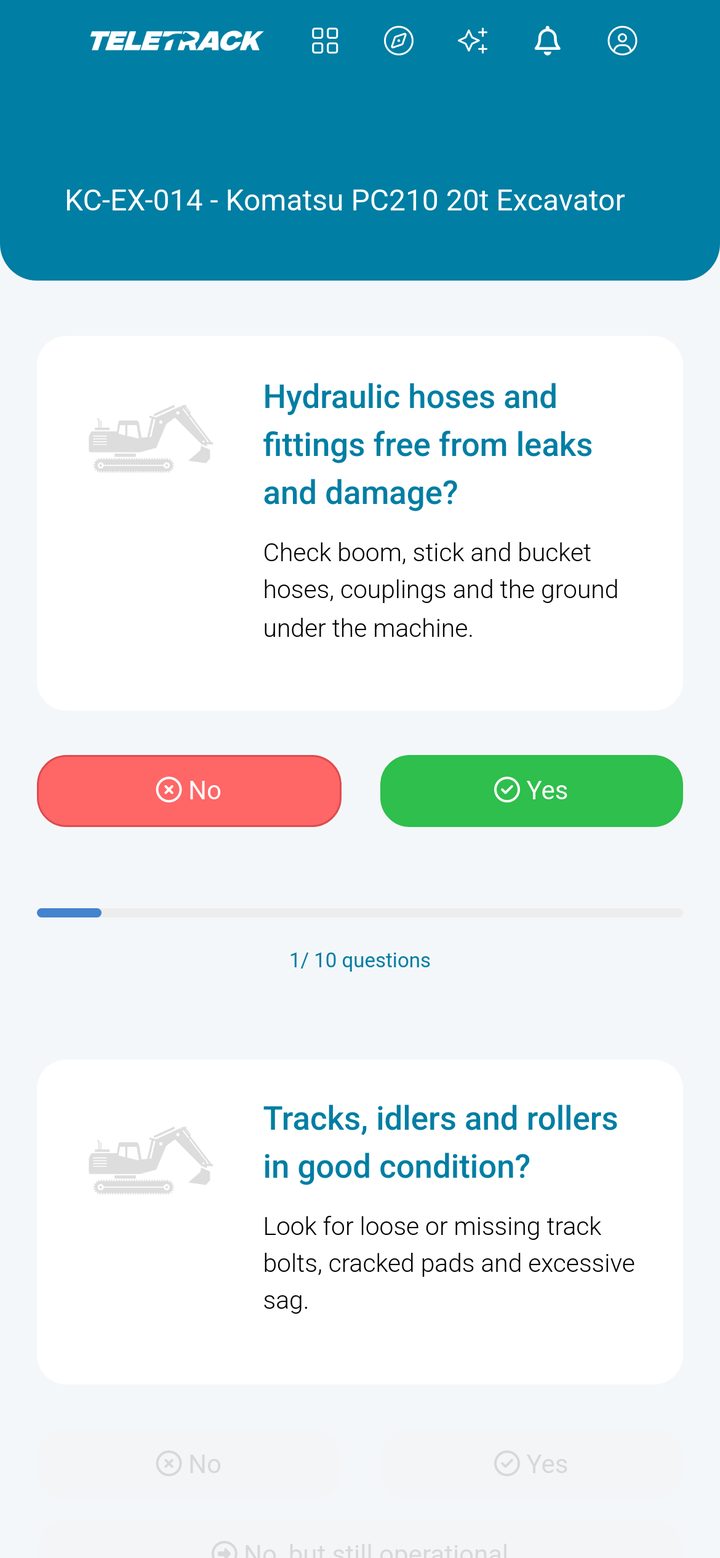
What happens if HammerTech is unreachable when an operator tries to start?

Operators keep working from the tickets last synced from HammerTech. Pre-starts that can't reach HammerTech are retried automatically, five times 30 seconds apart and then every 30 minutes, without creating duplicates.

Do operators have to be set up in both systems?

No. Operators come across from HammerTech and are matched to existing Teletrack users by email. New operators who meet the project's rules get a Teletrack account and their login automatically.

What data exactly flows back to HammerTech?

Each finished pre-start, pass or fail, becomes a HammerTech inspection with the worker attached. It carries the date and time, the machine and any hours reported in its description, and every answer with the operator's comments. Photos go across where the checklist is mapped question by question. Engine hours and machine telemetry don't flow back unless you specifically want them to — those typically live in Teletrack and aren't part of HammerTech's data model.

Can the head contractor see our sub-contractor data through HammerTech?

The head contractor sees what your HammerTech account exposes — HammerTech's own permissions model governs that. Teletrack writes data into HammerTech; what HammerTech does with it from there is HammerTech's configuration. In practice, head contractors set the visibility level they need at project start and HammerTech enforces it.

Does this work if we use HammerTech but PROSTART® isn't deployed yet?

No. The integration runs through the PROSTART® pre-start workflow — that's the trigger that writes the pre-start record back. You need PROSTART® deployed on at least one site to activate the integration. The Track + PROSTART® tier ($31.90 / asset / month) includes it plus the 6-stage rollout.

What about sub-contractors on our site who don't run Teletrack?

The Teletrack ↔ HammerTech integration only covers operators and machines on your Teletrack subscription. Other sub-contractors keep their own records in HammerTech. You can use Portal Sharing Mode 2 to give head contractors a unified view of teletrack-managed assets across multiple sub-contractor accounts — that's a separate, complementary capability.

How often does the sync run?

Workers, tickets and employers sync from HammerTech every 5 minutes. A pre-start is sent to HammerTech as soon as it finishes, and anything that fails is retried automatically.

What happens at contract-end?

Month-to-month contract on the Teletrack side, 30 days notice. If you cancel Teletrack, the data already written into HammerTech stays in HammerTech — it's HammerTech's record now. The teletrack-side data is fully exportable through the platform UI or API before cancellation.

Does this integration work outside of Tier 1 / Tier 2 construction?

Yes — anywhere HammerTech is deployed. We see it most on Tier 1 / Tier 2 construction because that's HammerTech's strongest segment, but customers in resources, infrastructure, and large facilities operations also run it. The integration logic is the same; the value just lands hardest where the regulatory and tender pressure is highest.

Can we test the integration before committing?

Yes. We run a sandbox against a HammerTech test instance during the 6-stage rollout. You see the data flow end-to-end before going live on a real site. HammerTech-side sandboxes are arranged through HammerTech directly — we'll help coordinate.

Does this integration cover NHVR EWD or heavy-vehicle compliance?

No. Teletrack doesn't pursue NHVR Electronic Work Diary approval — that's a separate compliance stream. The HammerTech integration covers operator competency and pre-start workflow: operators and their tickets sync in, and pre-starts go back as inspections. For HV fatigue compliance you'd use an NHVR-approved EWD product separately.

See the HammerTech integration running

A 30-minute demo walks through operator sync, the ticket check at the pre-start, a live pre-start with HammerTech in the loop, and the inspection landing back in HammerTech. We can use a HammerTech sandbox or your own internal site.

Want a walkthrough tailored to your fleet?