
Solution
Messaging
Bulk SMS and in-app messaging to staff, operators and CRM contacts — on your own Twilio account. Reusable lists, scheduled sends, delivery reports, two-way conversations. Included in the Customer Hub package.
Included in Customer Hub — $10 / user / month + GST.
Runs on your own Twilio account (Account SID, Auth Token, and either a reply-capable number or a Messaging Service SID). Credentials are encrypted at rest and never rendered back into the page — you can verify them live from settings without sending anything.
What you can do
Compose, schedule, segment — from inside the platform.
Bulk SMS + in-app in one composer
Send to a saved list immediately, at a scheduled date/time, or on a repeating schedule (daily, chosen weekdays, or day-of-month) in your own timezone. Save drafts and resume; duplicate a past message into the composer.
Merge fields, per recipient
{first_name}, {last_name}, {full_name}, {company} resolved per recipient from a safe whitelist — never template evaluation. A live SMS segment counter and estimated cost per send from your configured per-segment price.
Test-send before you broadcast
Send the draft to yourself first — flagged as a test so it stays out of lists, reports and usage. Optionally require recipients to confirm receipt with a unique acknowledgement link, so the report shows exactly who acknowledged.
Eight ways to build a list
Users by permission scope (client / customer / site / asset with role filters), CRM contacts (filtered by customer, site, contact type), an individual user or CRM contact, manual entries, CSV / spreadsheet import, another list, or a dynamic segment.
Dynamic segments from your own history
Four segments computed from your 180-day messaging history: opted-in numbers, engaged (read or acknowledged before), unresponsive (3+ messages, never read/acked), and never-acknowledged.
Quiet hours and per-recipient caps
Set quiet-hours start/end in your timezone — scheduled and recurring SMS defer until the window closes (manual immediate sends are never held). Cap how many messages one recipient can receive per rolling 24 hours.
Compliance built in
STOP handling, consent ledger, tracked short links.
- Opt-out line appended to every SMS. "Reply STOP to opt out" by default — editable per client.
- Eight default STOP keywords, editable per client, with automatic suppression on a STOP reply.
- Per-client opt-out list filtered from every send — so once someone opts out, no future list can reach them by accident.
- Consent ledger per number — opted in / out, source, note, who recorded it and when.
- Tracked short links so clicks are attributed to the individual recipient, not just "someone from the list clicked".
Delivery reporting + conversations
Per-recipient statuses, live from Twilio callbacks.
- Eight per-recipient statuses per message — pending, queued, sent, delivered, undelivered, failed, suppressed (opted out), skipped (no number) — plus segments and estimated cost, updated live from Twilio status callbacks.
- Two-way conversations. Inbound replies threaded per phone number or per in-app user, with unread badges, assignment to a staff member, and open / close state. Reply from inside the thread.
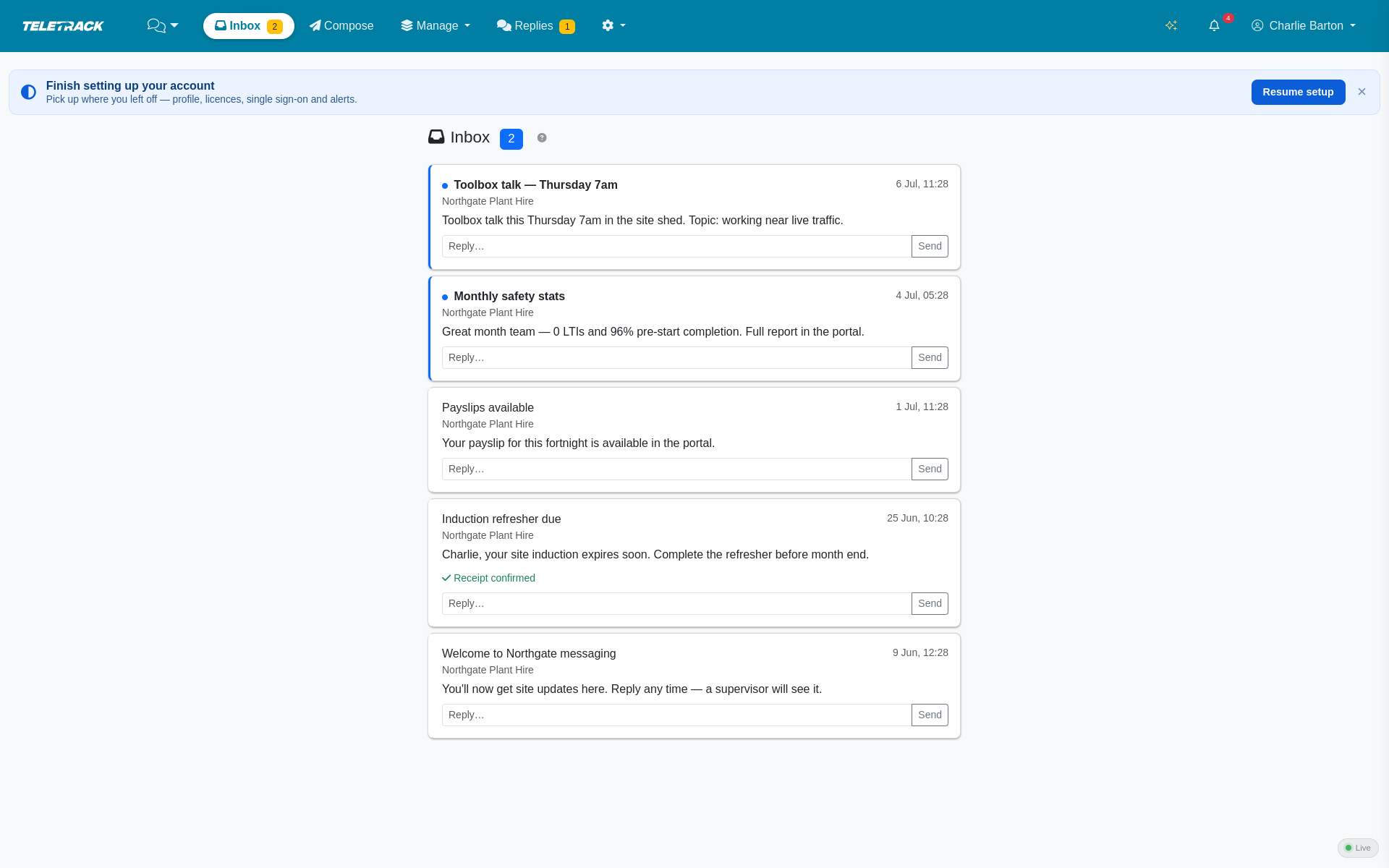
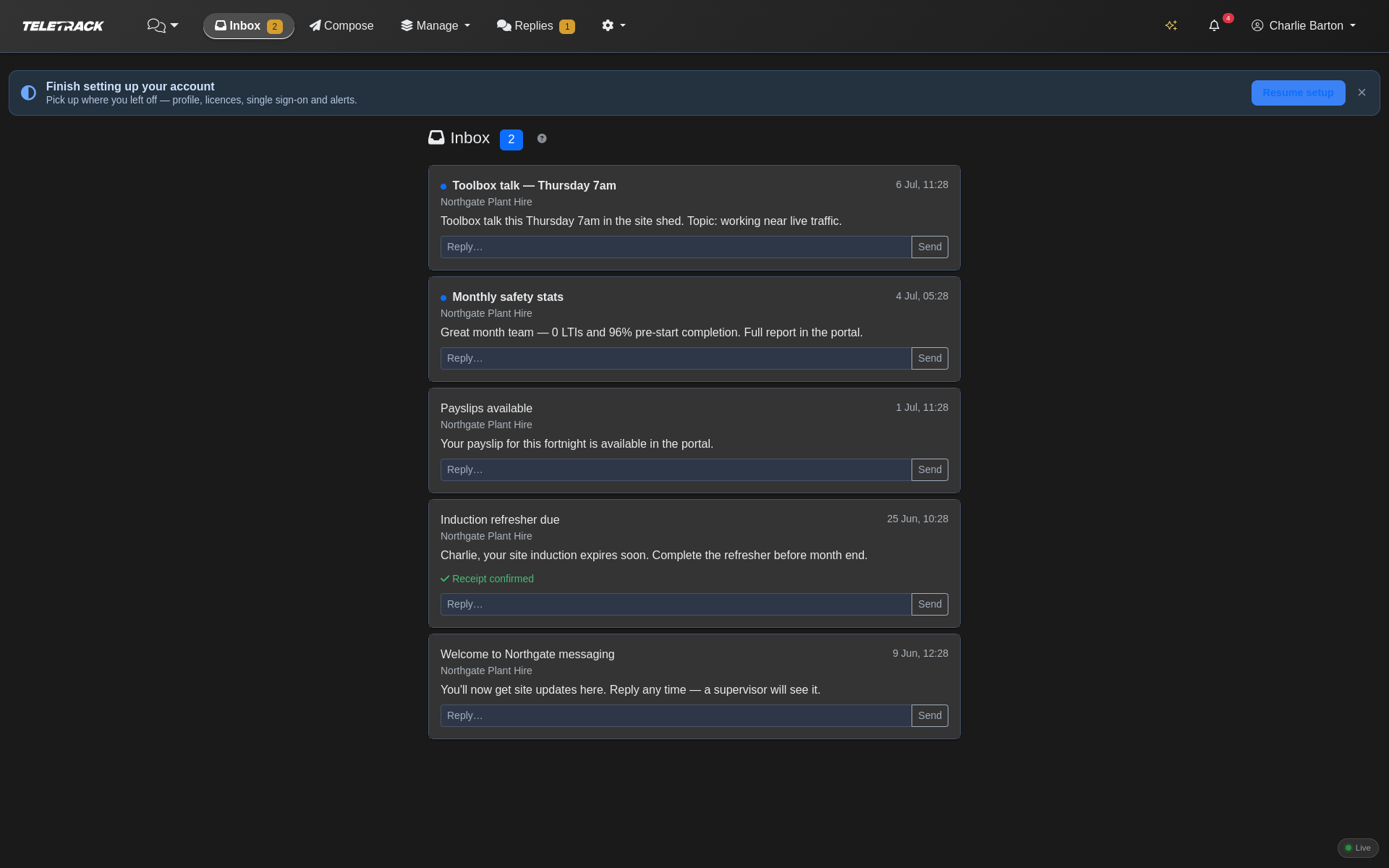
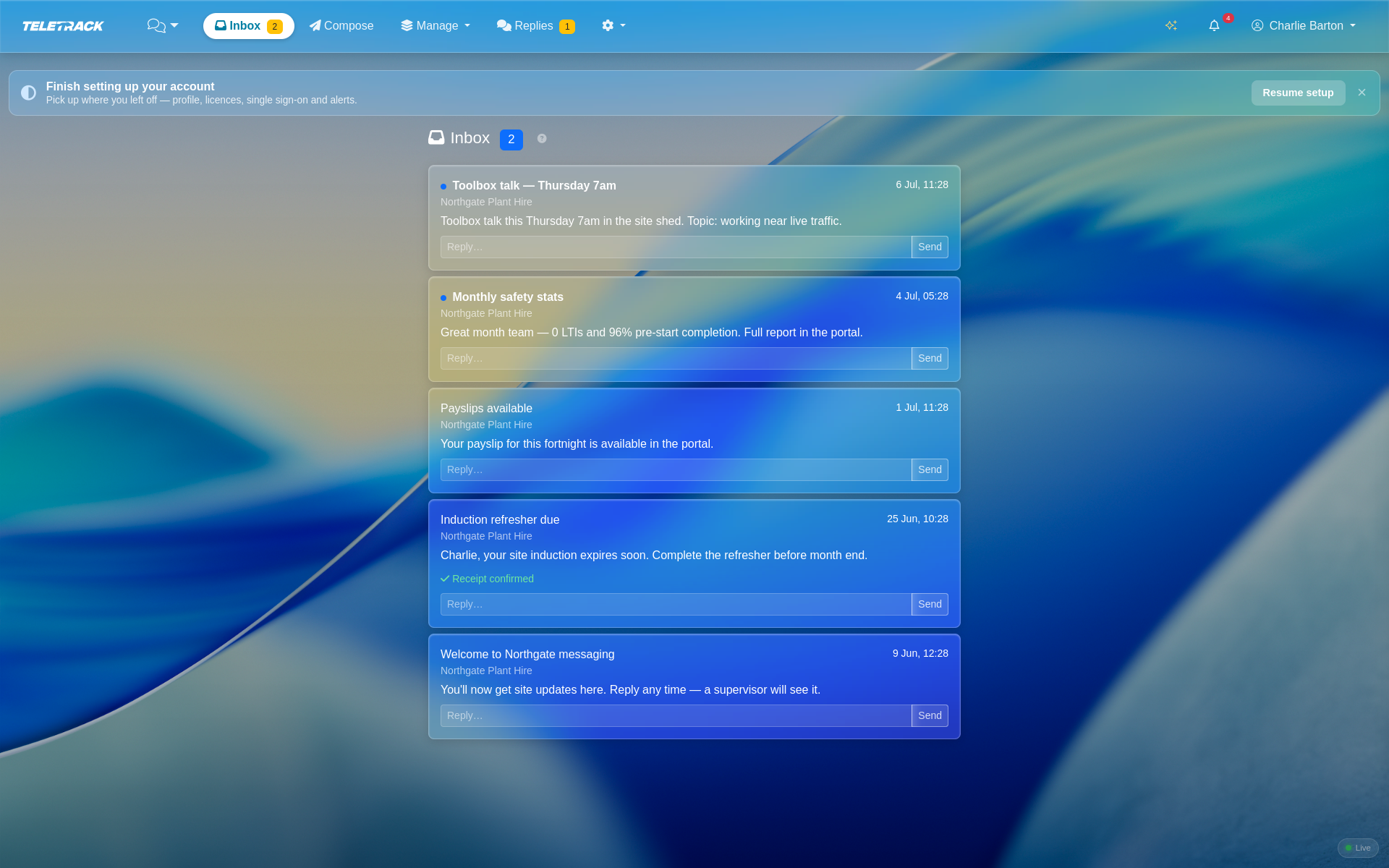
- Personal in-app inbox for every user with real-time websocket delivery, read receipts, one-tap acknowledgement and reply. The message body is emailed to them as an off-web fallback.
- Person profile 360 — for any recipient, full message history, engagement stats, their conversation thread, and their consent / opt-out status.
- Messaging report over 1–365 days — messages sent, recipients, delivery rate, acknowledgement rate, inbound replies, opt-outs, SMS vs in-app split, total segments, estimated cost, a per-day volume chart, per-list performance, top-engaged people, a failure breakdown and a best-day-to-send weekday engagement table.
- Full activity log filterable by level. Cancel a scheduled message; pause, resume or delete a recurring one.
Under the hood
Reliability, not just features.
- Each recurring occurrence is its own message. Every run spawns its own recipient snapshot and its own report — independently auditable — and the schedule advances under an atomic conditional update, so a broker failure skips an occurrence rather than double-sending it.
- Per-recipient sends are rate-limited to 10/second and atomically claim their row, so a retried task can never send (or bill for) the same SMS twice.
Sending is an administrator action by design.
Your whole team receives and replies — but only administrators can start a broadcast. Editors and Operators can receive and reply from their inbox; they can't compose or broadcast.
Honest scope
What Messaging doesn't do.
- No MMS, images or attachments — SMS is text only.
- No WhatsApp, no email channel, no native mobile push. In-app messages fall back to email.
- No per-recipient scheduling and no drip / automation sequences.
- Recurring is daily / chosen weekdays / day-of-month 1–28 only — no 29th–31st, no end-of-month, no cron rules.
- No A/B testing.
- No import of an existing opt-out list from another provider.
- Inbound SMS is matched heuristically to the most recent outbound to that number — there is no dedicated per-conversation number.
Common questions
Do I need my own Twilio account?
Yes. You supply an Account SID, Auth Token, and either a reply-capable number or a Messaging Service SID. Credentials are encrypted at rest, never rendered back into the page, and can be verified live from the settings page without sending anything. You pay Twilio directly for SMS at your Twilio rate — we don't mark up the traffic.
How does the acknowledgement link work?
When you tick "require acknowledgement", each recipient gets a unique link in their message. When they open it, we record it against their row in the report — so instead of "someone from the list acknowledged", you see exactly who did and who didn't. Works for SMS and in-app.
Can I schedule recurring sends?
Yes — daily, chosen weekdays, or a chosen day of the month (1–28). Each occurrence spawns its own message with its own recipient snapshot and its own delivery report, so every run is independently auditable. Quiet hours apply to scheduled and recurring sends; a manual immediate broadcast is never held.
What happens when someone replies STOP?
They're suppressed automatically. The number goes into the per-client opt-out list, and every future send filters against that list. You can edit the default STOP keyword set (eight are shipped) and edit the opt-out line appended to each SMS. The consent ledger records every opt-in / opt-out with the source, a note, and who recorded it.
Can editors and operators send messages?
No — broadcast sending is an administrator action by design. Editors and Operators still get a personal in-app inbox, read receipts, one-tap acknowledgement and inline reply — they just can't compose a broadcast or start a bulk send.
How is the delivery report generated?
Twilio posts status callbacks per SMS as they move through pending → queued → sent → delivered (or undelivered / failed). We update each recipient row live from those callbacks and roll them up into the per-message report and the 1–365-day messaging report. In-app messages track pending → delivered → read → acknowledged over websocket, with email as an off-web fallback.
See Messaging on your own team
We'll walk through connecting your Twilio, building a list, sending a test, scheduling a recurring send, and reading the delivery report — plus the in-app inbox and two-way conversation view. 30 minutes.
More solutions
View all →PROSTART® pre-starts
Pre-starts that immobilise across every hardwired tracker we sell — Digital Matter, Teltonika, Ruptela, and TrakaX®. HammerTech-integrated.
Asset tracking
Live GPS, geofencing, history playback, and theft-response assistance — we'll help you mobilise a police-accessible live tracking link when an asset goes missing. From $21.90 / asset / month.
Maintenance
Draft work orders raised by engine hours, kilometres, schedule, or failed pre-start questions set up to create one. Parts inventory. Technician tablet workflows with photo and signature capture.
Ready to see Messaging in action?