
Solution
Portal sharing
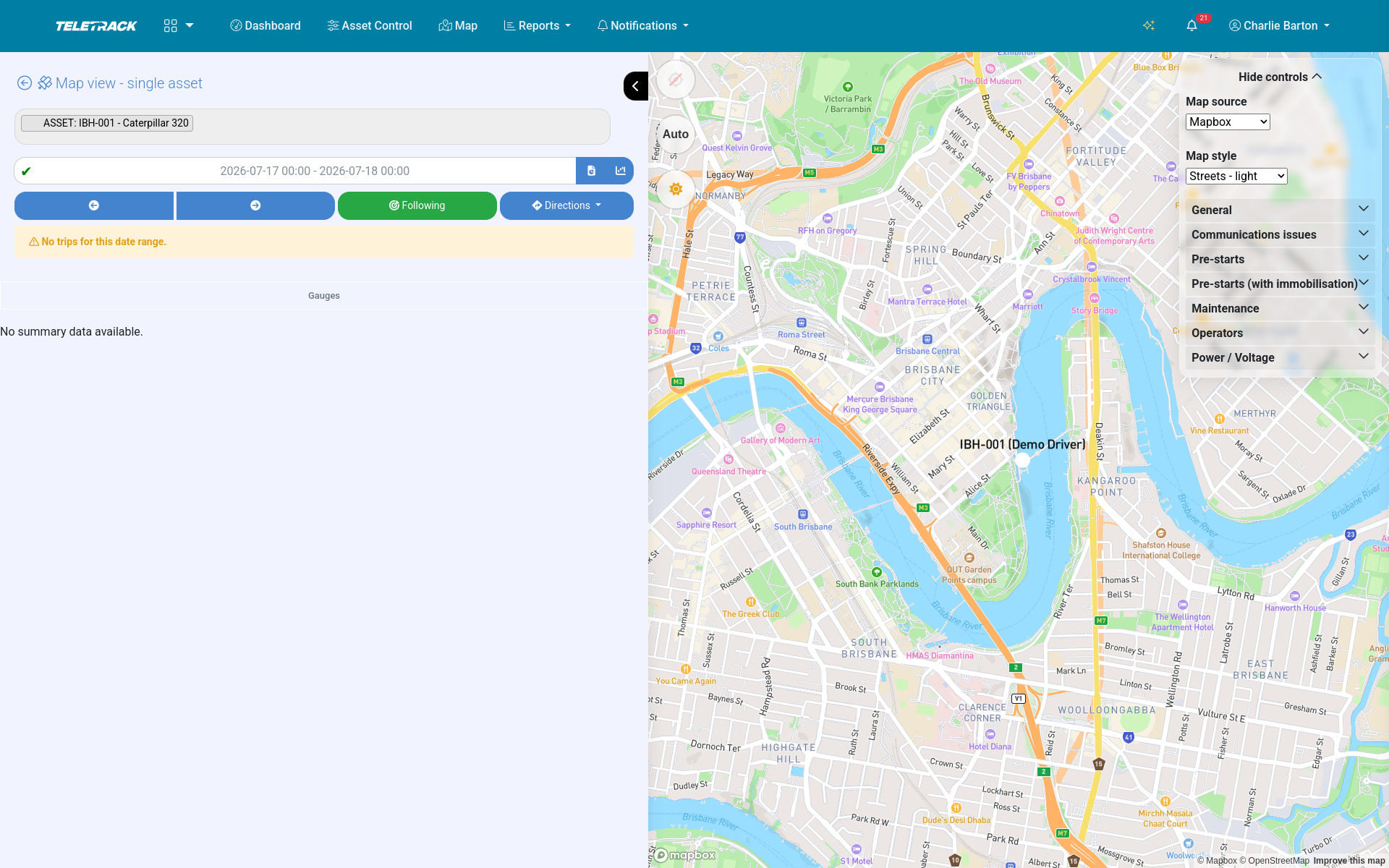
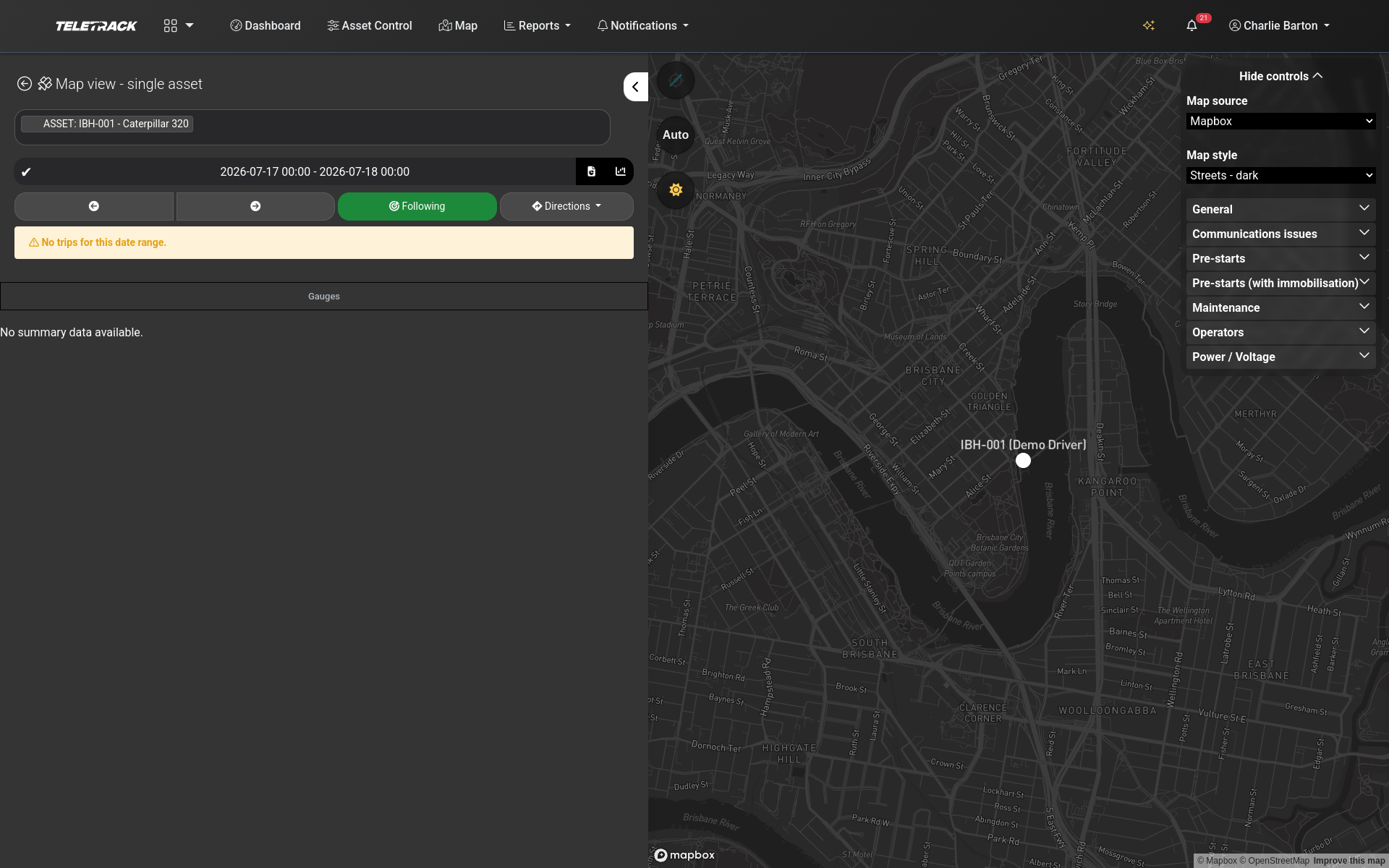
Four sharing modes — hire customer portal, head contractor site view, OEM whitelabel branded portal, secure no-login link. All live today.
Why this matters
Most telematics platforms can't share data.
Most telematics platforms are designed for one user — the fleet owner. Everyone else either gets a phone call or gets nothing.
That breaks down fast:
- A hire customer who wants to know where their hired excavator is rings the hire desk — your team chases it manually.
- A Tier 1 site manager needs visibility of every sub-contractor asset on their site for safety and compliance — but each sub-contractor runs their own platform, so the head contractor has no picture.
- An OEM that wants to sell connected-equipment as a value-add to their machines has to either build a platform or pay seven figures for one.
- A customer wants to share a one-off tracking link with a third party — and instead has to create them an account.
Teletrack solves all four with the same platform, the same data, and four different access modes.
The four modes
Four sharing modes. One platform.
Mode 1 — Hire customer portal
Your hire customers log in and see only the assets they're renting. Pre-start records, usage hours, location history, geofence breaches, scheduled return dates. Used by hire and rental businesses with HirePOS, MCS, Syrinx, or Latner ERPs. Reduces "where's my hire?" calls and speeds up invoice disputes.
Mode 2 — Head contractor site view
Tier 1 and Tier 2 contractors see every asset on their site — regardless of who owns it — including pre-start status, operator induction validity, and machine activity. Used by Tier 1 construction contractors with HammerTech-managed sites. Tender-credibility evidence; compliance evidence; reduces sub-contractor admin chase.
Mode 3 — OEM whitelabel branded portal
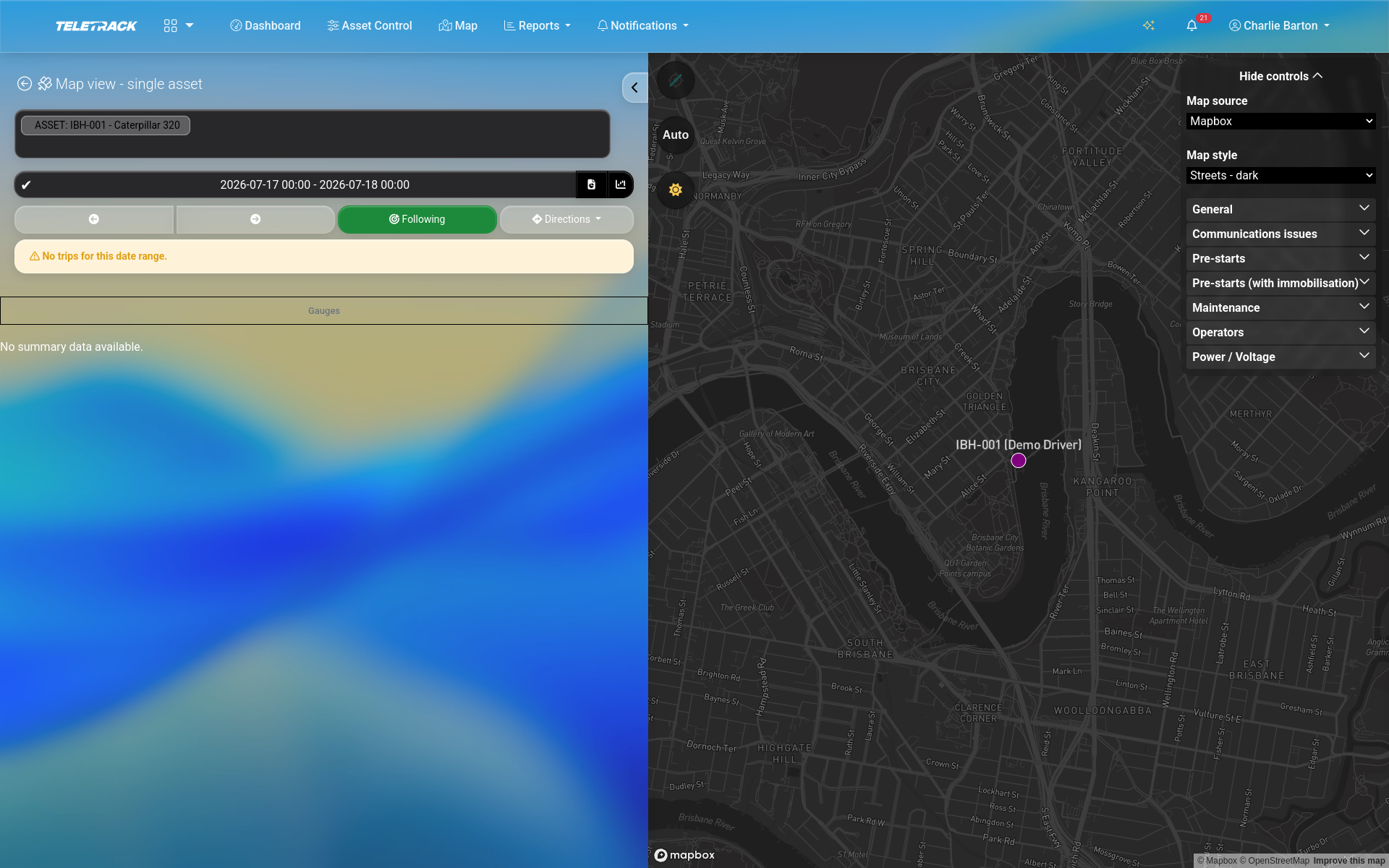
OEM partners run fully-branded portals for their customers. Custom domain, your logo, your colours, your mobile app in your app stores, your feature set. Multiple OEM partners today running fully-branded portals. Ship a connected-equipment product without building a platform.
Mode 4 — Secure-link external sharing
Send a one-asset, one-job, no-login tracking link to anyone. Auto-expires. Used by any Teletrack customer — especially useful for last-mile delivery, ad-hoc disputes, urgent escalations, or sharing with people who don't need a permanent account. Zero friction; auto-expiry protects your data.
Privacy and permissions
Sharing the right thing means never sharing the wrong thing.
Every sharing mode is built around granular permission controls:
- Per-user roles — view / edit / admin permissions configurable per role.
- Per-branch or per-division separation — large customers with multiple yards or sites can scope users to specific branches.
- Per-asset-group permissions — limit users to specific asset types (e.g. forklifts only, or trailers only).
- Data minimisation — for external sharing, you choose what each external party sees. Pre-start status only? Location only? Last-known position with no real-time updates? You decide.
Hosted in AWS Sydney. We don't auto delete your data.
Which mode fits you
Decision matrix
| Feature | Teletrack | Pair with |
|---|---|---|
| Equipment hire business | Mode 1 — Hire customer portal | HirePOS / MCS / Syrinx / Latner integration |
| Tier 1 or Tier 2 head contractor | Mode 2 — Head contractor site view | HammerTech integration |
| Machinery OEM | Mode 3 — Branded whitelabel portal | Custom development for unique requirements |
| Anyone needing one-off sharing | Mode 4 — Secure-link external sharing | No setup — it's built in |
Common questions
Is portal sharing extra, or included in the standard plans?
Included. Portal sharing is part of the core Teletrack platform — available on every tier (Track, Track + Safety, Track + PROSTART®). You don't pay per external user; you pay per asset.
Can I run multiple sharing modes at once?
Yes. A typical hire business runs Mode 1 (customer portals) and Mode 4 (secure-link sharing) routinely. A Tier 1 head contractor might run Mode 2 across their sites. An OEM whitelabel partner is on Mode 3 by default and uses Mode 4 for ad-hoc cases.
Can my customers do anything inside the portal, or just view?
You choose. Per-role permissions control what each user (or class of users) can do — view-only is the default for hire customers; some configurations give them limited edit rights (e.g. update their own contact details, flag a damage report). Configurable per customer.
How is a secure-link different from sharing my password?
A secure-link gives access to one specific asset for a limited time (you set the expiry). It can't be used to log in to anything else. If you revoke the link, all access stops immediately. Never share your password.
Do I need a separate licence for whitelabel partners?
Yes — OEM whitelabel is a separate commercial arrangement with custom development scope, custom domain, custom branding, custom app, and custom feature toggles.
How do I set up sharing for a hire customer?
In the platform, you create the customer record, assign the assets they're renting, and send them a login invitation. If you're integrated with HirePOS, MCS, Syrinx, or Latner, the customer record syncs automatically from your ERP — no double entry.
See portal sharing on your fleet
We'll show you exactly how each mode looks for your specific business — hire customer view, site view, OEM portal, secure link. 30 minutes.
More solutions
View all →PROSTART® pre-starts
Pre-starts that immobilise across every hardwired tracker we sell — Digital Matter, Teltonika, Ruptela, and TrakaX®. HammerTech-integrated.
Asset tracking
Live GPS, geofencing, history playback, and theft-response assistance — we'll help you mobilise a police-accessible live tracking link when an asset goes missing. From $21.90 / asset / month.
Maintenance
Draft work orders raised by engine hours, kilometres, schedule, or failed pre-start questions set up to create one. Parts inventory. Technician tablet workflows with photo and signature capture.
Ready to see Portal sharing in action?