
Solution
Timesheets
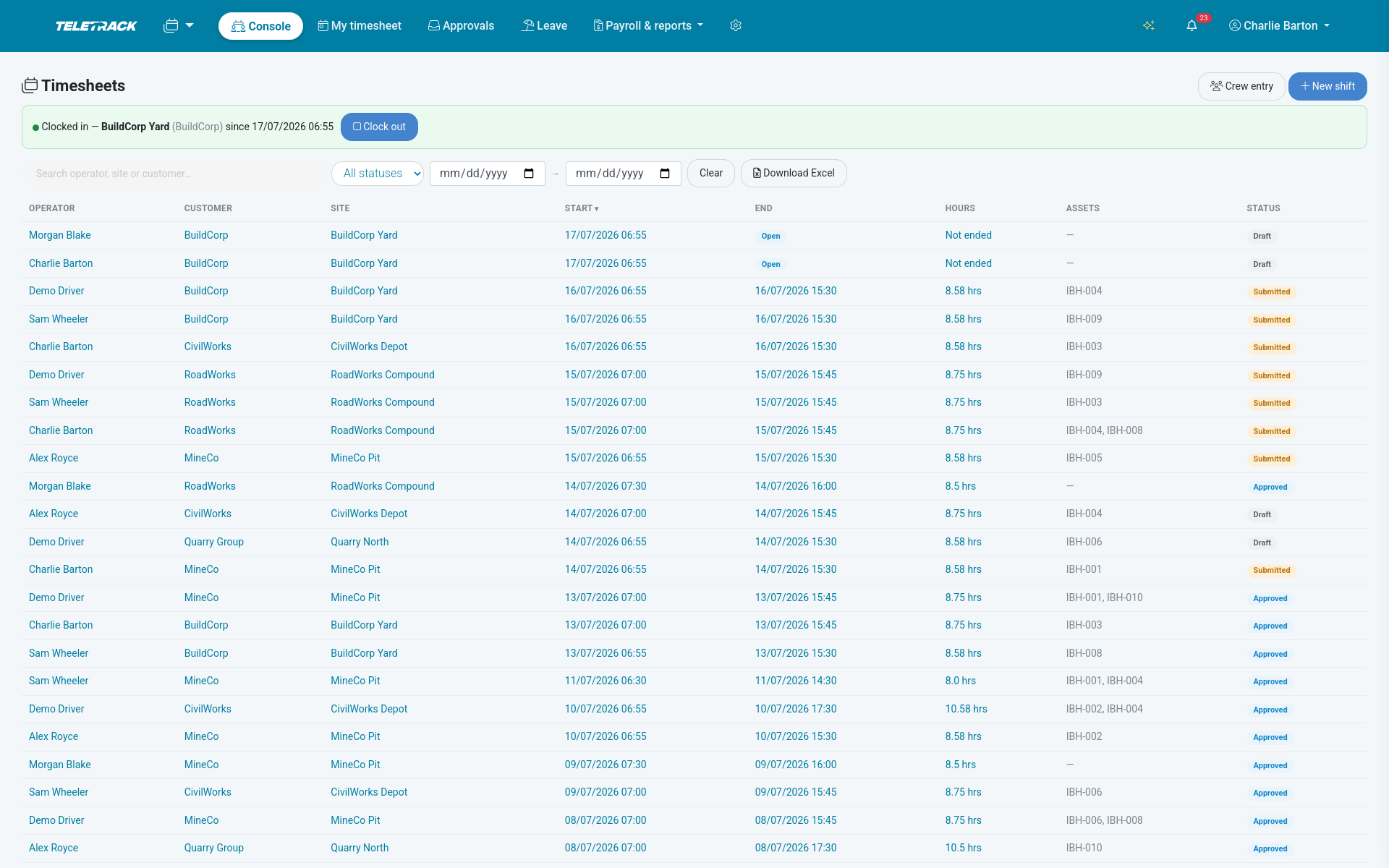
One-tap punches with GPS + geofence check, draft → approved → locked → exported workflow, Fair Work-grade audit trail, mapping-or-fail payroll export to Employment Hero, KeyPay, Xero Payroll or MYOB. Workforce package — $5 / user / month.
$5 / user / month + GST — Workforce package.
Bundled with Inductions, Dockets, Dispatch, Staff transport and Safety as the Workforce package (all six included). Priced per user, not per device. Month-to-month, no lock-in contracts.
How it works
Punch, review, approve, lock, ship
-
1
One-tap clock in / out
Operator punches from the console clock bar, picks the site, and the browser GPS is stamped on the punch when they allow it. Database-enforced protection stops double-clocking — max one open self-clock shift per person. Supervisors can still open shifts for several crew in one action.
-
2
Fill in the shape of the day
Paid and unpaid breaks (unpaid minutes net out of payable and billable hours automatically). Eight award allowance types with quantity + note (travel, meal, site, tool, leading hand, height, LAFHA, other). Per-asset machine time constrained to assets on that site, no duplicates. Public-holiday and overtime flags. Cost code + job code + notes.
-
3
Submit → approve → lock
Real state machine: draft → submitted → approved → locked → exported. Manager can reject a submitted shift back to draft. Every transition and every child-row change is written to an append-only audit trail — who / what / old / new / when — sized for AU 7-year record keeping.
-
4
Export to payroll
Mapping-or-fail payroll export for a period to Employment Hero, KeyPay, Xero Payroll or MYOB pay-import CSV — ordinary, overtime, public-holiday hours, every allowance, every approved leave line. Row-level locking makes a concurrent second export bail out. Every exported row is stamped 'exported' with an audit entry — protection from double-pay.
What every shift carries
Captured on the punch, honest about the shape of the day
GPS punch + geofence check
GPS stamped on the clock-in punch when the operator allows it. See the punch on a map next to the site pin, with the metres between them and a flag for whether the punch fell inside the site geofence. Not continuous GPS — punch-time only.
Breaks, overtime, public-holiday
Paid and unpaid breaks (unpaid minutes net out of payable / billable hours automatically). Public-holiday + overtime flags per shift. Manual shift entry with site, start / end, job code, cost code, notes — managers can log for another operator.
Eight award allowances + machine time
Travel, meal, site, tool, leading hand, height, LAFHA, other — with quantity and note. Per-asset machine time on the shift, constrained to assets on that site, no duplicates. Crew entry — one form creates a batch with one first-class shift per selected operator.
State machine + append-only audit
Draft → submitted → approved → locked → exported. Every transition and every child-row change written to an append-only per-shift audit trail — who / what / old / new / when — sized for AU 7-year record keeping.
Frozen at the right moment
Figures freeze at the right moment — once approved / locked / exported or pulled onto a docket, hours, breaks, allowances and assets can no longer be edited. No quiet after-the-fact rewrites; every correction happens through a proper transition.
Leave, six kinds, same workflow
Annual, personal / carer's, sick, long service, unpaid, other — riding the same draft → submitted → approved → locked flow. Segregation of duties: a manager can never approve or lock their own leave request.
Approvals + "my timesheet"
The inbox for approvers. The 7-day grid for operators.
Approvals inbox — submitted shifts filtered by search text + date range, bulk approve + bulk reject, per-shift re-authorisation, skipped-rows report. The queue an approver actually wants.
"My timesheet" 7-day grid — daily + weekly net totals with an optional weekly-hours target line, one-click submit my week for every closed, un-docketed draft. The operator's own view of the fortnight.
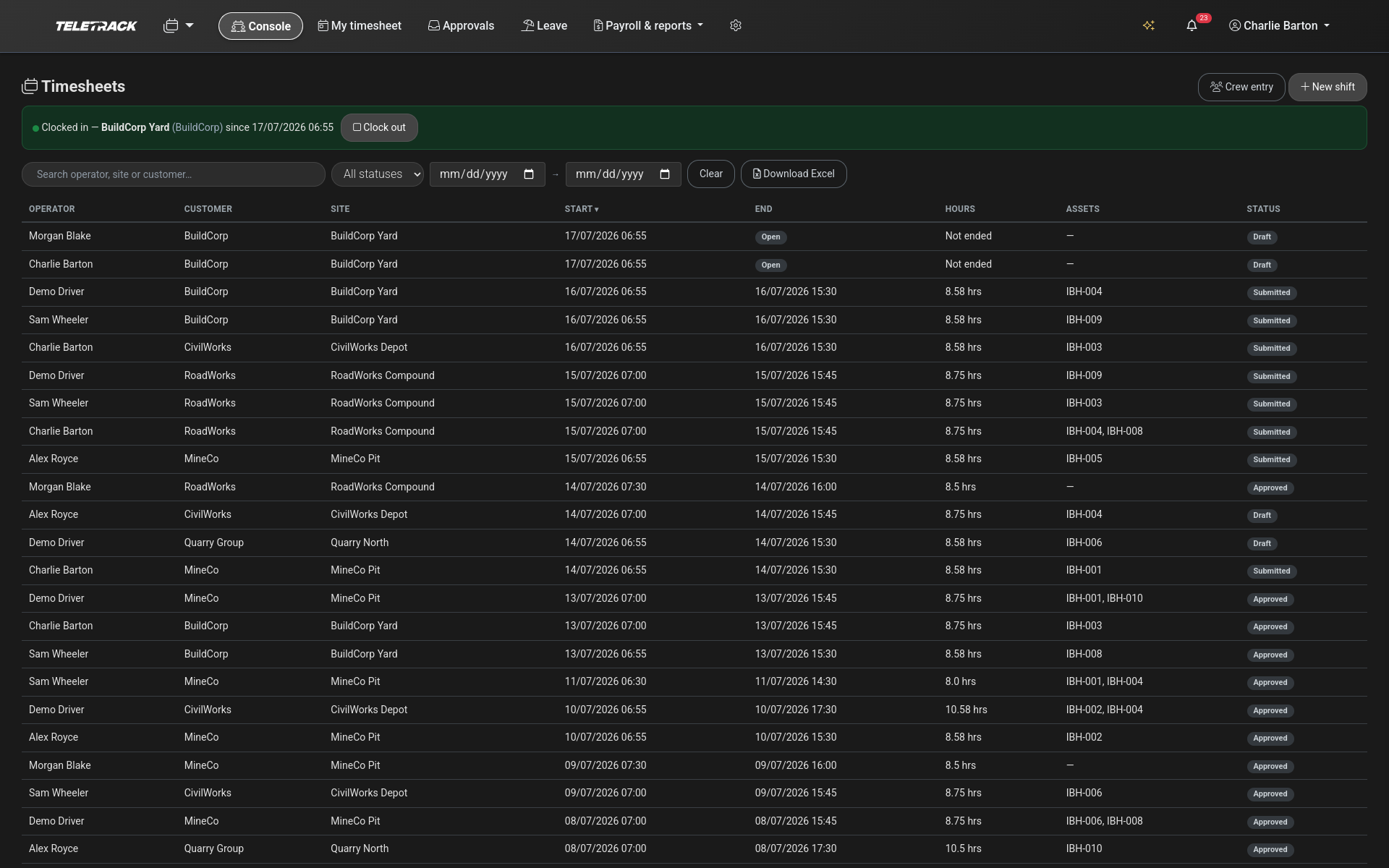
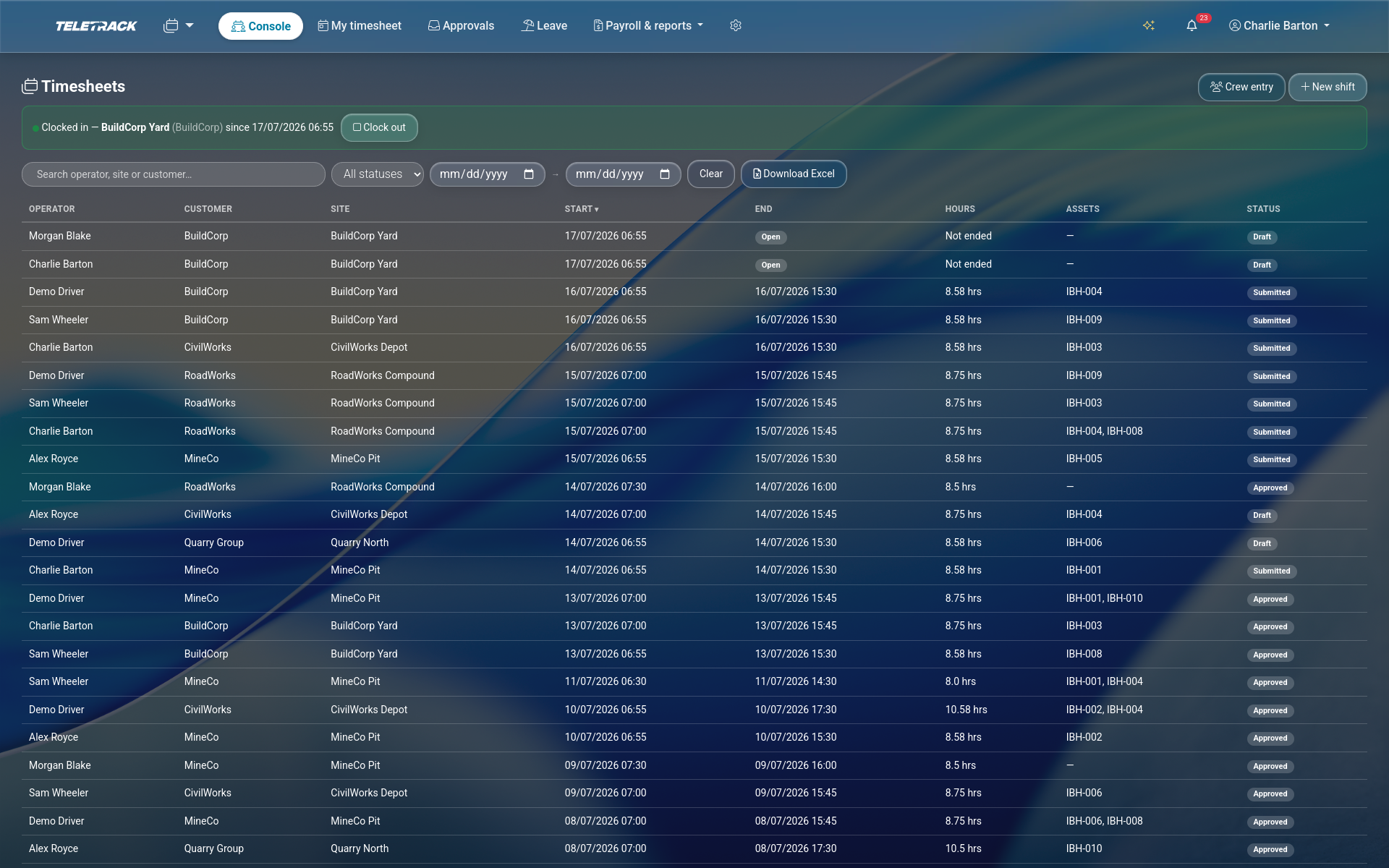
Team console — scoped, paginated shift list sortable eight ways, filterable by text / status / date range, showing whether each shift is already on a docket. Excel export of the filtered list up to 10,000 rows with gross hours, net hours, job code, cost code, assets, in-docket flag.
Reports + costing
Hours reported, labour costed, unpriced flagged honestly
Hours report over any date range
Total net hours, machine hours, overtime + public-holiday exposure, with breakdowns by operator / site / cost code / asset.
Labour-costing report
Net hours × each worker's effective internal cost rate, broken down by worker / site / cost code, with average rate and an honest count of shifts with no rate (unpriced). Effective-dated rates per worker, optionally per cost code, with start + optional end date.
Payroll integration
Mapping-or-fail. Row-level locking. No double-pay.
Employment Hero, KeyPay, Xero Payroll, MYOB. Payroll export for a period to pay-import CSV covering ordinary, overtime, public-holiday hours, every allowance, and every approved leave line — mapped to your payroll target's pay categories.
Mapping-or-fail validation. Before ship, the export lists every worker with no employee code and every kind (hours / allowance / leave) with no pay category. Refuses to export until fixed. No silent zeroed lines, no orphan rows in the pay run.
Bulk-load your mappings. Map workers to employee codes per payroll target. Map each hours / allowance / leave kind to a pay category globally or per client (client-specific wins). Bulk-load from uploaded XLSX / XLS / CSV using downloadable templates.
Row-level locking. Exported shifts stamped 'exported' with an audit row; a concurrent second export bails out. Payroll export history — one row per run with target, who ran it, when, period, shift + line counts. Per-client capture defaults for week start day, standard weekly hours, and default unpaid break.
Runs alongside
Wired into the Workforce package
PROSTART® pre-starts
Clock-on can be paired with the morning pre-start — same operator, same app.
See PROSTART® →Dockets
Pull the shift's timesheet lines onto a docket in one click. Locked shifts on a docket stop being editable — the docket owns them.
See Dockets →Dispatch
Log every confirmed dispatch assignment as a draft timesheet shift, skipping already-logged, with a preview.
See Dispatch →Common questions
How much does it cost?
Timesheets is part of the Workforce package — $5 per user per month total, ex GST, for Timesheets + Inductions + Dockets + Dispatch + Staff transport + Safety together. Priced per user, not per device. Month-to-month, no lock-in contracts.
Is the audit trail Fair Work-grade?
The trail is append-only, per-shift, and captures every state transition and every child-row change — who, what, the old and new value, when. Storage is sized for the AU 7-year employee-record retention window. Whether a given payroll audit satisfies a specific Fair Work Ombudsman request is a decision for your own advisor — we make sure the underlying evidence is intact, ordered, and immutable.
Can a shift be edited after it's approved?
No. Once a shift is approved, locked, exported, or pulled onto a docket, its hours / breaks / allowances / assets stop being editable. Corrections happen through a proper transition — the shift is rejected back to draft, edited, and re-submitted, with the whole path written to the audit trail. No quiet rewrites.
How does the payroll export protect against double-pay?
Exported shifts are stamped 'exported' with an audit row, under row-level locking. If two people try to run the same export at the same time, the second one bails out. Every export run is recorded in the payroll export history — target, who ran it, when, period, shift + line counts. You can't accidentally ship the same hours twice.
What happens if a worker isn't mapped to an employee code?
The export refuses to ship. Mapping-or-fail validation runs before the export — every worker without an employee code and every hours / allowance / leave kind without a pay category is listed. Fix the mapping, re-run. No silent zeroed lines, no orphan rows.
Can a manager approve their own leave request?
No. Segregation of duties is enforced — a manager can never approve or lock their own leave request across the six leave types (annual, personal / carer's, sick, long service, unpaid, other). Someone else in the approver group has to sign it off.
Do operators need an iPhone or Android device?
Any phone or tablet. Native iOS and Android operator apps are available via the App Store and Google Play, with mobile-responsive web as a fall-back on any device with a browser. The clock bar, punch capture, and "my timesheet" 7-day grid all work on all three.
See timesheets on your fleet
We'll walk through the punch + geofence-check, the approvals inbox, the labour-costing report, and a mapping-or-fail payroll export into Employment Hero, KeyPay, Xero Payroll or MYOB. 30 minutes.
More solutions
View all →PROSTART® pre-starts
Pre-starts that immobilise across every hardwired tracker we sell — Digital Matter, Teltonika, Ruptela, and TrakaX®. HammerTech-integrated.
Asset tracking
Live GPS, geofencing, history playback, and theft-response assistance — we'll help you mobilise a police-accessible live tracking link when an asset goes missing. From $21.90 / asset / month.
Maintenance
Draft work orders raised by engine hours, kilometres, schedule, or failed pre-start questions set up to create one. Parts inventory. Technician tablet workflows with photo and signature capture.
Ready to see Timesheets in action?