
Solution
Dockets
Digital dockets with priced lines, photo + document attachments, remote customer sign-off, GST-aware totals, and one-click consolidate-to-invoice with a Xero / MYOB CSV export. Part of the Workforce package — $5 / user / month.
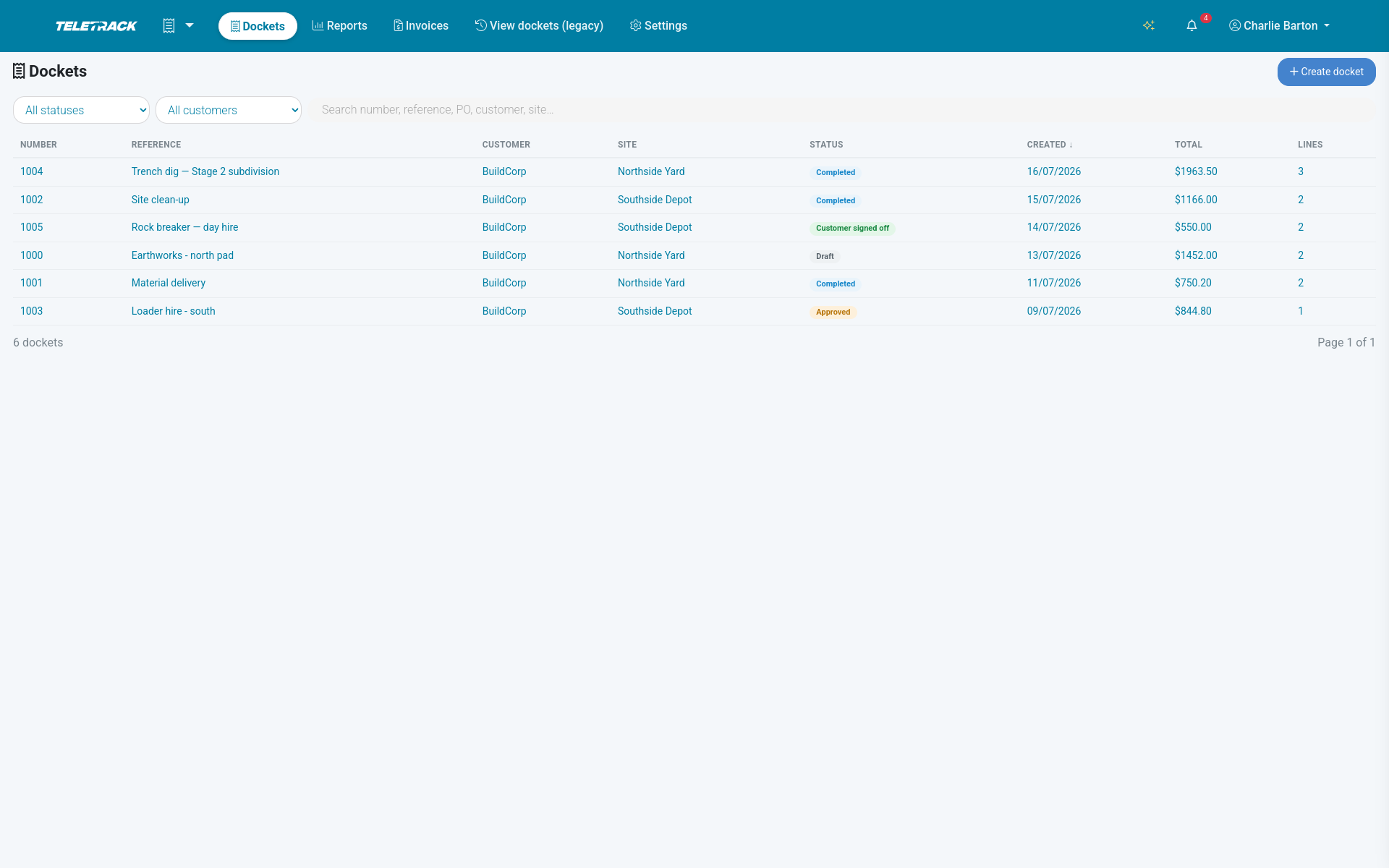
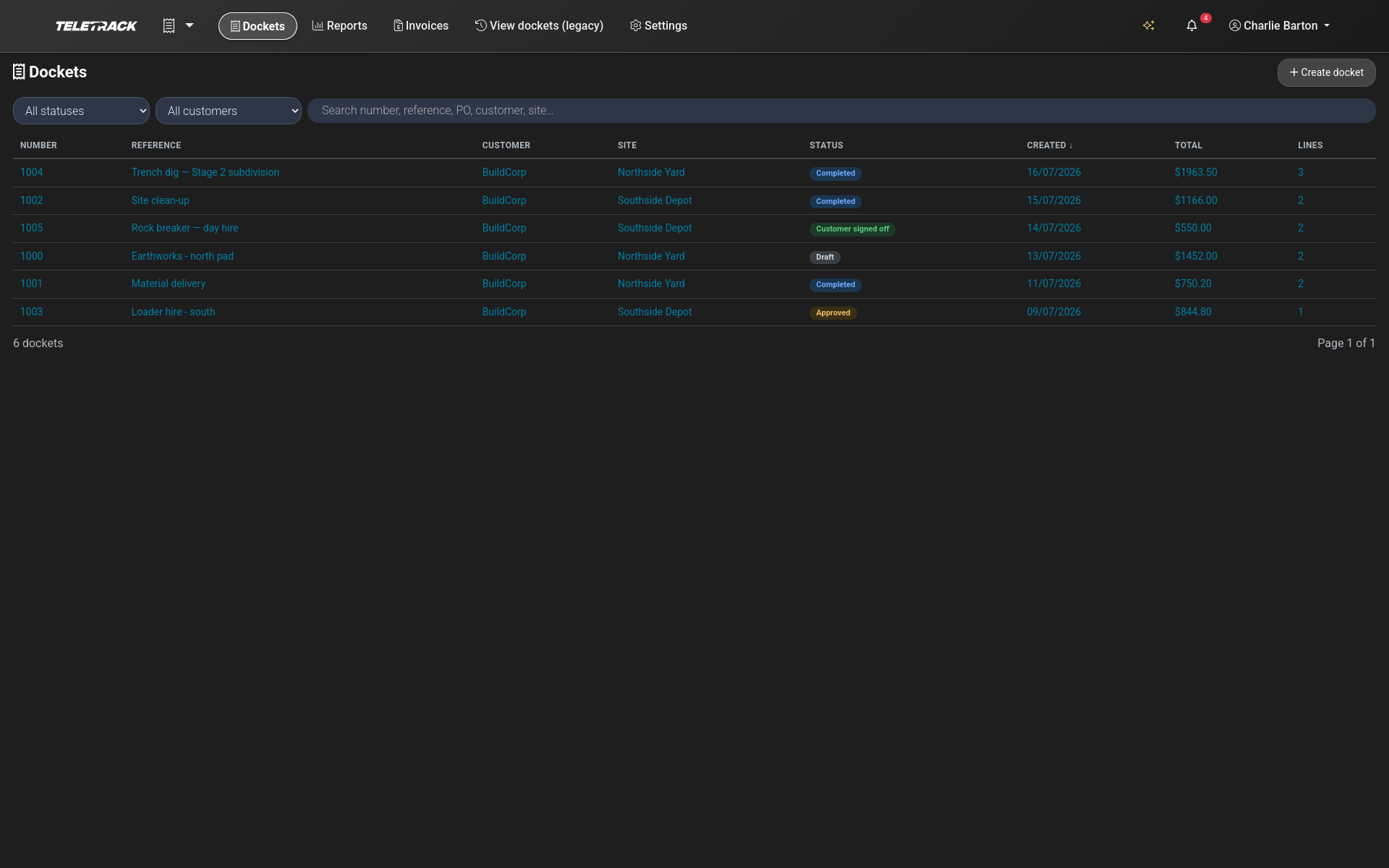
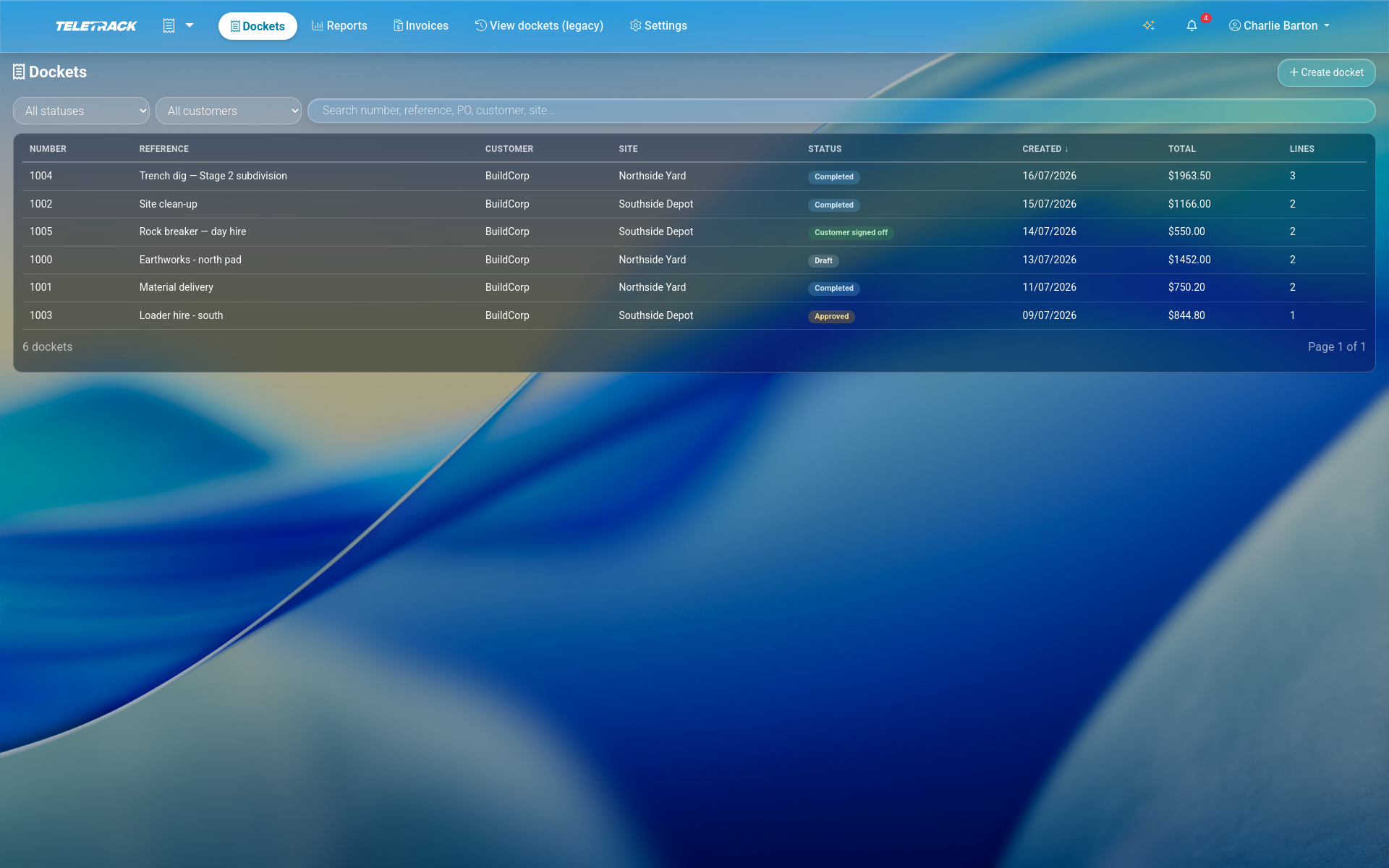
$5 / user / month + GST — Workforce package.
Bundled with Timesheets, Inductions, Dispatch, Staff transport and Safety as the Workforce package (all six included). Priced per user, not per device. Month-to-month, no lock-in contracts.
How it works
Four steps from site to invoice
-
1
Raise the docket
Pick the customer + site, tag the cost code and PO, mark it dry-hire or wet-hire. The docket takes the next sequential number for the client under a row lock — no collisions, no duplicates, printed prefix and starting number set per client.
-
2
Price the lines
Pick from 12 line types — Labour, Operator, Subcontractor, Asset usage, Dry Hire, Transport, Travel, Materials, LAFHA, FEL, Standard item, Other — priced quantity × rate, unit in hours / days / weeks / months / each / km / tonnes / m³. Pull from the Product catalogue to auto-fill rate + tax; the price snapshots onto the line so a later catalogue change never re-prices a saved docket.
-
3
Attach + sign
Attach photos and PDFs. Pull the shift's timesheet lines in one click. Read the machine's live telematics hour meter at start + end and auto-fill billable hours from the delta. Email the customer a secure no-login link — they sign on their phone, docket locks.
-
4
Consolidate to invoice
One click turns one signed docket — or every open docket on a Dispatch job — into a draft invoice in Billing, each invoice line tagged back to source, ready to export as a CSV to import into Xero or MYOB. Dockets lock while being invoiced, already-invoiced dockets are skipped, each docket's own GST rate is honoured.
What's captured
What every docket carries
Sequential, collision-proof numbering
Per-client sequential docket numbers issued under a row lock. Printed prefix (e.g. "DKT-") and starting number set per client; the starting number locks the moment the first number is issued.
Priced lines with snapshotted GST
12 line types. Quantity × rate with 8 units. Per-line tax override. GST rate snapshots on the docket at creation, so mid-week rate edits never re-price an already-raised docket. Live subtotal / GST / total on every change, GST summed per distinct rate exactly the way the invoice does.
Operator + asset on every line
Attach the operator and asset to any line with start / end times and kilometres. Mark a line non-chargeable (covered) to record the work without billing it.
Attachments — photos + documents
Photos and documents on any docket: PDF, PNG, JPG, WEBP, HEIC up to 20 MB each, with captions and server-side content-type sniffing. Damage evidence, site conditions, delivery notes, supporting quotes — all stored on the docket record.
Live telematics hour-meter capture
Capture the machine's live hour meter at start + end of the docket period and auto-fill billable hours from the delta. Pick which of the asset's 5 hour meters to read. Implausible readings (negative, or over 1,000 hours) are flagged for manual review and never auto-billed.
Pull the shift's timesheet lines
One click pulls the site's timesheet shifts onto the docket — filtered to Today, This week, or all Outstanding. Labour + operator + machine-time flows from a single source of truth.
Sign-off
Get the customer's sign-off, without email chains
Remote sign-off, no login. Email the customer a secure link. They open the docket on their phone, read the priced lines, type their name and role, sign on the touch signature pad, submit. The signature is stored on the docket with the signatory's name, role, IP address, user-agent, and timestamp. Status flips to Customer signed off and the docket locks.
Link security. 256-bit single-use token, 14-day expiry, explicit revoke flag, honest 404 on failure (no enumeration), bot honeypot on the form, 10 submit attempts per device per 10 minutes. The link is also returned to the manager in-app — copy it, message it, open it on your phone and hand it to the customer face-to-face.
No customer available? A manager can approve the docket without a signature (status Approved) — that also locks it. Every branded PDF of a signed or approved docket shows the priced lines, the GST totals, and the captured signature — download it or email it to the sign-off contact and yourself in one click.
Reports + register
See what's signed, what's approved, what's unbilled
Docket report over any date range
Total count, subtotal, GST, total, invoiced vs unbilled value, per-customer breakdown, per-status mix. Filter by customer.
Unbilled register + missed sign-offs
The unbilled register lists every priced, signed docket not yet invoiced. The missed sign-offs list surfaces dockets that never came back from the customer.
Xero + MYOB CSV export
Docket-derived invoices export as Xero "Sales Invoices" CSV or MYOB sales CSV, with AU-default account + tax codes and CSV-formula-injection protection on every text cell. Tenant-scoped by construction — an export can never emit another client's invoice.
Register + audit + digest
CSV export of the docket register (up to 5,000 rows). Search + filter by number / reference / PO / customer / site. Append-only audit trail on every docket (created, edited, signed, approved, locked, invoiced) — who + when. Daily digest email to client administrators covering awaiting-signature, completed-but-unapproved, and approved-but-unbilled dockets.
Runs alongside
Wired into the rest of the platform
Consolidate-to-invoice ships as a Billing module workflow — dockets become invoice lines the moment you press consolidate, and the invoice ledger takes over. Timesheet shifts pull straight onto the docket via a one-click filter, so Timesheets and Dockets share a single source of hours. Dispatch logs shifts and raises wet-hire dockets from a run sheet in one action. Inductions and PROSTART® pre-starts ride the same operator login.
The Home dashboard carries a card showing dockets this month, value this month, GST, unbilled total, and the newest unbilled dockets.
Common questions
How much does it cost?
Dockets is part of the Workforce package — $5 per user per month total, ex GST, for Timesheets + Inductions + Dockets + Dispatch + Staff transport + Safety together. Priced per user, not per device. Month-to-month, no lock-in contracts.
Can I include photos or PDFs on a docket?
Yes — photos and documents are first-class attachments. PDF, PNG, JPG, WEBP, HEIC up to 20 MB each, with captions and server-side content-type sniffing. Attach damage evidence, site conditions, delivery notes, or supporting quotes directly to the docket record.
Are the customer signatures legally binding?
Signatures are captured on a touch signature pad and stored with the signatory's name, role, IP address, user-agent, and timestamp — the technical hallmarks of the Australian Electronic Transactions Act 1999 electronic signature framework. Whether a given signature satisfies your specific contractual or evidentiary requirements is a legal question for your own advisor; we make sure the underlying capture and audit trail are up to standard.
How does the remote sign-off link stay secure?
Each link is a 256-bit single-use token with a 14-day expiry and an explicit revoke flag. Failures return 404 with no enumeration hint, the sign-off form carries a bot honeypot, and submission attempts are capped at 10 per device per 10 minutes. The link is also returned to the manager in-app so it can be copied, messaged, or opened face-to-face on the manager's phone — no email required.
Can I invoice a docket straight into Xero or MYOB?
Not directly: docket invoices go across as a CSV file you import, not over a live connection. Consolidate one signed docket — or every open docket on a Dispatch job — into a draft invoice in Billing in one click, then export the docket-derived invoices as a Xero "Sales Invoices" CSV or MYOB sales CSV. AU-default account + tax codes ship in the box, every text cell has CSV-formula-injection protection, and the export is tenant-scoped by construction — you can never accidentally emit another client's invoice.
Can a docket be edited after the customer signs?
No — once signed (or manager-approved), the docket locks. Every prior state transition is recorded on an append-only audit trail: created, edited, line added / edited / deleted, signed, approved, locked, invoiced — who did what, when.
Can dockets pull in the shift's timesheet lines?
Yes — one click pulls the site's timesheet shifts onto the docket, filtered to Today, This week, or all Outstanding. Combined with live hour-meter reads from the machine, labour and machine hours flow from a single source of truth instead of being keyed twice.
See digital dockets on your fleet
We'll show you a priced docket, the remote sign-off flow, the branded PDF, the Xero / MYOB CSV, and the consolidate-to-invoice bridge. 30 minutes.
More solutions
View all →PROSTART® pre-starts
Pre-starts that immobilise across every hardwired tracker we sell — Digital Matter, Teltonika, Ruptela, and TrakaX®. HammerTech-integrated.
Asset tracking
Live GPS, geofencing, history playback, and theft-response assistance — we'll help you mobilise a police-accessible live tracking link when an asset goes missing. From $21.90 / asset / month.
Maintenance
Draft work orders raised by engine hours, kilometres, schedule, or failed pre-start questions set up to create one. Parts inventory. Technician tablet workflows with photo and signature capture.
Ready to see Dockets in action?